🐛 Bug - Creating a new rule does not open full rule editing mode or create a new PR from main
Nobody has claimed this yet.
Assessment
- Difficulty
- 4/5
- Estimated time
- 3-5 days
- Newbie friendliness
- 52/100
- Issue type
- Bug
- Clarity
- Mostly clear
- Activity status
- Quiet
- Tech stack
- nextjs, typescript
- Domain
- frontend
Research direction
Start at the Rules V3 new-rule route shown in the issue URL and reproduce the flow by clicking “Create a new rule.” Compare the limited-field screen and branch used on save with the expected full editor and main-branch flow. Done means all acceptance criteria pass, including creation of a new PR without saving to an unrelated branch.
Written by the indexing model from the issue text.
Description
Requested by: @tiagov8 via YakShaver.ai 🦬
cc: @tiagov8, @Marxoz, @PothieuG, @Freego1783
Hi Team!
🟥 Watch the video (1 min 30 sec)
Url from screen share: https://ssw.com.au/rules/admin/index.html#/collections/new/rule/
Pain
In Rules V3 (TinaCMS), the flow for creating a new rule has changed unexpectedly. When clicking "Create a new rule", the user is now presented with only Title, URL, and File Name fields instead of being taken to the full rule editing mode. Saving from this screen commits changes to an existing branch, which is confusing and risky, especially when the branch is related to a different rule. Previously, creating a new rule opened the full rule editor, and saving created a new PR based on the main branch. The previous experience should be restored.
Acceptance Criteria
- Clicking "Create a new rule" opens the full rule editing view with all rule content fields available
- The new rule creation flow always starts from the main branch
- Saving a newly created rule results in a new PR being created
- The user is not able to accidentally save a new rule to an unrelated existing branch
- The behavior matches the previous expected new rule creation experience
Reproduce Steps
- Navigate to Rules V3 (TinaCMS)
- Click on "Create a new rule"
- Observe that only Title, URL, and File Name fields are shown
- Fill in the fields and save
- Notice that the change is saved to an existing branch instead of creating a new PR from main
Screenshot
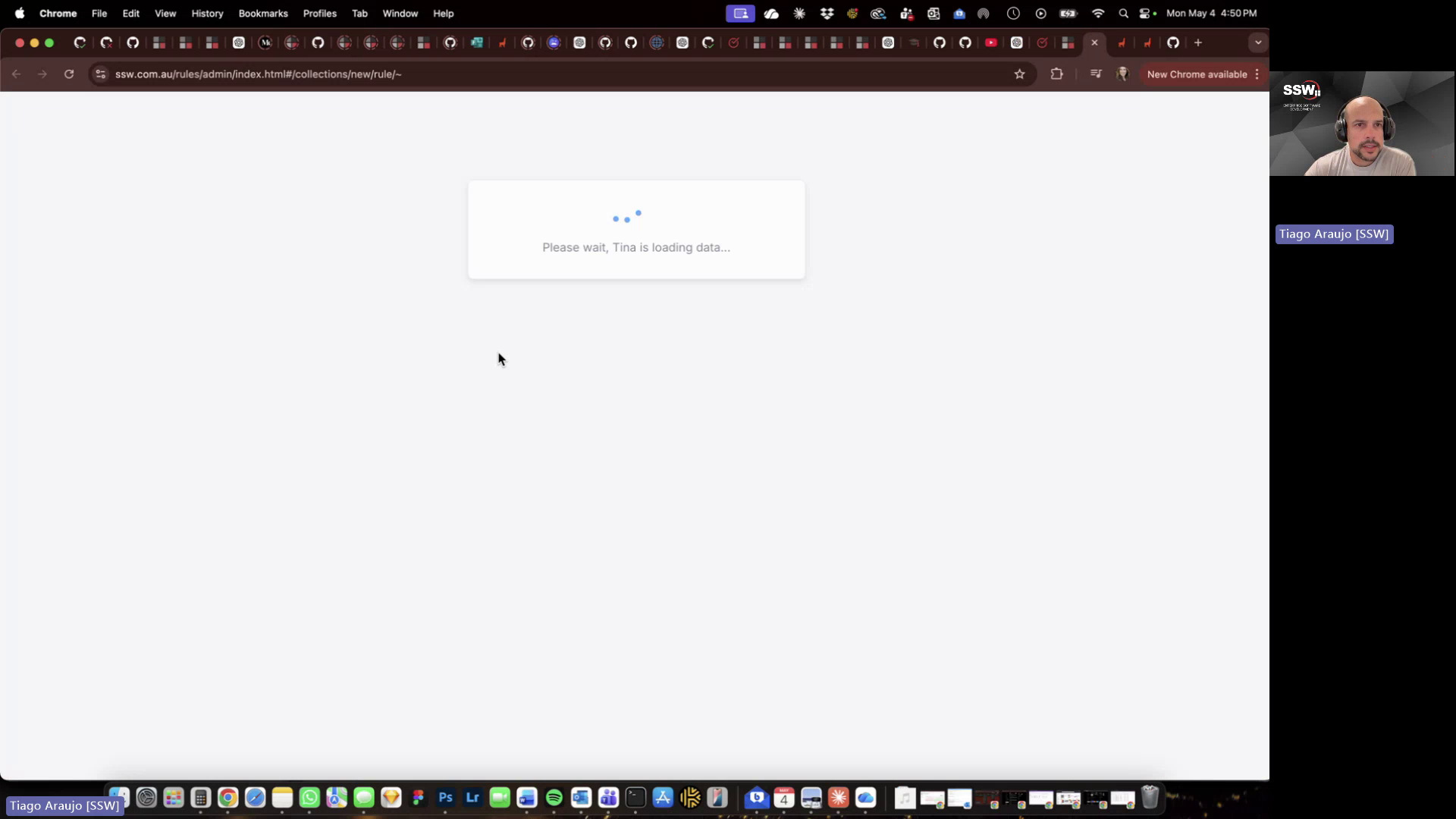
Figure: New rule creation shows limited fields and saves to an existing branch instead of opening the full rule editor with a new PR
- Dominant language
- TypeScript
- Stars
- 26
- Forks
- 17
- Avg merge
- 14h 39m
- Merged PRs (30d)
- 2
Contributor guide
No contributing guide indexed for this repository
First steps
- Read the whole issue, then the project's contributing guide.
- Comment on the issue to say you are picking it up — it saves two people doing the same work.
- Fork the repository and make your change on a branch.
- Open a pull request that references the issue number.
More from SSWConsulting/SSW.Rules
-
Needs Refinement YakShaver
Difficulty 2/5 1-3 hours Newbie friendliness 68/100
SSWConsulting/SSW.Rules#2677 · 1 comment · 1 reaction ·
-
YakShaver
Difficulty 1/5 Under an hour Newbie friendliness 64/100
SSWConsulting/SSW.Rules#2213 · 1 comment · 2 reactions ·
-
Editing with Forks Open
Difficulty 1/5 1-3 hours Newbie friendliness 65/100
SSWConsulting/SSW.Rules#447 ·
-
Needs Refinement YakShaver
SSWConsulting/SSW.Rules#2707 · 5 comments · 1 reaction · 1 assignee ·
-
Needs Refinement YakShaver
Difficulty 3/5 1-2 days Newbie friendliness 65/100
SSWConsulting/SSW.Rules#2706 · 1 reaction ·
All issues in SSWConsulting/SSW.Rules
Similar issues
-
clawsweeper:fix-shape-clear clawsweeper:queueable-fix clawsweeper:source-repro impact:ux-friction issue-rating: 🦞 diamond lobster no-stale P3
Difficulty 2/5 1-3 hours Newbie friendliness 78/100
-
community first-timers-only good first issue hacktoberfest help wanted low hanging fruit up-for-grabs
Difficulty 1/5 Under an hour Newbie friendliness 76/100
-
code-quality refactoring
Difficulty 2/5 1-3 hours Newbie friendliness 84/100
github/gh-aw-firewall#8816 ·
-
integration:quickjs org:external priority:backlog topic:code-interpreter topic:middleware type:feature
Difficulty 2/5 1-3 hours Newbie friendliness 74/100
langchain-ai/deepagents#6450 ·
-
Difficulty 1/5 Under an hour Newbie friendliness 88/100
vercel/react-tweet#225 ·