beyondcode / beyondcode/devtoolsfortailwind-community
Resizing "Classes" panel only responsive one way
- Ngôn ngữ chính
- Không có dữ liệu ngôn ngữ
- Star
- 5
- Fork
- 0
- Chỉ số merge pull request
- Không có pull request nào được merge trong 30 ngày
Mô tả
When making the "Classes" panel larger horizontally classes use the created space.
But when when making the panel smaller again the classes don't return to their previous state, and there is no horizontal scroll to view or click the classes.
Example:
###### 1. Start
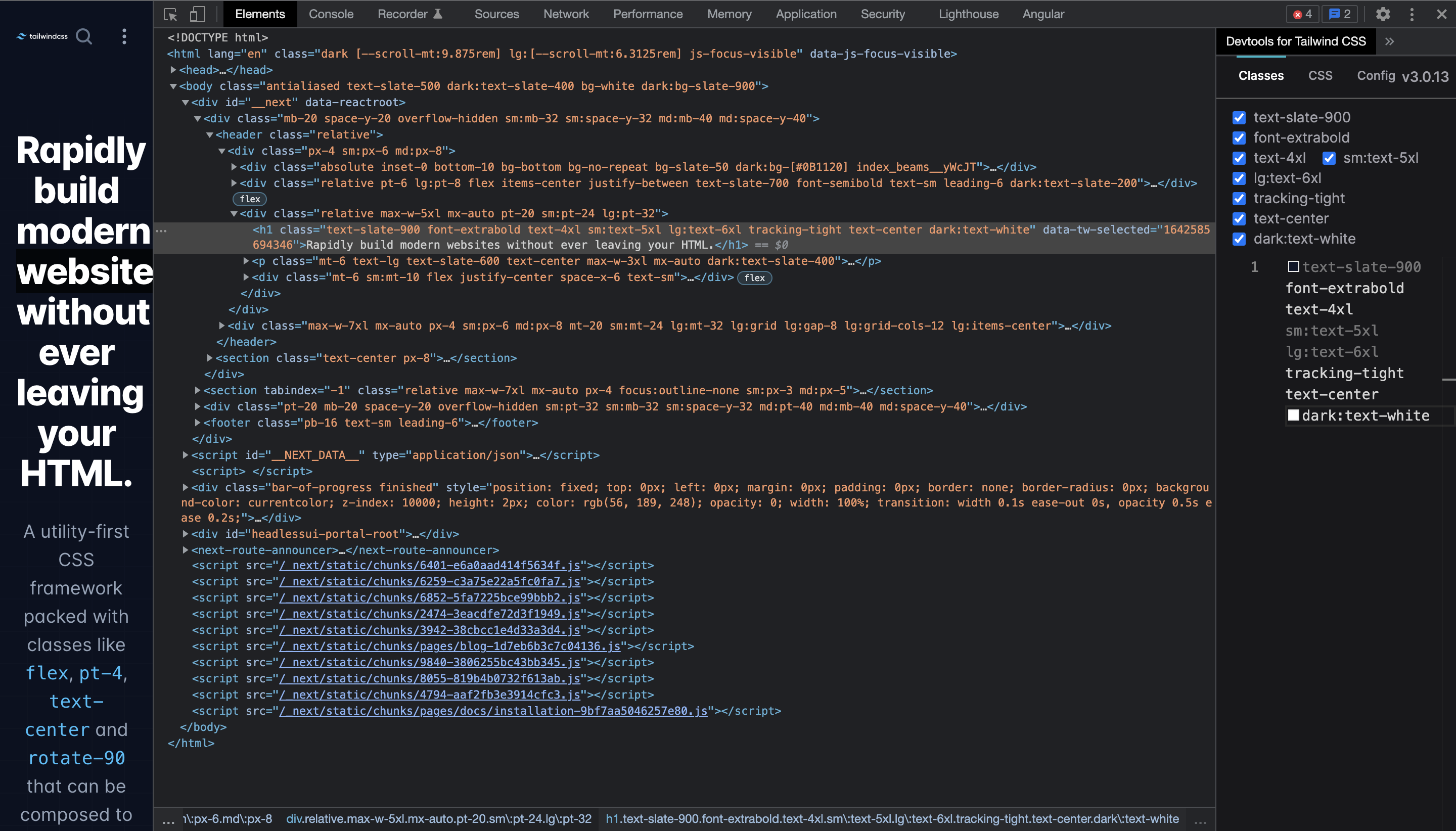
###### 2. Make the panel larger horizontally (classes nicely use the space to so it becomes one line)
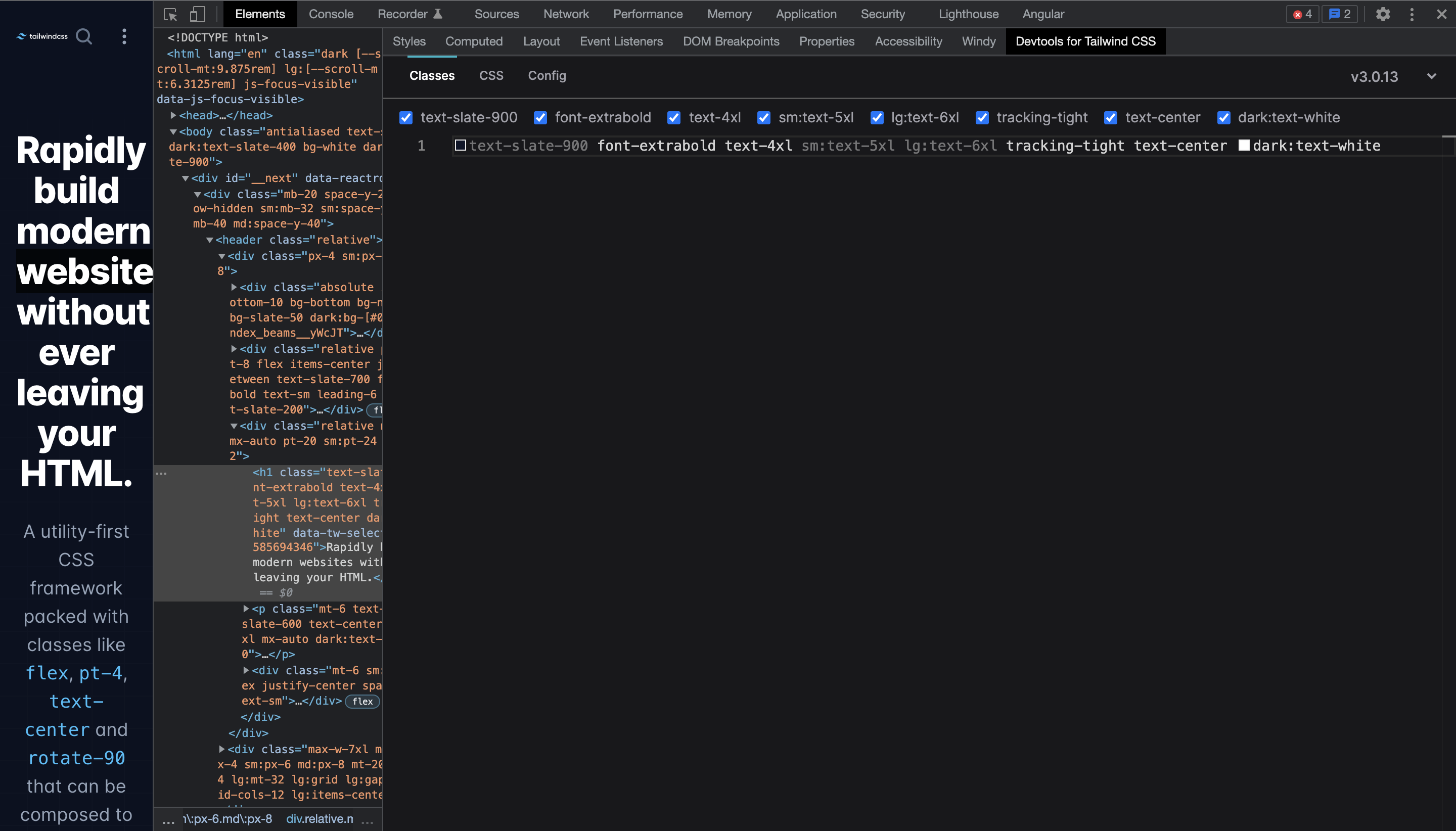
###### 3. Make the panel smaller again (classes stay in one line and don't break like in the start state)

Chrome: `Version 97.0.4692.71 (Official Build) (x86_64)`
DevTools for Tailwind CSS: `1.0.1`
Hướng dẫn đóng góp
Chưa lập chỉ mục được hướng dẫn đóng góp cho kho mã nguồn này
Hướng nghiên cứu
Reproduce the issue in Chrome 97 with DevTools for Tailwind CSS 1.0.1 by enlarging and then shrinking the Classes panel. Inspect the Classes panel resizing behavior; done means classes wrap back to the prior layout or provide horizontal scrolling so all classes remain viewable and clickable.
Do mô hình lập chỉ mục viết ra từ nội dung của issue.
Đánh giá
- Công nghệ
- tailwindcss
- Lĩnh vực
- frontend
- Loại issue
- Lỗi
- Độ khó
- 3/5
- Thời gian dự kiến
- 1-2 ngày
- Mức độ hoạt động
- Đình trệ
- Độ rõ ràng
- Khá rõ ràng
- Mức phù hợp với người mới
- 35/100