enable hiding the selection layer in current version
オープン
まだ誰も着手していません。
feature
P3
- 主要言語
- JavaScript
- スター
- 18.3k
- フォーク
- 2k
- 平均マージ
- 2日 12時間
- マージ済み PR(30日)
- 28
説明
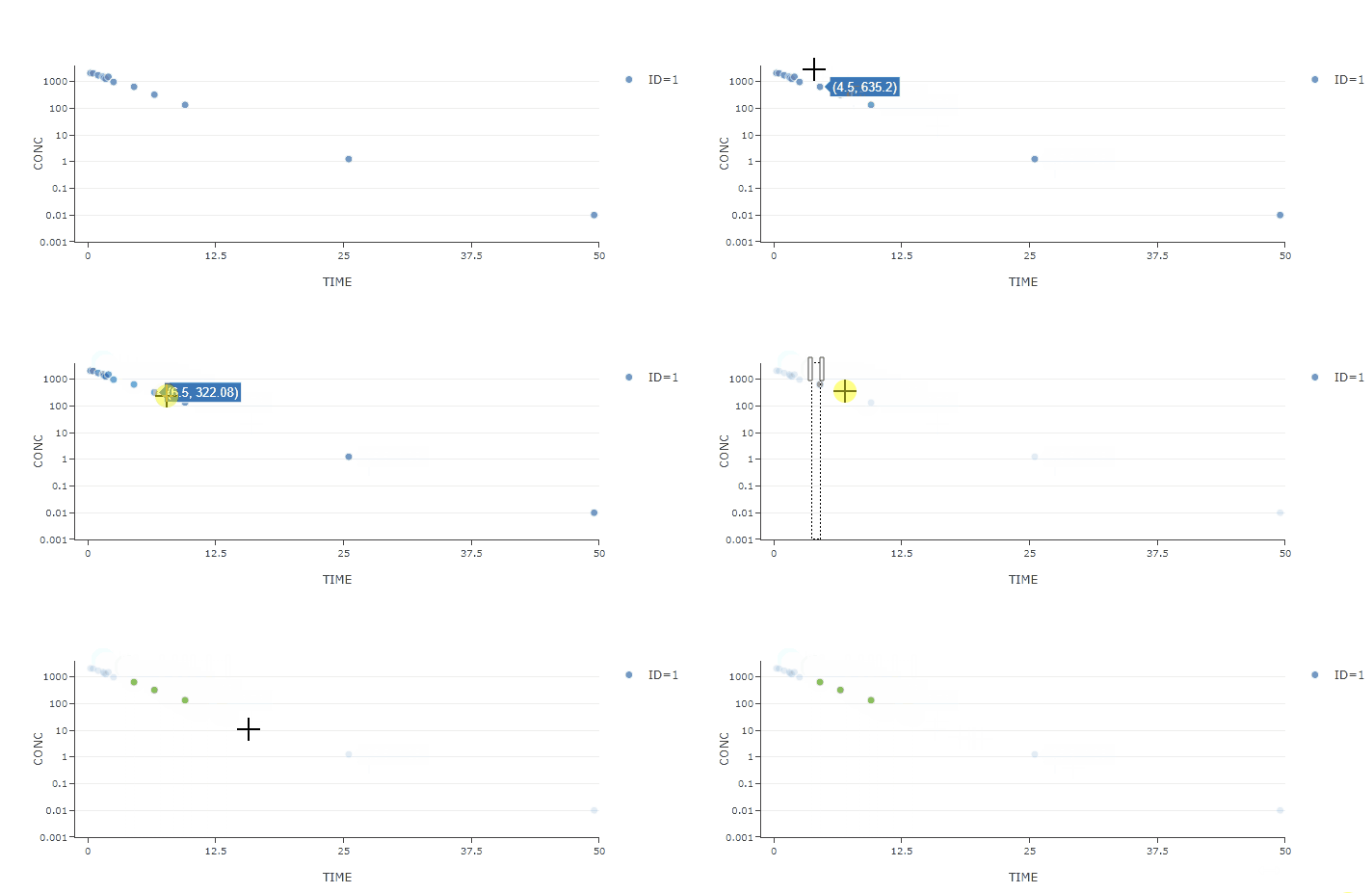
After updating plotly, I find that the selection layer will display after dragging in the layout.
Is there any way to hide the selection layer?
The drag mode of layout is set as "select".
{
    dragmode: "select"
}
- version 2.12.11

- version 1.54.20
コントリビューションガイド
はじめの一歩
- issue を最後まで読み、次にプロジェクトのコントリビューションガイドを読みます。
- 着手することを issue にコメントします — 二人が同じ作業をするのを防げます。
- リポジトリをフォークし、ブランチを切って変更します。
- issue 番号を参照したプルリクエストを送ります。
調査の方向性
dragmode を "select" に設定した layout を使用して plotly.js 2.12.11 の動作を再現し、その後バージョン 1.54.20 と比較します。その再現結果から selection layer の動作を追跡します。selection mode が引き続き機能したまま selection layer を非表示にできれば完了です。
索引モデルが issue の本文から書いたものです。
評価
- 技術スタック
- javascript
- 領域
- data-visualization
- issue の種類
- バグ
- 難易度
- 3/5
- 見積もり時間
- 1〜2日
- 活発さ
- 停滞
- 明瞭さ
- おおむね明確
- 初心者へのやさしさ
- 38/100