enable hiding the selection layer in current version
未关闭
还没有人认领这个 Issue。
feature
P3
- 主要语言
- JavaScript
- 星标
- 18.3k
- 派生
- 2k
- 平均合并
- 2 天 12 小时
- 30 天内合并 PR
- 28
描述
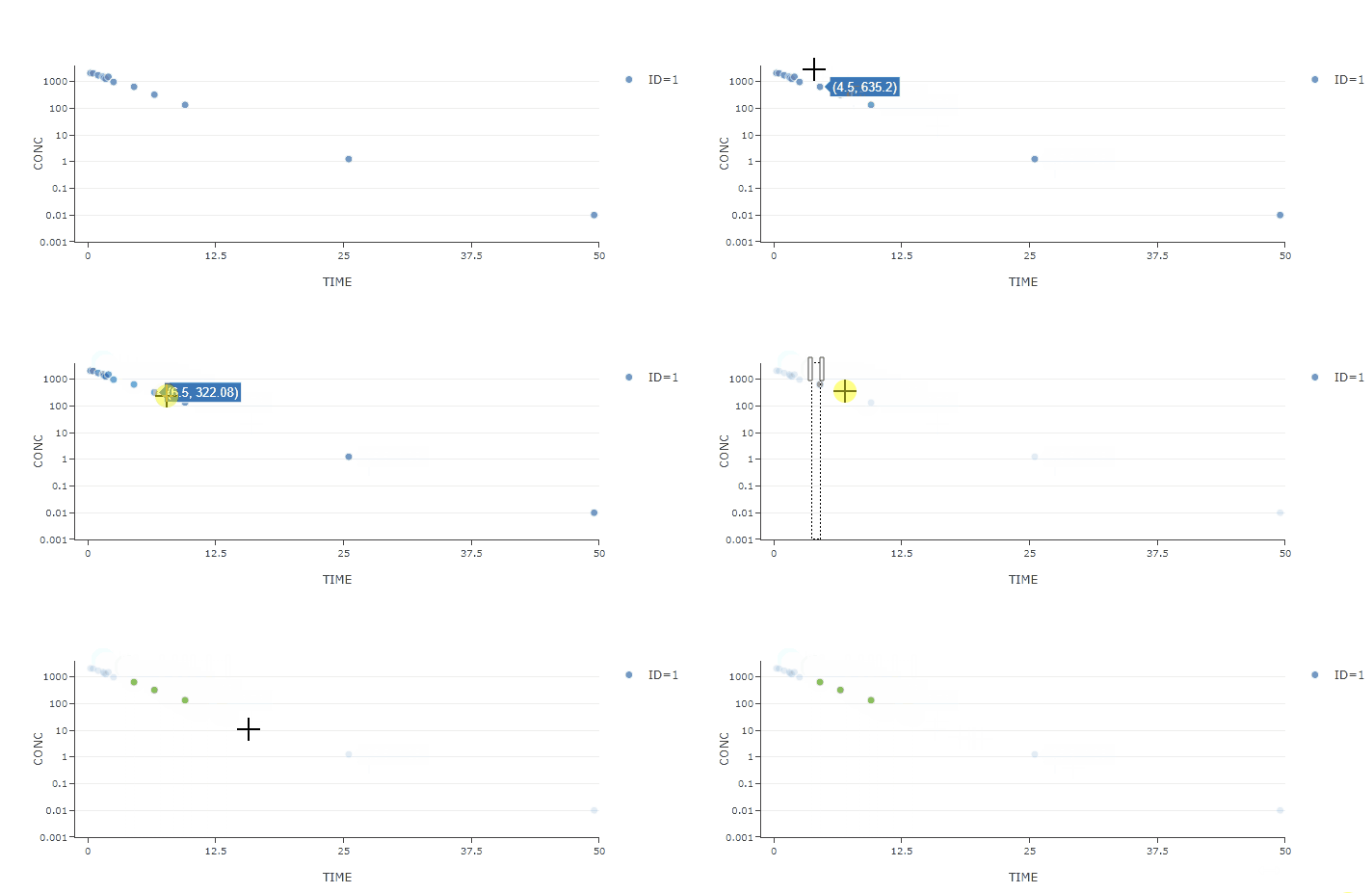
After updating plotly, I find that the selection layer will display after dragging in the layout.
Is there any way to hide the selection layer?
The drag mode of layout is set as "select".
{
    dragmode: "select"
}
- version 2.12.11

- version 1.54.20
贡献指南
从这里开始
- 先读完整个 Issue,再读项目的贡献指南。
- 在 Issue 下留言说明你要接手 —— 这能避免两个人做同样的事。
- Fork 仓库,在一个分支上完成修改。
- 提交 Pull Request,并在描述里引用这个 Issue 编号。
调研方向
使用将 dragmode 设置为 "select" 的布局重现 plotly.js 2.12.11 中的行为,然后将其与版本 1.54.20 进行比较。从该重现结果追踪选择层的行为;当选择模式继续正常工作且选择层可以隐藏时,即表示完成。
由索引模型根据 Issue 内容生成。
评估
- 技术栈
- javascript
- 领域
- data-visualization
- Issue 类型
- 缺陷
- 难度
- 3/5
- 预计耗时
- 1-2 天
- 活跃度
- 停滞
- 描述清晰度
- 基本清楚
- 新手友好度
- 38/100