enable hiding the selection layer in current version
Open
Nobody has claimed this yet.
feature
P3
- Dominant language
- JavaScript
- Stars
- 18.3k
- Forks
- 2k
- Avg merge
- 2d 12h
- Merged PRs (30d)
- 28
Description
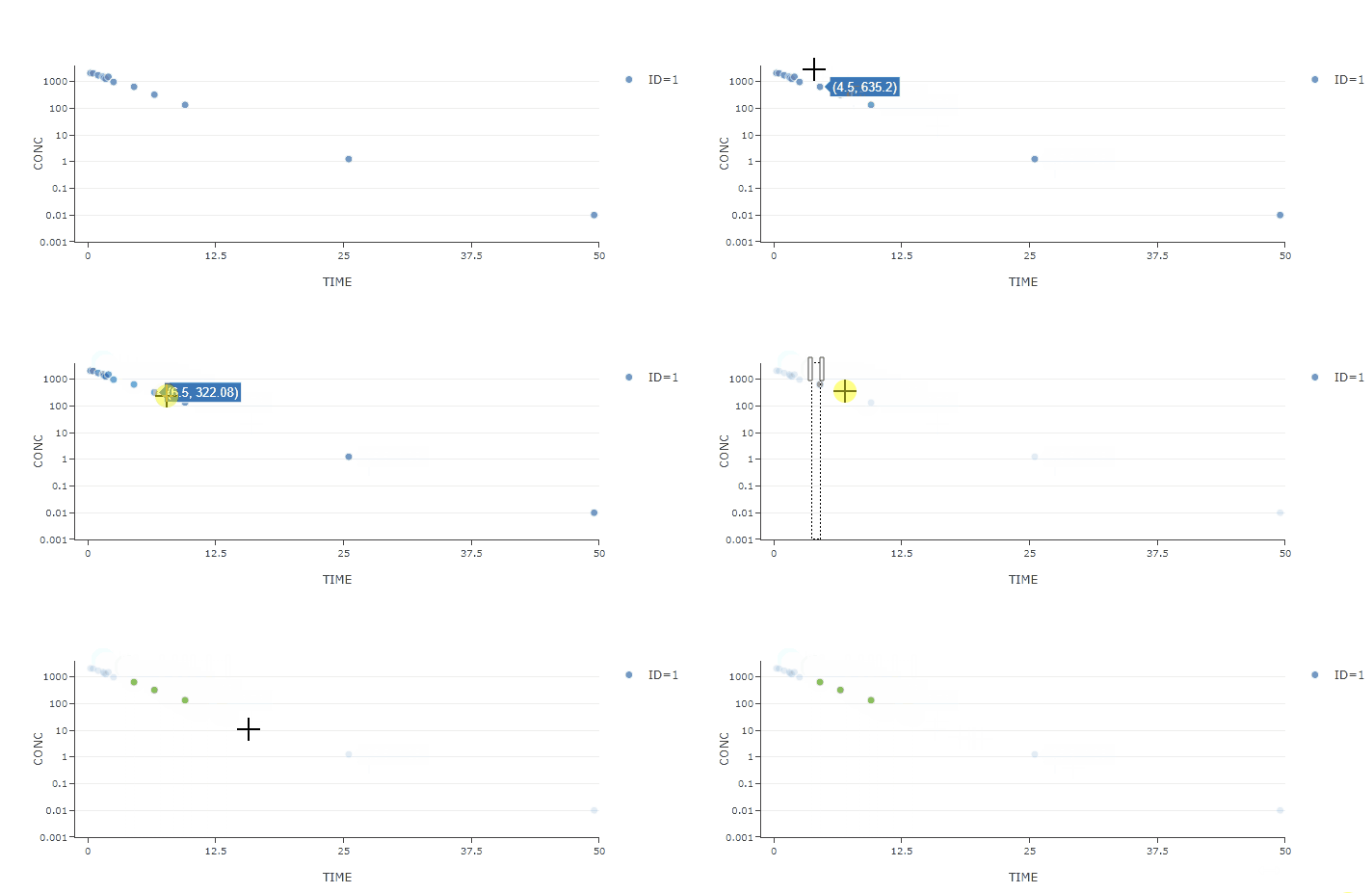
After updating plotly, I find that the selection layer will display after dragging in the layout.
Is there any way to hide the selection layer?
The drag mode of layout is set as "select".
{
    dragmode: "select"
}
- version 2.12.11

- version 1.54.20
Contributor guide
First steps
- Read the whole issue, then the project's contributing guide.
- Comment on the issue to say you are picking it up — it saves two people doing the same work.
- Fork the repository and make your change on a branch.
- Open a pull request that references the issue number.
Research direction
Reproduce the behavior in plotly.js 2.12.11 using a layout with dragmode set to "select", then compare it with version 1.54.20. Trace the selection-layer behavior from that reproduction; done means the selection layer can be hidden while selection mode continues to work.
Written by the indexing model from the issue text.
Assessment
- Tech stack
- javascript
- Domain
- data-visualization
- Issue type
- Bug
- Difficulty
- 3/5
- Estimated time
- 1-2 days
- Activity status
- Stale
- Clarity
- Mostly clear
- Newbie friendliness
- 38/100