Performance - Performance overlay button is confusing
オープン
fix it friday
P2
screen: performance
- 主要言語
- Dart
- スター
- 1.7k
- フォーク
- 404
- 平均マージ
- 6日 17時間
- マージ済み PR(30日)
- 18
説明
It is not clear what this button is for.
When I click it, i do not see changes.
Tooltip 'Overlay a performance chart on your app' does not help to understand I need to switch focus to application, because 'on app' may mean many things.
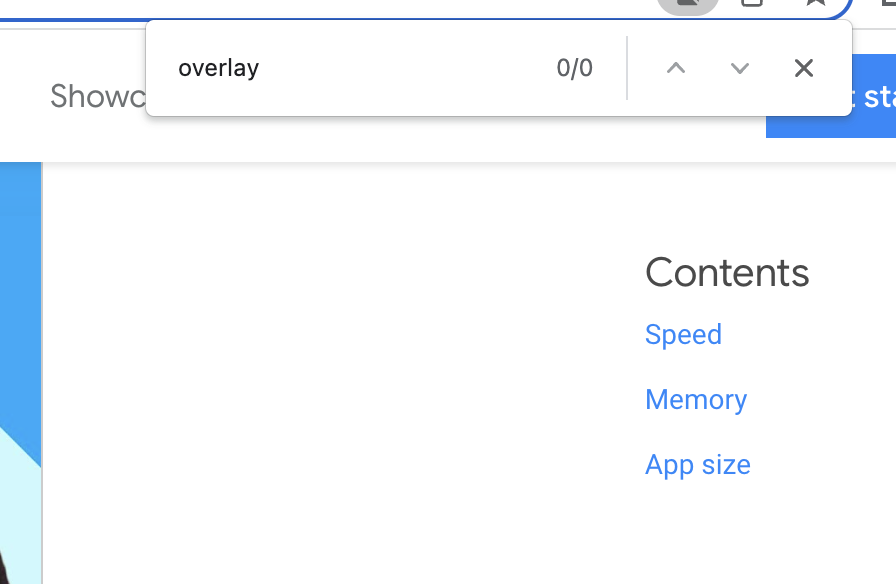
When I click 'More info', I land to https://docs.flutter.dev/perf#the-performance-overlay, I search for word 'overlay' on the page and there is no one.
Suggestions:
- [ ] - Button name: 'Show info in app'
- [ ] - Tooltip could be 'Render performance information on top of your application'
- [ ] - Documentation should be searchable by the button label and tooltip words.
コントリビューションガイド
評価
この issue はまだ評価されていません。