Improve discovery and experience of Track Widget Build
- Ngôn ngữ chính
- Dart
- Star
- 1.7k
- Fork
- 404
- Merge trung bình
- 6 ngày 17 giờ
- Pull request đã merge (30 ngày)
- 18
Mô tả
Based on [UI perf diary homework study](https://docs.google.com/presentation/d/19PAAeBjXqXKxP1OpyHCq72Z9B2SIpctpPFBZ7KpOGlU/edit?resourcekey=0-GNMH_FHchg68YfpiXMWgBg#slide=id.g6007120c36_0_311), participants were struggled with Track Widget Build
- Very few participants found or used Track Widget Build to successfully find widget details information in Task 1.
- For participants who used the TWB feature, they were also confused about how it works. Currently, they need to click the TWB Button first, then click the Refresh again to see the widget information.
- More documentation and tooltips about how to use TWB feature would be helpful.
- Many users liked the Widget Rebuild Stats in IDE Flutter plugin performance tool, but it is only available in debug mode
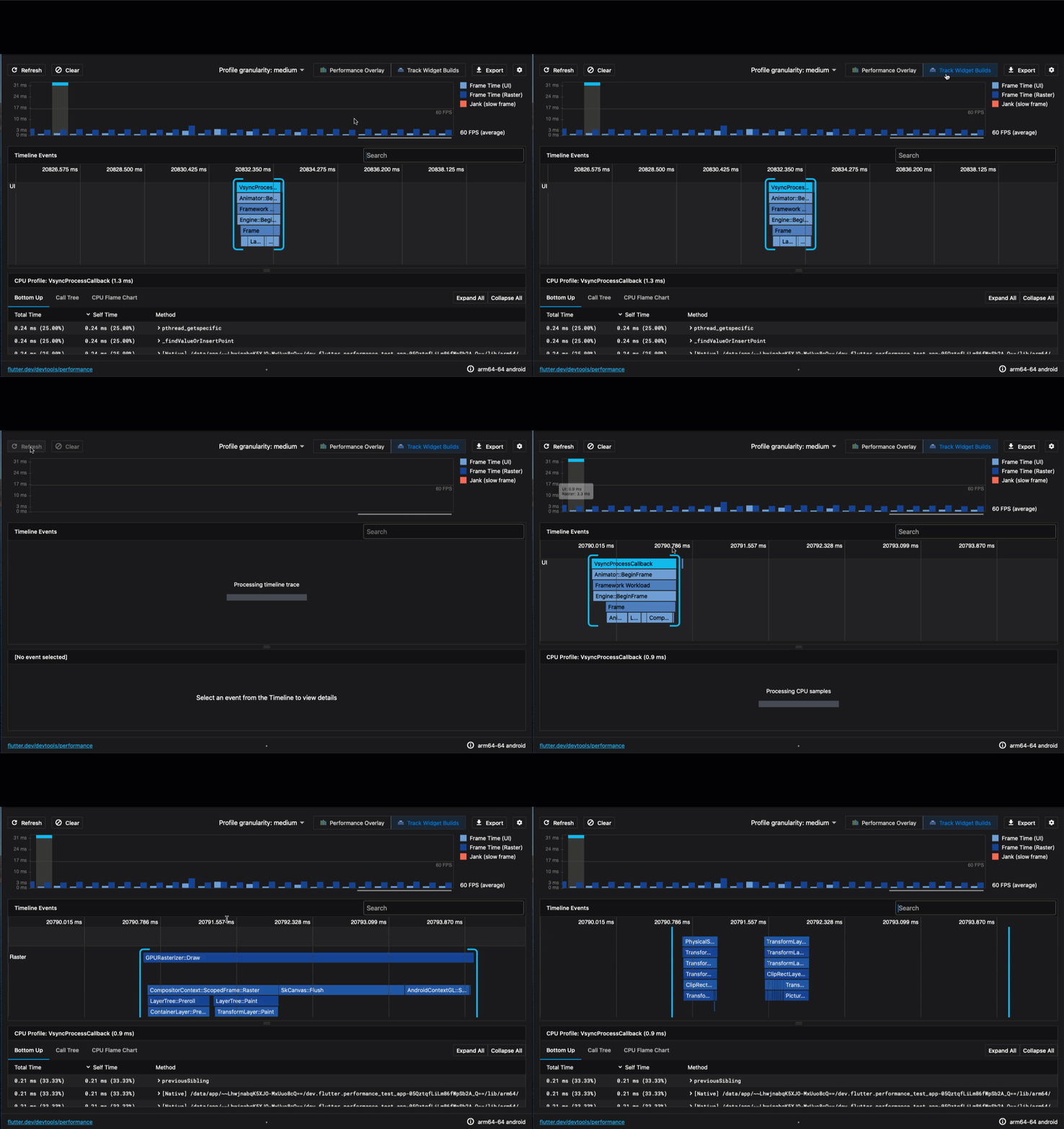
We could fix this by
- [ ] Better documentation and tooltips for Track Widget Build to guide users through the right workflow
- [ ] Enable widget rebuild stats/track widget build for debug mode on both IDE plugin and DevTools
- [ ] Consider combining the widget rebuilds stats features in the IDE with Track Widget Build
- [ ] Create an overview page that summarized main performance problems
Hướng dẫn đóng góp
Đánh giá
Issue này chưa được đánh giá.