flowable / flowable/flowable-engine
UI Modeler App: Scrolling or zooming loses currently selected elements
- Lingua principale
- Java
- Stelle
- 9.5k
- Fork
- 2.9k
- Merge medio
- 7h 8m
- PR unite (30g)
- 2
Descrizione
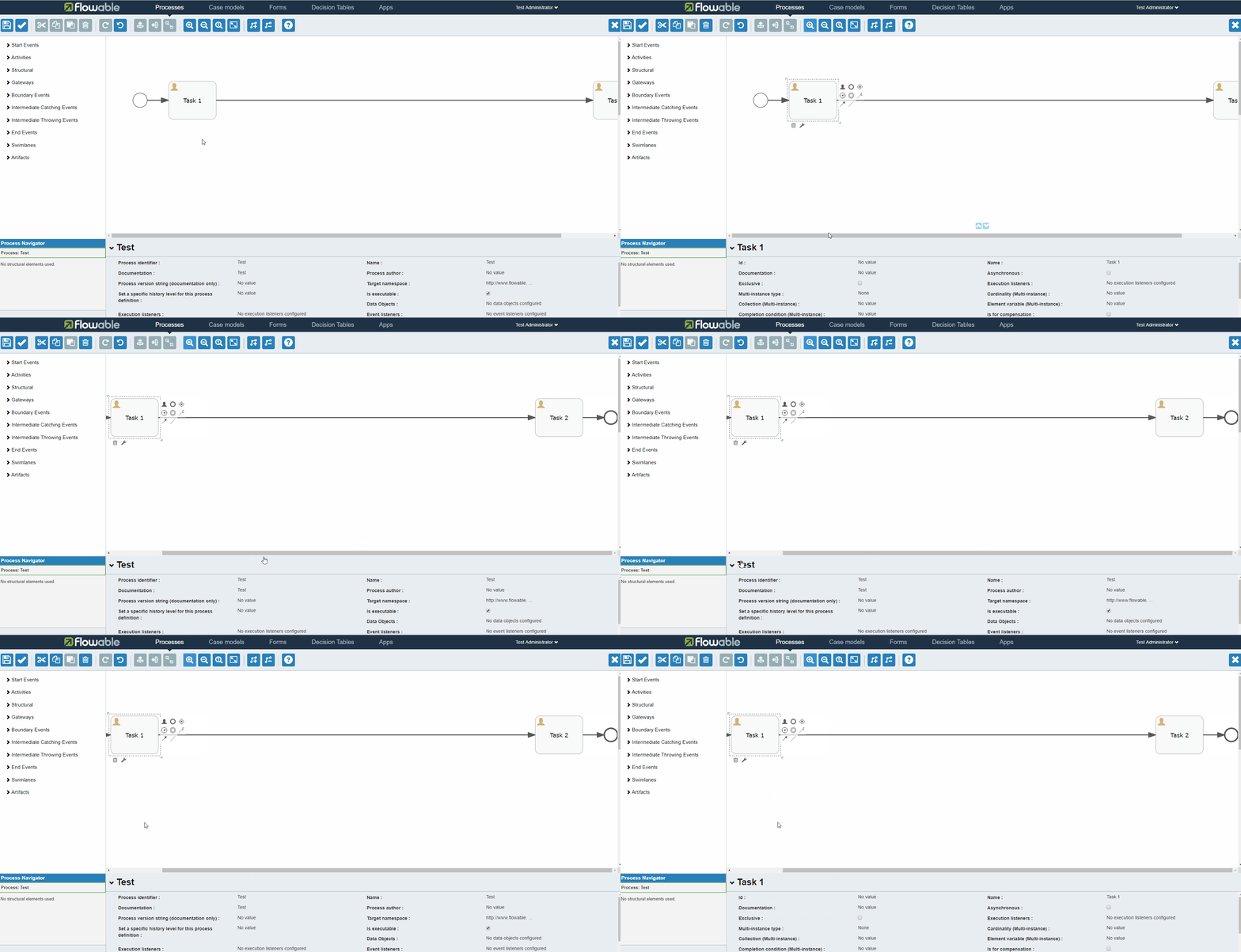
When using the UI Modeler App, the currently selected elements are lost and the process definition is selected, when using a scrollbar or the zoom functionality from the toolbar.
The behaviour is demonstrated in the following gif files:

I tried to investigate a possible solution:
flowable-ui-modeler/flowable-ui-modeler-app/src/main/resources/static/editor-app/stencil-controller.js
```
// Only do something if another element is selected (Oryx fires this event multiple times)
if ($scope.selectedShape !== undefined && $scope.selectedShape.getId() === selectedShape.getId()) {
if ($rootScope.forceSelectionRefresh) {
// Switch the flag again, this run will force refresh
$rootScope.forceSelectionRefresh = false;
} else {
// Selected the same element again, no need to update anything
return;
}
}
```
If I add an else block to this if, e.g like this
```
} else {
if (event.elements.length === 0) {
return;
}
}
```
the problem could be fixed, but then the processdefinition itself is not selectable anymore (by clicking on an empty spot)
I could not find any information on the event (e.g. what element was clicked) to adjust the if clause accordingly and it seems the event itself with its attributes comes from deep inside the oryx editor. Here I was a bit lost to find the relevant files / code snippets.
Could you please fix this problem or point me in a direction to fix it myself and submit a merge request? Thanks!
Guida per i contributori
Nessuna guida per i contributori indicizzata per questo repository
Valutazione
Questa issue non è ancora stata valutata.