AlphaWallet / AlphaWallet/alpha-wallet-android
should replace the QR code icon with information about the current token
- 主要言語
- Java
- スター
- 646
- フォーク
- 579
- PR マージ指標
- 30日以内にマージされた PR はありません
説明
# Problem
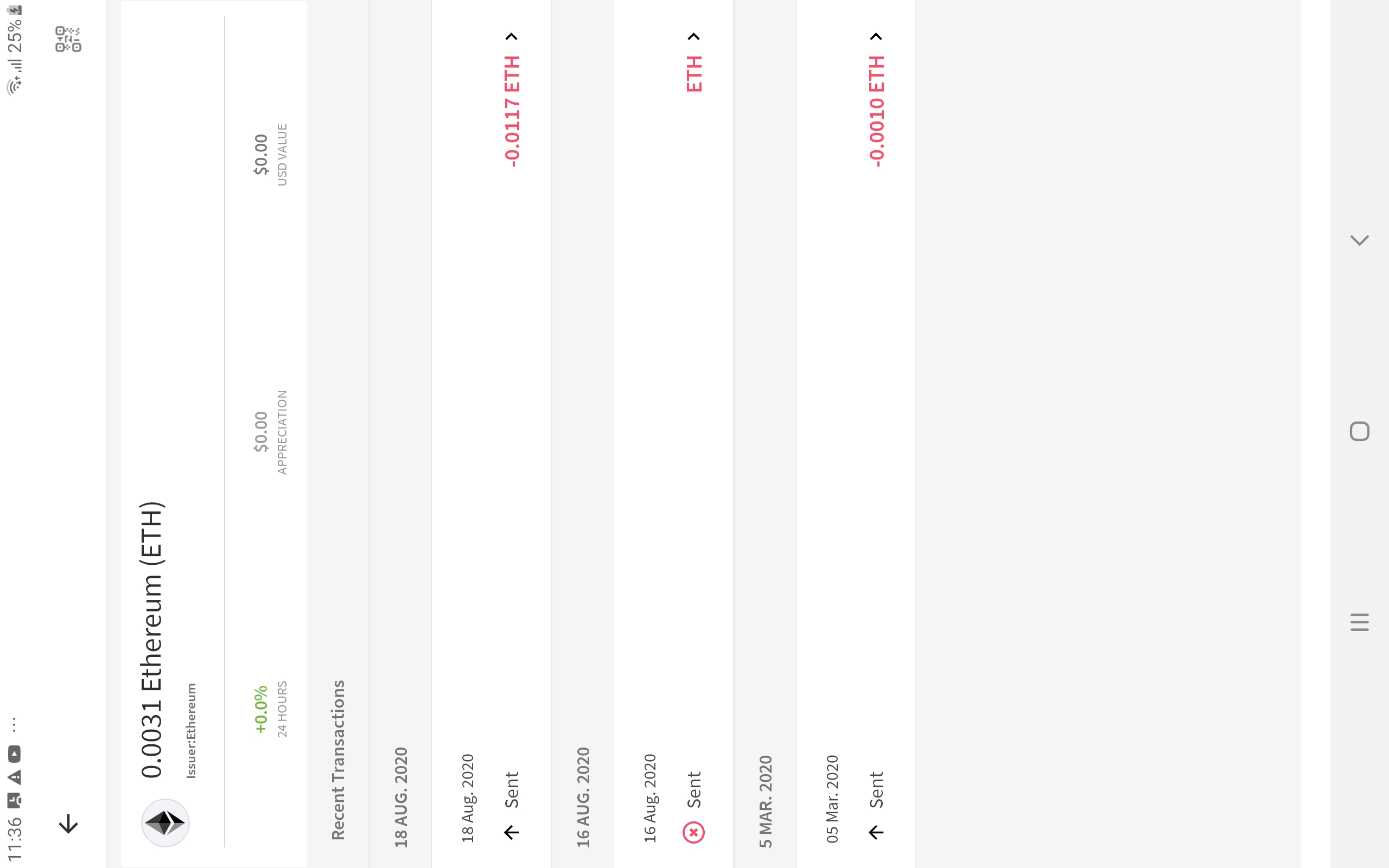
if you hit Ether token, you get to see a QR code icon upper-right corner which you can receive Ethereum.
If you hit an ENS token, you get a diamon shaped token in its place, hitting it also get you a QR code.
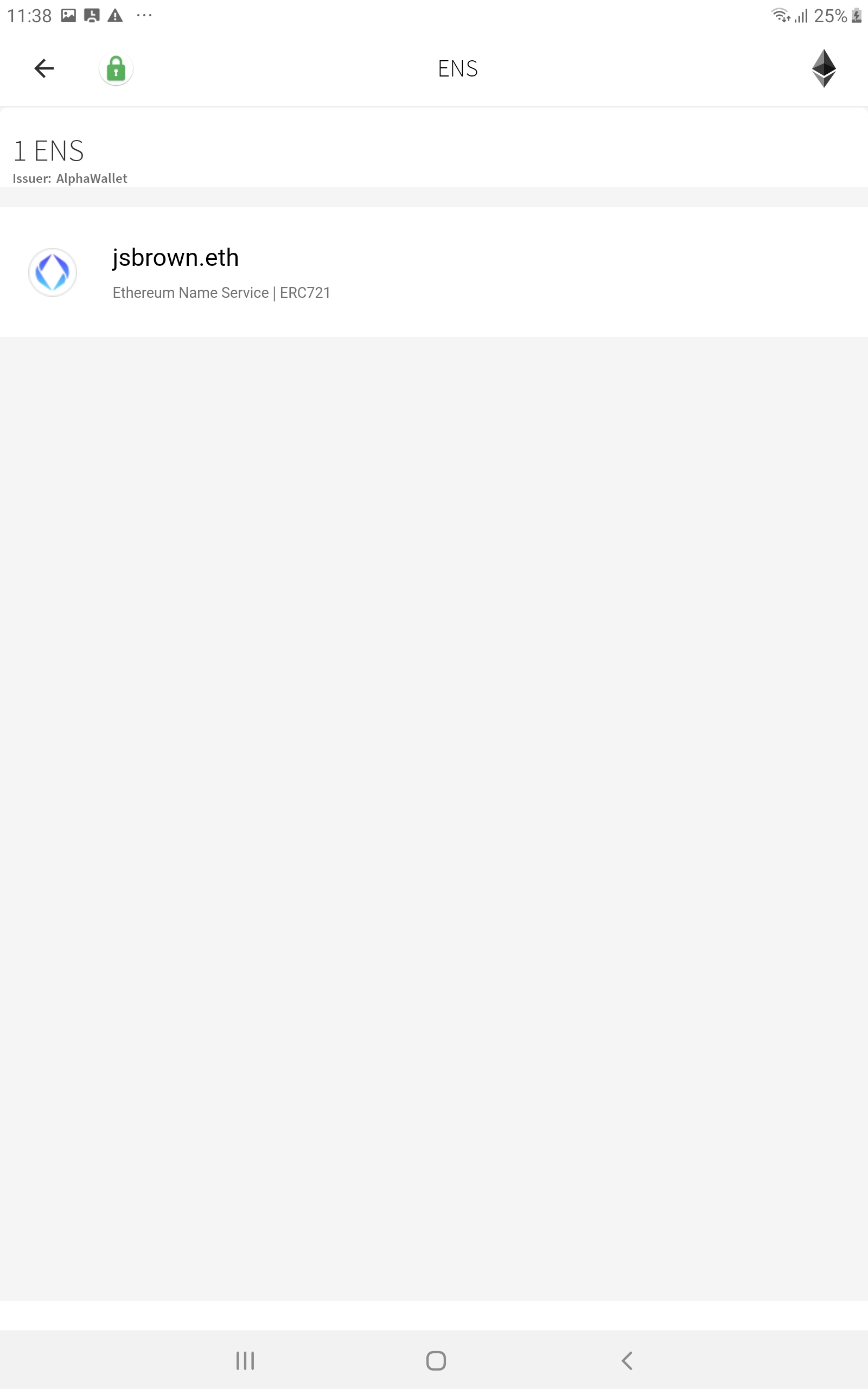
Howver, this QR code is the address of the contract. Sending Ether or ENS to this address will cuase the Ether or ENS being lost.
# Solution
Weiwu's thinking.
1. Move it away from the same location as the QR code so users who learned to find the receiving address there won't chance up on it.
2. My guess is that the diamond icon means which network this token is on (different diamons if you are on a testnet or xdai). If true, clicking it should simply tell the user this fact.
3. Use a separate icon (maybe the "Information Icon") to show the contract information, and make it ample clear that this is a contract. For example, top of my head I have this:
- User sees Information Icon
- User clicks Information Icon and sees a screen that describes the token, like contract address, symbol, other Smart Contract MetaData. Address is in one of the fields
- After address there is a "copy" button and a "QR" button - do 𝑛𝑜𝑡 show the QR code without the user pressing that button.
コントリビューションガイド
このリポジトリのコントリビューションガイドは索引されていません
評価
この issue はまだ評価されていません。