IntelliSense with different file system types (Windows 10)
還沒有人認領這個 Issue。
評估
- 難度
- 4/5
- 預估耗時
- 3-5 天
- 新手友好度
- 35/100
- Issue 類型
- 缺陷
- 描述清晰度
- 基本清楚
- 活躍度
- 停滯
- 技術堆疊
- cpp, vscode
研究方向
在 Windows 10 上使用 winsshfs、C++ 擴充功能和報告中的已掛載專案進行重現,然後將 IntelliSense 與本機和 exFAT 檔案系統進行比較。調查該擴充功能的檔案系統處理;完成的標準是 imports 和 squiggles 在 SSHFS 掛載上正常運作,且不會導致原本正常運作的情況發生回歸。
由索引模型根據 Issue 內容生成。
描述
- VSCode Version: Code - Insiders 1.17.0-insider (128a4e3640c5375f7b0bc1cfd37f626481b1386f, 2017-09-12T05:24:19.607Z)
- OS Version: Windows_NT x64 10.0.15063
- Extensions:
| Extension | Author (truncated) | Version |
|---|---|---|
| cpptools | ms- | 0.12.4 |
IntelliSense doesn't seem to be working with SSHFS filesystem type in Windows 10 (no import errors detected and no squiggly lines). I know this is a fringe case, but I'm wondering if there is an easy fix.
IntelliSense works fine for this example in the local filesystem as well as on an exfat formatted flash drive.
Steps to Reproduce:
- Install winsshfs and mount a remote file system
- Open the a project locally from that mounted file system

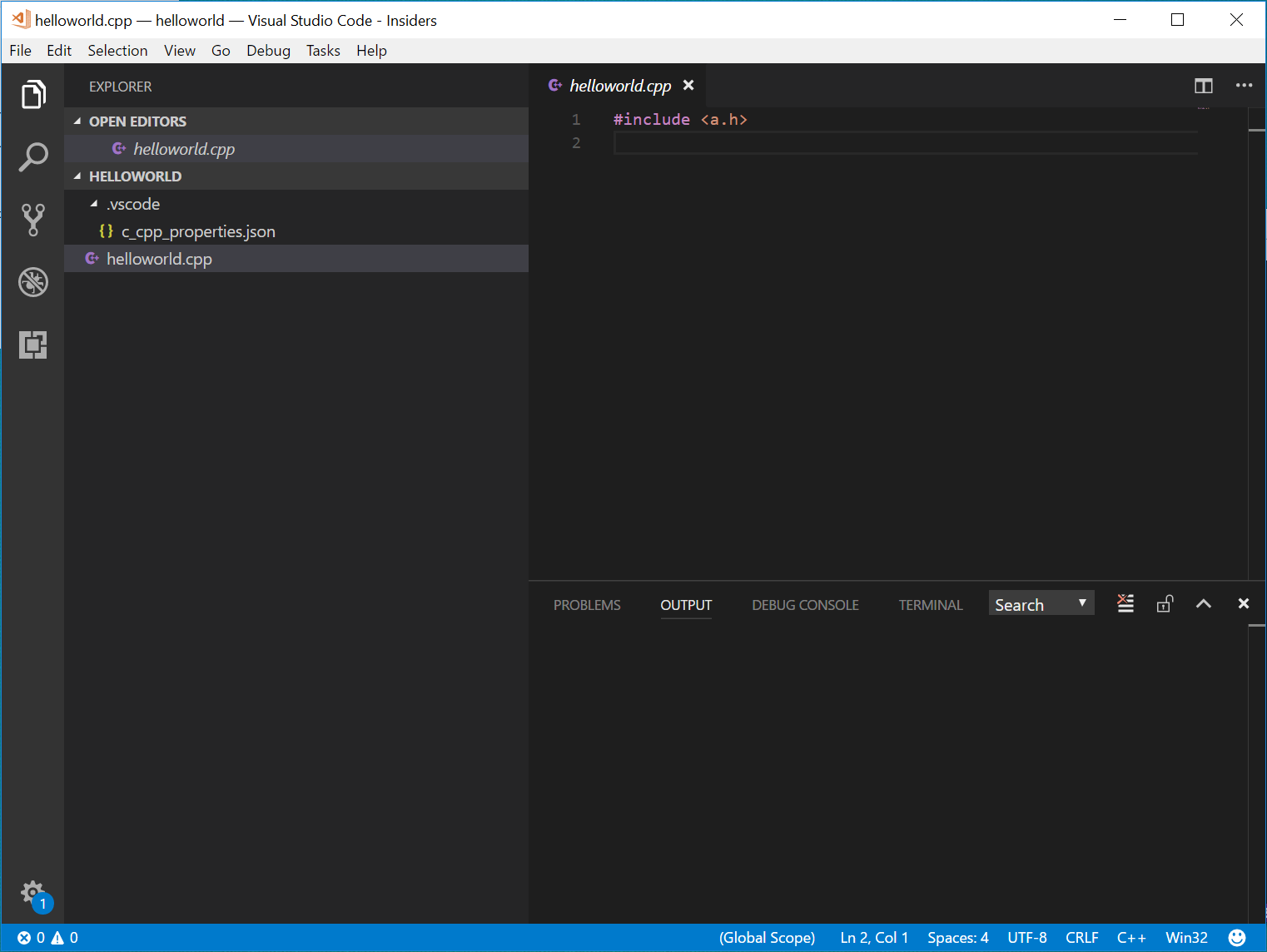
Reproduces without extensions: No (Need the C++ extension for intellisense)
- 主要語言
- TypeScript
- 星號
- 6.2k
- 分支
- 1.7k
- 平均合併
- 14 小時 46 分鐘
- 30 天內合併 PR
- 61
貢獻指南
從這裡開始
- 先讀完整個 Issue,再讀專案的貢獻指南。
- 在 Issue 下留言說明你要接手 —— 這能避免兩個人做同樣的事。
- Fork 儲存庫,在一個分支上完成修改。
- 送出 Pull Request,並在描述裡引用這個 Issue 編號。
microsoft/vscode-cpptools 的其他 Issue
-
難度 4/5 3-5 天 新手友好度 35/100
microsoft/vscode-cpptools#14787 ·
-
[Bug] cpptools fails to start on Ubuntu ARM64 due to missing execute permissions on shared libraries 未關閉bug fixed Language Service regression
microsoft/vscode-cpptools#14779 · 已指派 1 人 ·
-
Language Service more info needed
microsoft/vscode-cpptools#14778 · 1 則留言 · 已指派 1 人 ·
-
難度 4/5 3-5 天 新手友好度 64/100
microsoft/vscode-cpptools#14769 ·
-
難度 3/5 1-2 天 新手友好度 68/100
microsoft/vscode-cpptools#14768 · 1 則留言 ·
查看 microsoft/vscode-cpptools 的全部 Issue
相似的 Issue
-
comp/dashboard P3 type/bug
難度 2/5 1-3 小時 新手友好度 86/100
NousResearch/hermes-agent#117722 ·
-
clawsweeper:fix-shape-clear clawsweeper:queueable-fix clawsweeper:source-repro impact:ux-friction issue-rating: 🦞 diamond lobster no-stale P3
難度 2/5 1-3 小時 新手友好度 78/100
-
community first-timers-only good first issue hacktoberfest help wanted low hanging fruit up-for-grabs
難度 1/5 1 小時以內 新手友好度 76/100
-
code-quality refactoring
難度 2/5 1-3 小時 新手友好度 84/100
github/gh-aw-firewall#8816 ·
-
integration:quickjs org:external priority:backlog topic:code-interpreter topic:middleware type:feature
難度 2/5 1-3 小時 新手友好度 74/100
langchain-ai/deepagents#6450 ·