redhat-developer / redhat-developer/vscode-java
Can't run the java code
Open
Nobody has claimed this yet.
ls-error/crash
- Dominant language
- TypeScript
- Stars
- 2.3k
- Forks
- 546
- Avg merge
- 20h 1m
- Merged PRs (30d)
- 11
Description
Environment:
-
VS Code Version: Version: 1.63.2
-
Extension Version:
-
JDK Type & Version: java "17.0.1"
-
OS Type & Version: Mac Monterey 12.1
Step to Reproduce:
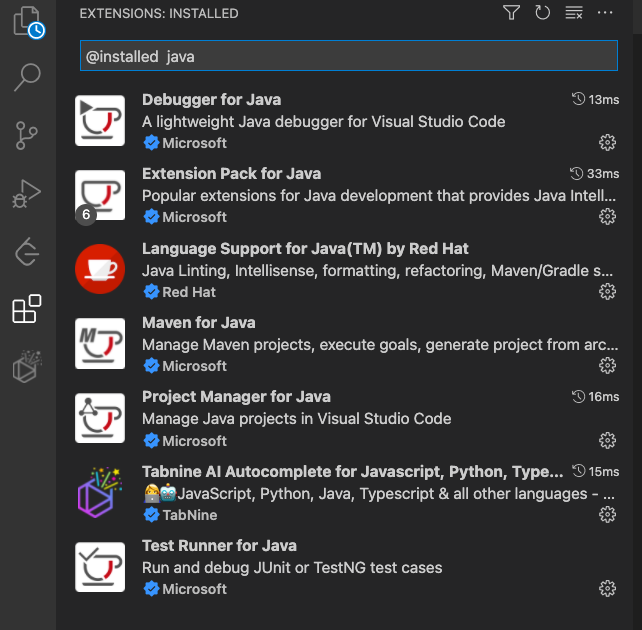
Installing extensions
Settings for the JDK


Creating a source code file
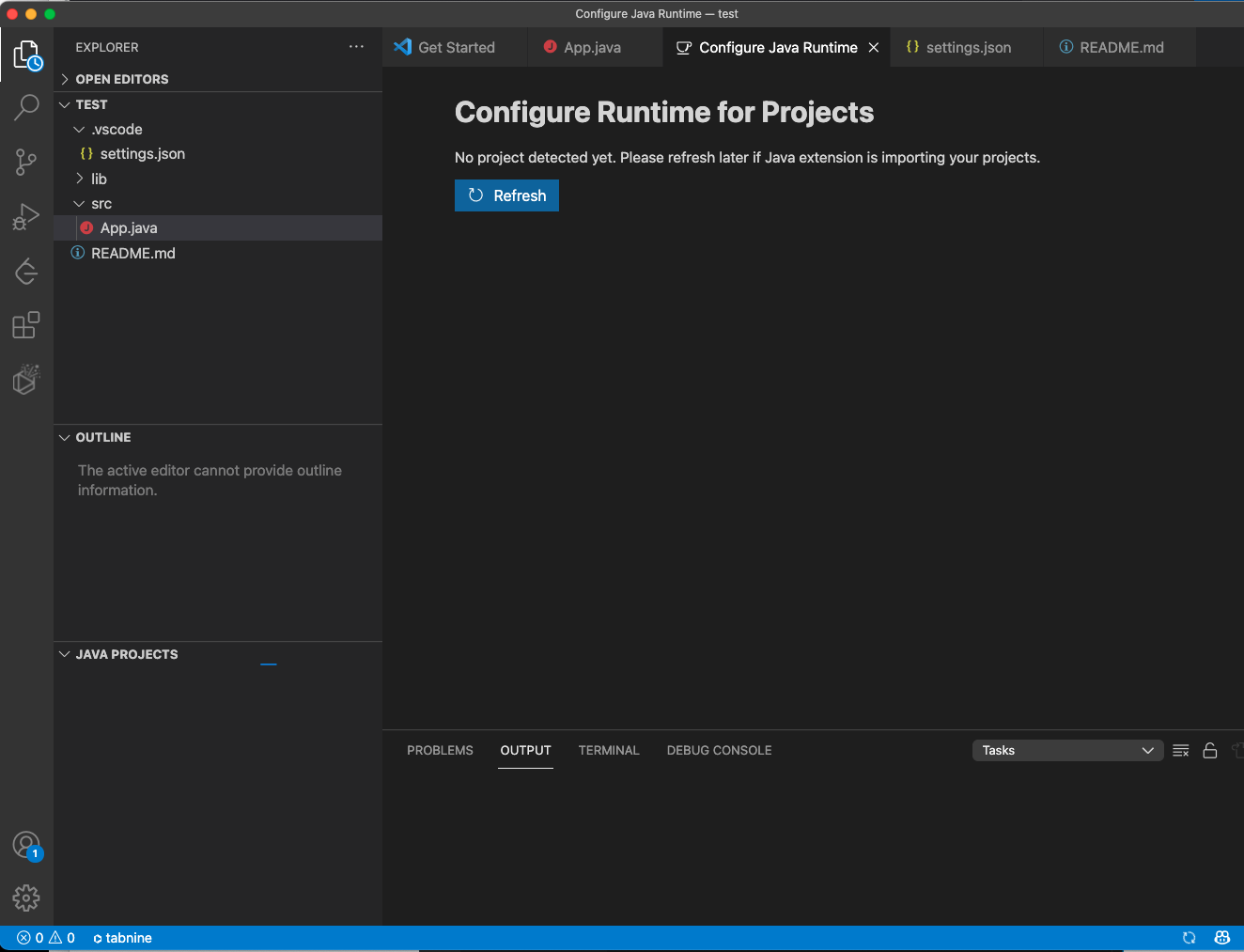

Can't run the java code


Contributor guide
First steps
- Read the whole issue, then the project's contributing guide.
- Comment on the issue to say you are picking it up — it saves two people doing the same work.
- Fork the repository and make your change on a branch.
- Open a pull request that references the issue number.
Research direction
No source file or test is named. Begin by reproducing the report with the stated VS Code 1.63.2, JDK 17.0.1, and macOS Monterey setup, then inspect the screenshots and available error output; a useful resolution needs the extension version, failing command, and a clear reproducible result.
Written by the indexing model from the issue text.
Assessment
- Tech stack
- java, typescript, vscode
- Domain
- developer-experience, tooling
- Issue type
- Bug
- Difficulty
- 4/5
- Estimated time
- 3-5 days
- Activity status
- Stale
- Clarity
- Needs clarification
- Newbie friendliness
- 25/100