facebook / facebook/docusaurus
Font and padding coming different on setting up Scaffold project website on Chrome browser
- Lenguaje dominante
- TypeScript
- Estrellas
- 66.2k
- Forks
- 10k
- Merge medio
- 1 d 3 h
- PR fusionados (30 d)
- 52
Descripción
### Have you read the Contributing Guidelines on issues?
- [X] I have read the [Contributing Guidelines on issues](https://github.com/facebook/docusaurus/blob/main/CONTRIBUTING.md#issues).
### Prerequisites
- [X] I'm using the latest version of Docusaurus.
- [X] I have tried the `npm run clear` or `yarn clear` command.
- [X] I have tried `rm -rf node_modules yarn.lock package-lock.json` and re-installing packages.
- [X] I have tried creating a repro with https://new.docusaurus.io.
- [X] I have read the console error message carefully (if applicable).
### Description
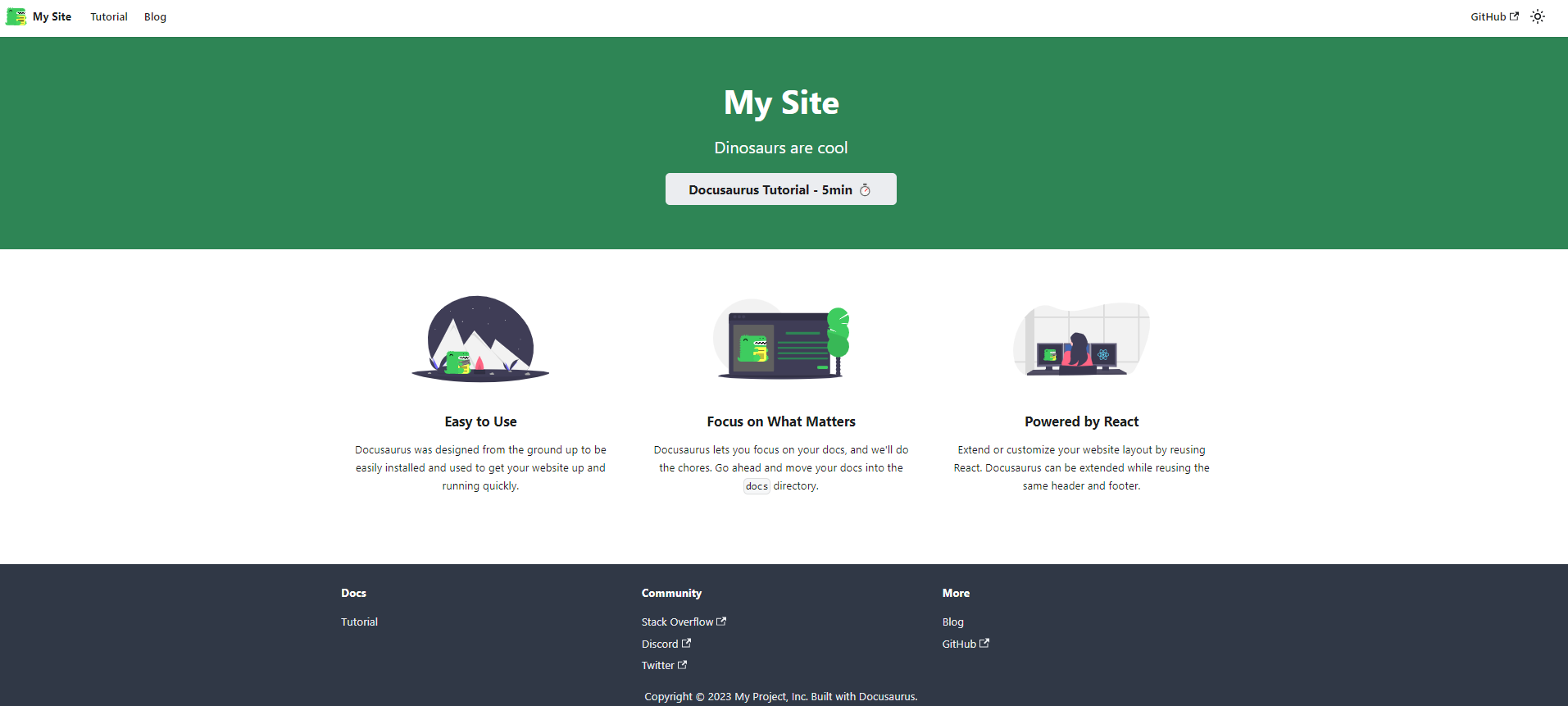
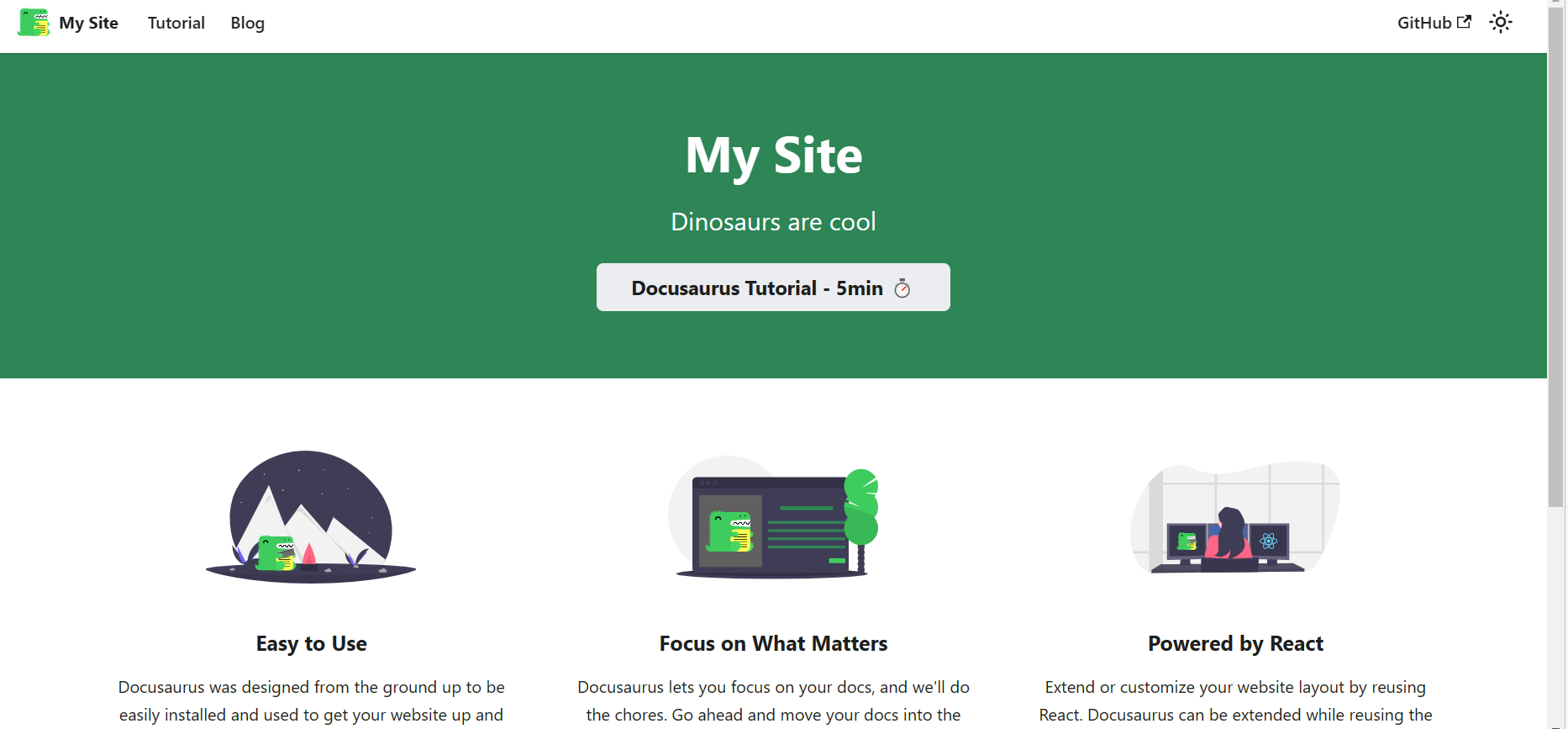
Font and spacing coming different in chrome vs edge setting up Scaffold project website from https://docusaurus.io/docs/installation#scaffold-project-website. posting screenshots below
**Chrome**
**Edge**
### Reproducible demo
_No response_
### Steps to reproduce
1. Setup scaffold project website from https://docusaurus.io/docs/installation#scaffold-project-website
2. npm run serve
3. Open in Chrome
### Expected behavior
Fonts and spacing should come as per the website https://docusaurus.io/docs/installation#scaffold-project-website
### Actual behavior
Fonts and spacing aren't coming properly. Screenshots attached in the description above
### Your environment
- Docusaurus version used: Latest
- Environment name and version (e.g. Chrome 89, Node.js 16.4): Node 16.19, Chrome Version 110.0.5481.178
- Operating system and version (e.g. Ubuntu 20.04.2 LTS): Windows 10
### Self-service
- [ ] I'd be willing to fix this bug myself.
Guía de contribución
Evaluación
Este issue todavía no se ha evaluado.