aboutcode-org / aboutcode-org/scancode-toolkit
Package scan for open source component detects 940mb of duplicated information
- 主要言語
- Python
- スター
- 2.6k
- フォーク
- 791
- 平均マージ
- 1日 12時間
- マージ済み PR(30日)
- 5
説明
### Description
We encountered an issue trying to scan the following open source component: [RxDataSources - 4.0.1](https://github.com/RxSwiftCommunity/RxDataSources/tree/4.0.1)
When doing a scan with the package information enabled it detects about 940MB of package information in the file [RxDataSources.podspec](https://github.com/RxSwiftCommunity/RxDataSources/blob/4.0.1/RxDataSources.podspec).
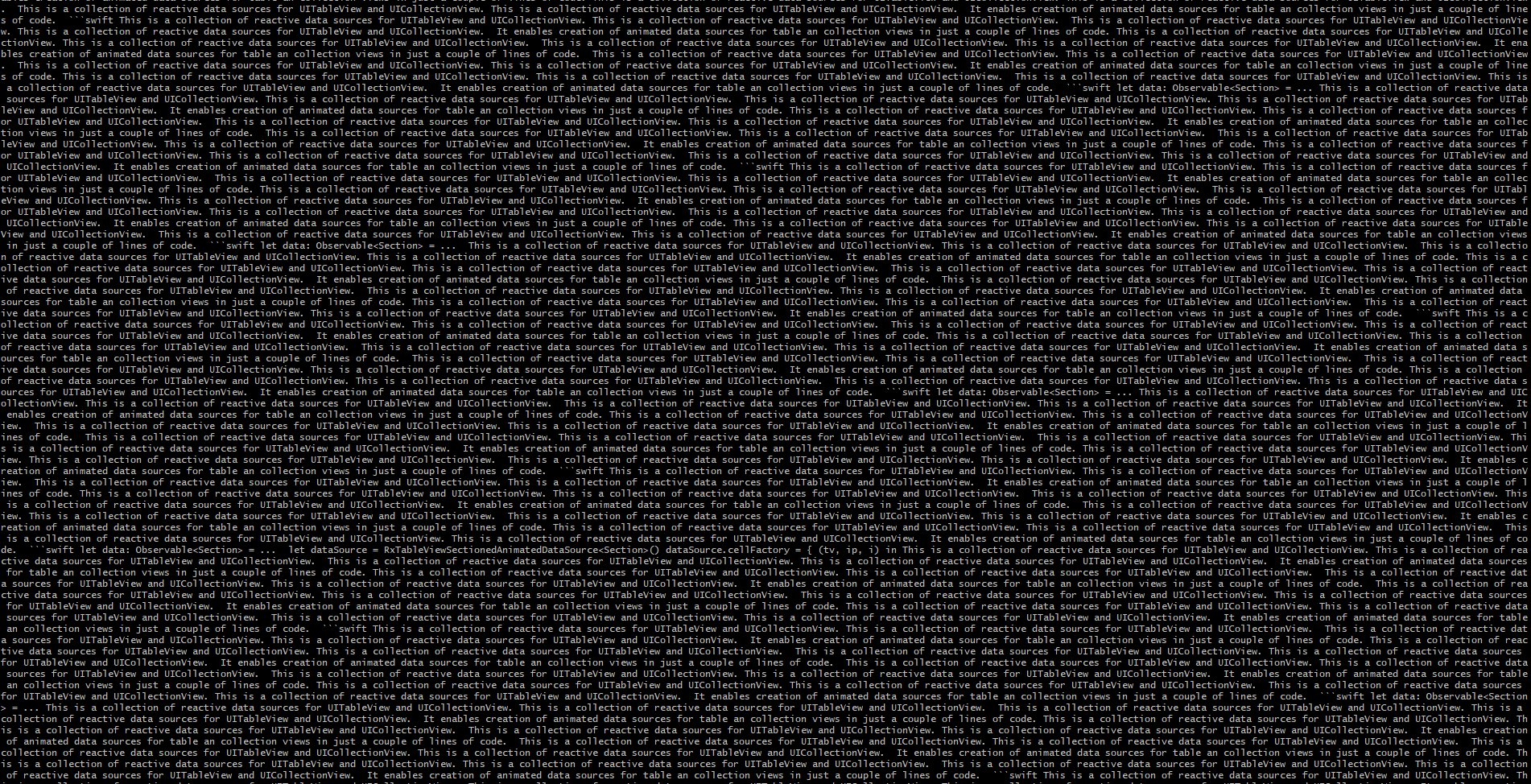
The output (the value of the package field in the resulting json file for this specific file) looks like this, Scancode seems to catch on the same line multiple times:
### How To Reproduce
Download sourcecode from [RxDataSources - 4.0.1](https://github.com/RxSwiftCommunity/RxDataSources/tree/4.0.1)
Run Scancode on the sourcecode with package information enabled
The exact command we are using:
scancode -clpi --license-score 65 --max-in-memory -1 -n 4 --strip-root --verbose --json-pp ./out.json path/to/sourcecode
### System configuration
* What OS are you running on? Tested on both Windows and dockerized Linux
* What version of scancode-toolkit was used to generate the scan file? [scancode-toolkit-30.1.0_py36-windows.zip](https://github.com/nexB/scancode-toolkit/releases/download/v30.1.0/scancode-toolkit-30.1.0_py36-windows.zip) for Windows and [scancode-toolkit-30.1.0_py36-linux.tar.xz](https://github.com/nexB/scancode-toolkit/releases/download/v30.1.0/scancode-toolkit-30.1.0_py36-linux.tar.xz) for Linux.
* What installation method was used to install/run scancode? For windows: Source download. For Linux: Source download -> Docker build
コントリビューションガイド
評価
この issue はまだ評価されていません。