Autodesk / Autodesk/react-base-table
EstimatedRowHeight does not set the default height for rows
- Dominant language
- TypeScript
- Stars
- 1.5k
- Forks
- 170
- PR merge metrics
- No merged PRs in 30d
Description
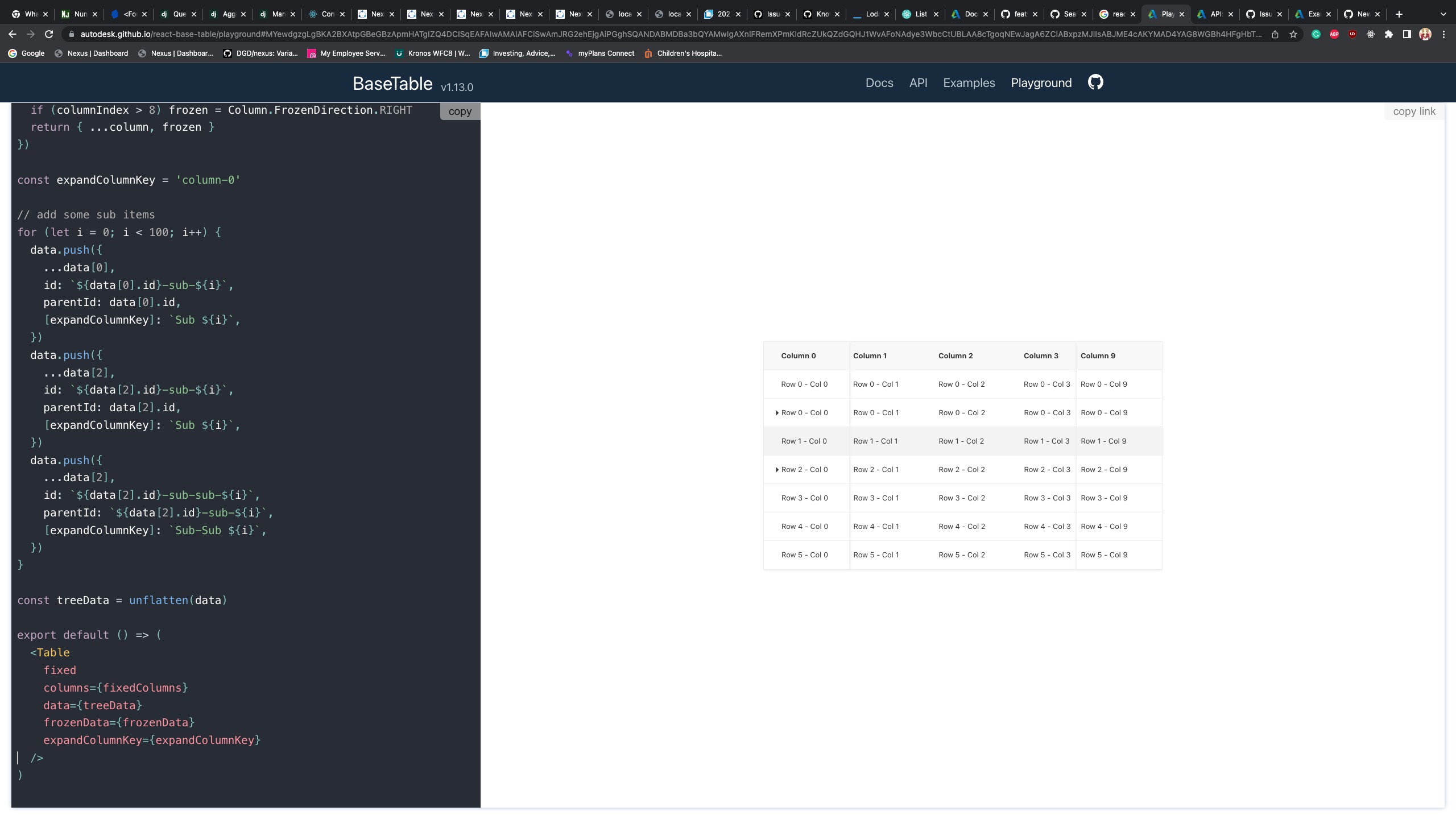
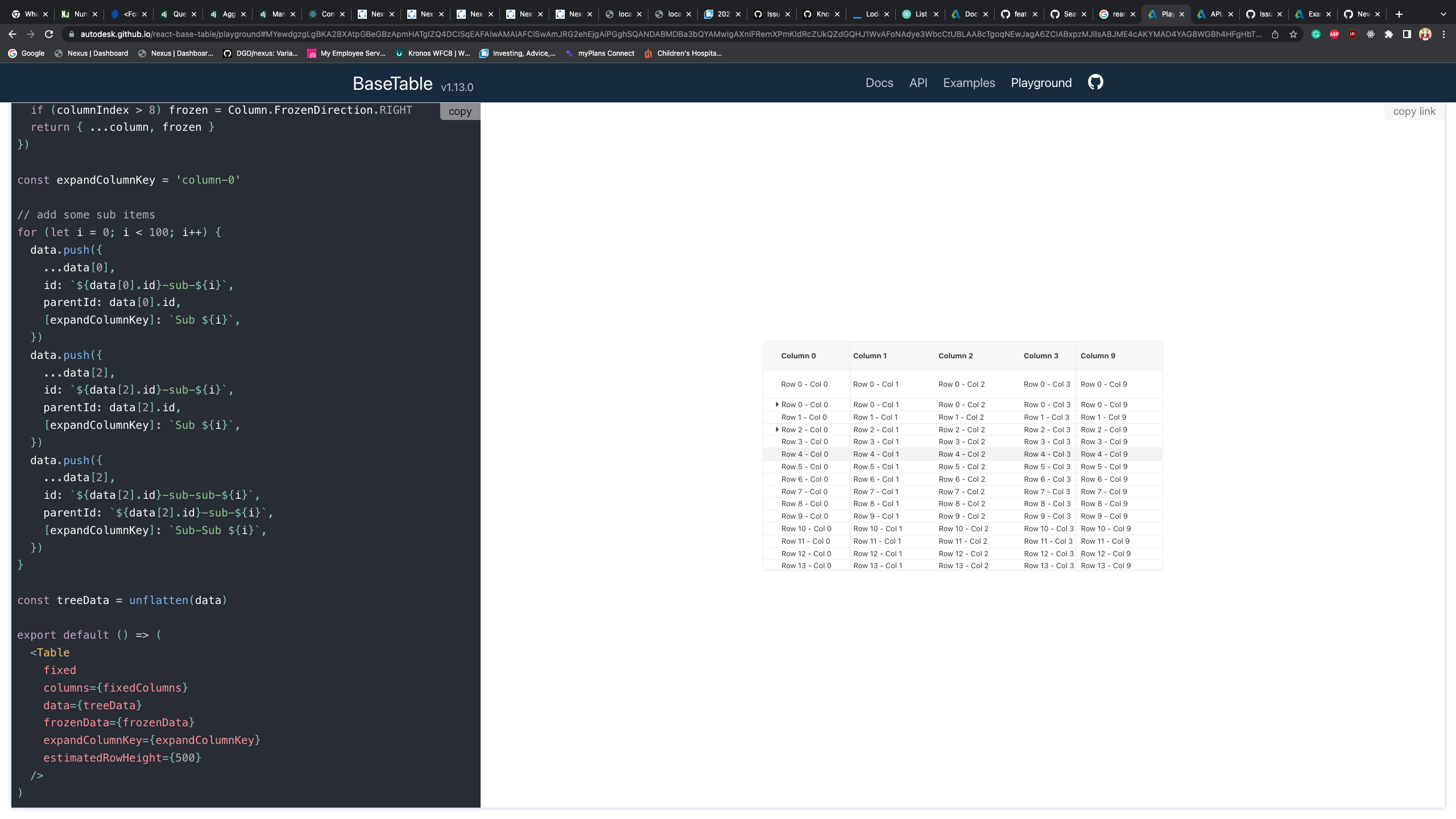
I would like to know how to set the default row height. When estimatedRowHeight is not specified, the rows have a decent row height. However, when estimatedRowHeight is set, It stuck with the minimum row height. No matter how I change the number for estimatedRowHeight, it is still the minimum row height

Contributor guide
Research direction
No source file, test, or entry point is named in the issue. Reproduce the reported behavior with estimatedRowHeight set to different values, then trace the row-height handling and verify that the setting changes the default row height instead of leaving rows at the minimum height.
Written by the indexing model from the issue text.
Assessment
- Tech stack
- react, typescript
- Domain
- frontend
- Issue type
- Bug
- Difficulty
- 3/5
- Estimated time
- 1-2 days
- Activity status
- Stale
- Clarity
- Mostly clear
- Newbie friendliness
- 35/100