wordpress-mobile / wordpress-mobile/WordPress-iOS
Share Sheet: Default to saving a draft
Nobody has claimed this yet.
- Dominant language
- Swift
- Stars
- 3.9k
- Forks
- 1.2k
- Avg merge
- 23h 51m
- Merged PRs (30d)
- 58
Description
Currently, the default behavior when tapping the app icon from the Share Sheet prompt in iOS is to publish. By defaulting to saving a draft we reduce the risk of inadvertently posting.
Ref: p1681236421327999-slack-C0HTU7HV3
Proposed behavior
Idea A
- Remove "Save as Draft" Share Sheet Action
- Add "Publish" Share Sheet Action
- Default to saving as a draft when tapping the app icon
- Mid / High effort
- Requires a new Share Sheet Action Extension for Publishing (needs provisioning profile, analytics events)
- Existing functionality is retained for users as it's mainly a UI change (swapping buttons)
Idea B
- Remove "Save as Draft" Share Sheet Action
- Add the option to Publish or Save as Draft after tapping the app icon
- High effort
- UI / UX updates to
MainShareViewController - Updates to analytics to determine if user posted or saved as draft
Idea C
- Remove "Save as Draft" Share Sheet Action
- Default to saving as a draft when tapping the app icon
- Low effort
- Drops functionality to publish from Share Sheet, that current users depend on
Idea D
- Remove "Save as Draft" Share Sheet Action
- Bring app into the foreground with the Block Editor loaded when tapping the icon
- Matches Android behavior
- High? effort as we may have to add the ability to deep link with HTML contents
- Would use the block editor
- Simplifies https://github.com/wordpress-mobile/WordPress-iOS/issues/20544
Current behavior
Publishing
| Safari | Share Sheet | Classic Editor | Publish |
|---|---|---|---|
 |
 |
 |
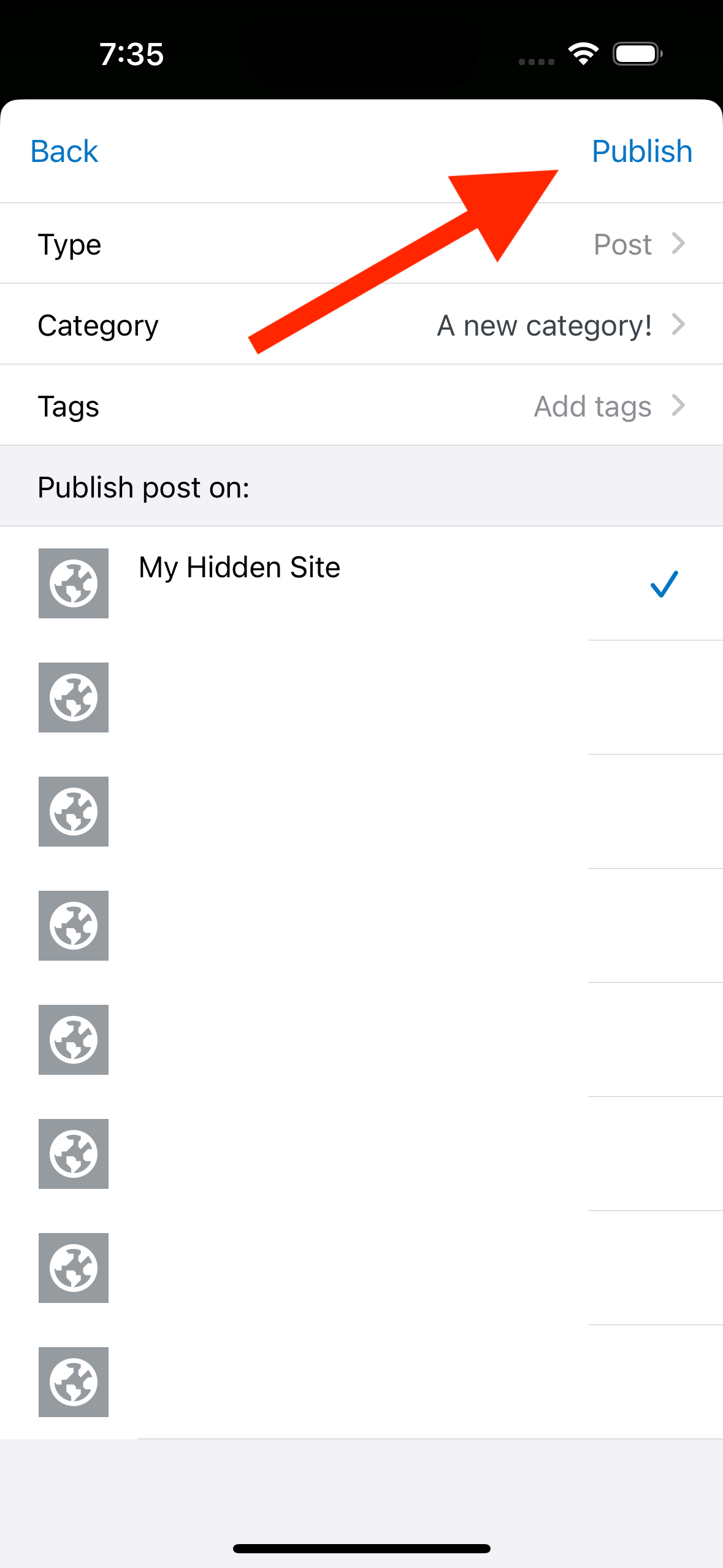 |
Saving as draft
| Safari | Share Sheet | Save as Draft |
|---|---|---|
 |
 |
 |
Contributor guide
First steps
- Read the whole issue, then the project's contributing guide.
- Comment on the issue to say you are picking it up — it saves two people doing the same work.
- Fork the repository and make your change on a branch.
- Open a pull request that references the issue number.
Research direction
Start by reviewing MainShareViewController and the existing Share Sheet actions, then compare the proposed behaviors with the current publishing and draft flows shown in the issue. The work is not ready to start until one approach is selected; done should match that approved behavior and preserve or intentionally revise the documented publishing and draft functionality.
Written by the indexing model from the issue text.
Assessment
- Tech stack
- ios, swift
- Domain
- mobile
- Issue type
- Feature
- Difficulty
- 5/5
- Estimated time
- Over a week
- Activity status
- Stale
- Clarity
- Needs clarification
- Newbie friendliness
- 25/100