wordpress-mobile / wordpress-mobile/WordPress-iOS
Charts data can't be read by VoiceOver
Open
Nobody has claimed this yet.
[Type] Enhancement
Accessibility
Stats
- Dominant language
- Swift
- Stars
- 3.9k
- Forks
- 1.2k
- Avg merge
- 23h 51m
- Merged PRs (30d)
- 58
Description
Expected behavior
The points on bar charts and line charts should be readable by VoiceOver.
Actual behavior
The points on bar charts and line charts can't be selected, and VoiceOver can't read them.
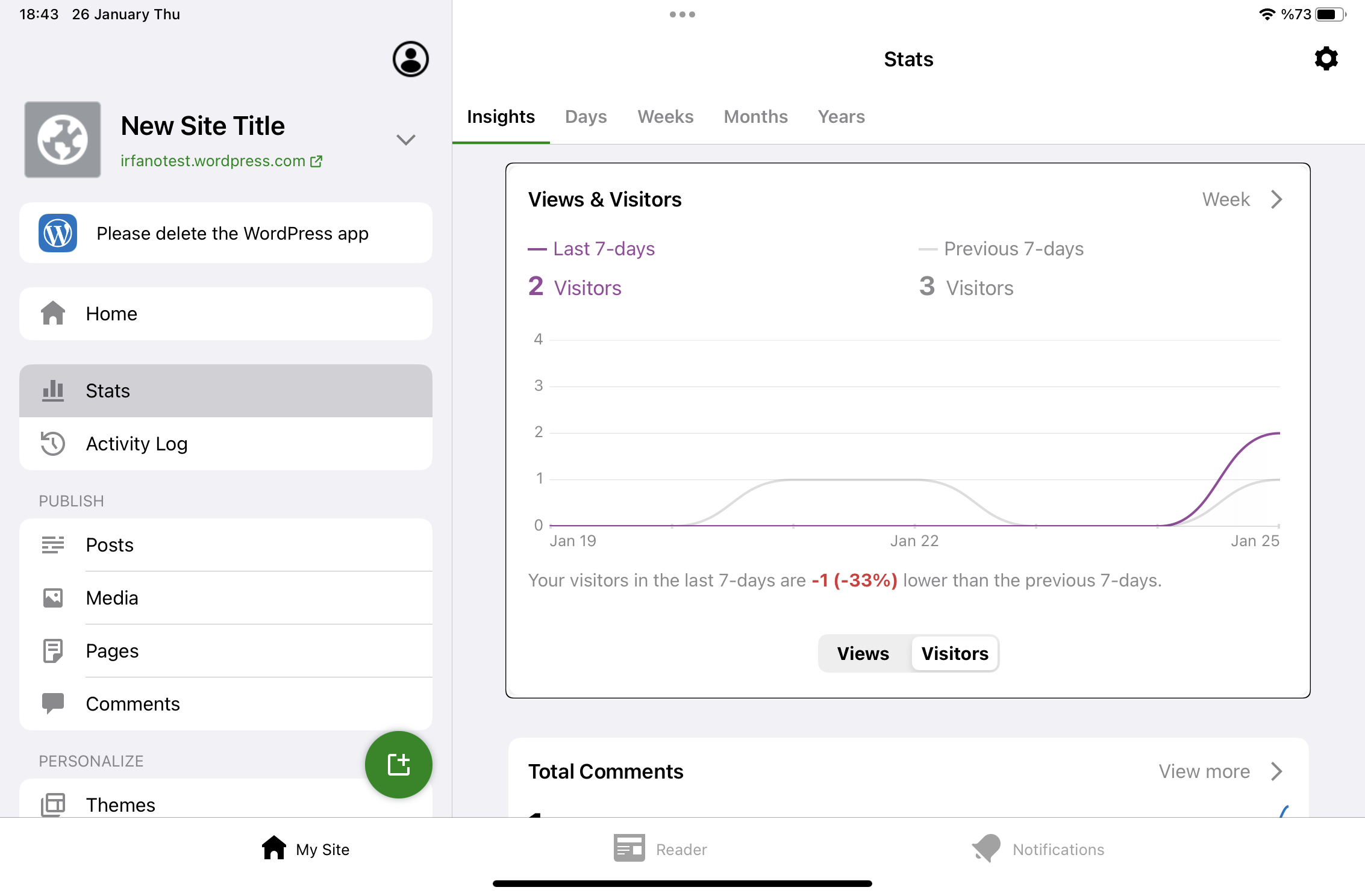
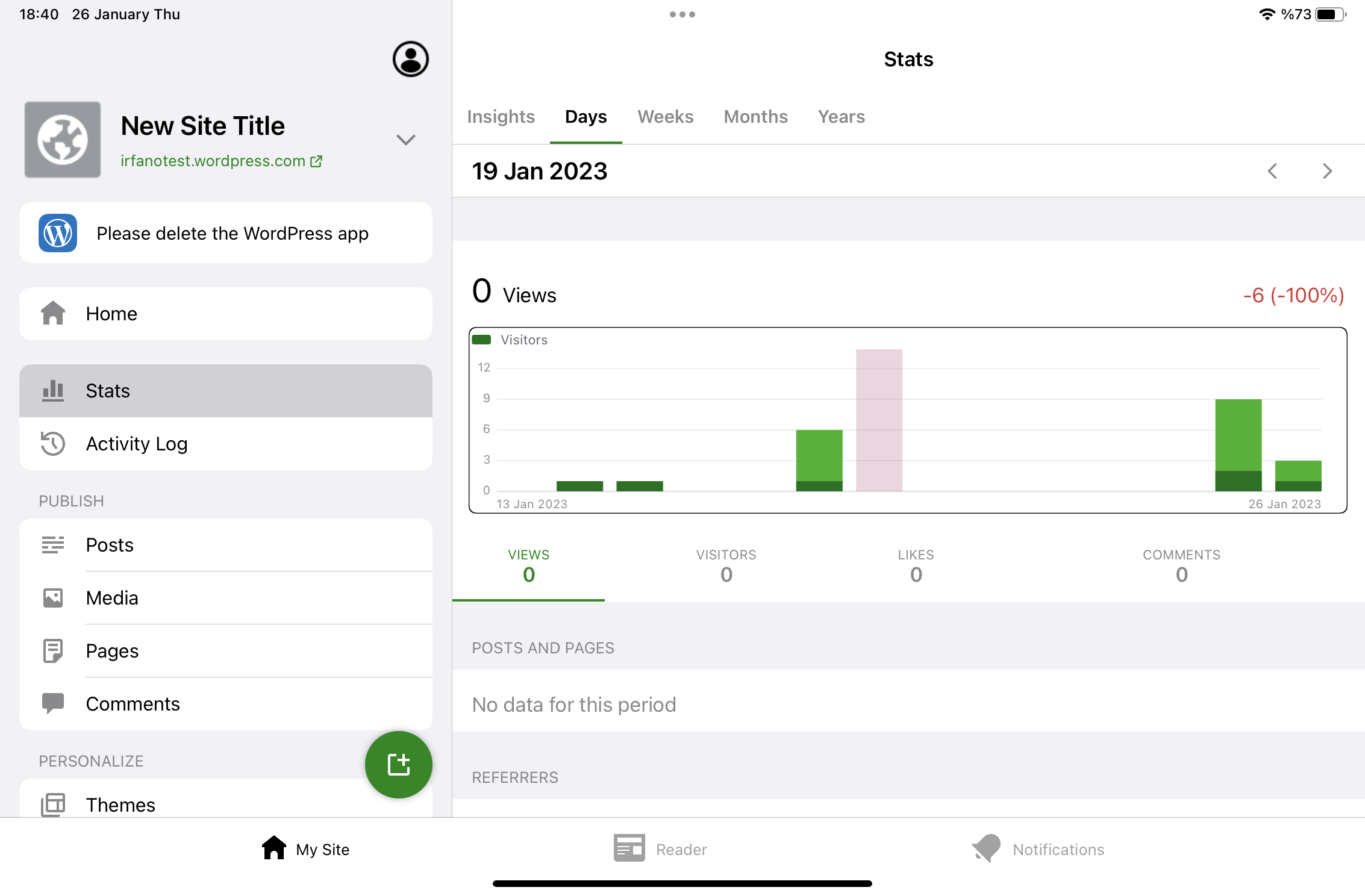
Steps to reproduce the behavior
- Activate VoiceOver from device Settings → Accessibility.
- Open the JP app and log in.
- Open "My Site → Stats".
- Try to select points on the line chart of "Views & Visitors" card. Notice they can't be selected, and VoiceOver can't read them.
- Navigate to "DAYS" tab.
- Try to select points on the bar. Notice they can't be selected, and VoiceOver can't read them.
Tested on iPad mini 6th gen, iOS 16.1, WPiOS 21.6.0.1
Contributor guide
First steps
- Read the whole issue, then the project's contributing guide.
- Comment on the issue to say you are picking it up — it saves two people doing the same work.
- Fork the repository and make your change on a branch.
- Open a pull request that references the issue number.
Research direction
Reproduce the issue in My Site → Stats with VoiceOver enabled, checking the “Views & Visitors” line chart and the “DAYS” bar chart. Locate the chart implementation used by these screens and determine how chart points are exposed to VoiceOver. Done means points can be selected and their data is read on the tested iPad and iOS configuration.
Written by the indexing model from the issue text.
Assessment
- Tech stack
- swift
- Domain
- accessibility, mobile
- Issue type
- Bug
- Difficulty
- 4/5
- Estimated time
- 3-5 days
- Activity status
- Stale
- Clarity
- Mostly clear
- Newbie friendliness
- 35/100