wordpress-mobile / wordpress-mobile/WordPress-Android
Pages List: Improve search performance to reduce lag with private pages
Nobody has claimed this yet.
- Dominant language
- Kotlin
- Stars
- 3.2k
- Forks
- 1.4k
- Avg merge
- 1d 11h
- Merged PRs (30d)
- 69
Description
Expected behavior
There should be two tabs, one for private/protected pages, and the "Published" tab which displays only published pages. Alternatively, "Published" could be a separate tab, and what is currently "Published" could read as "All".
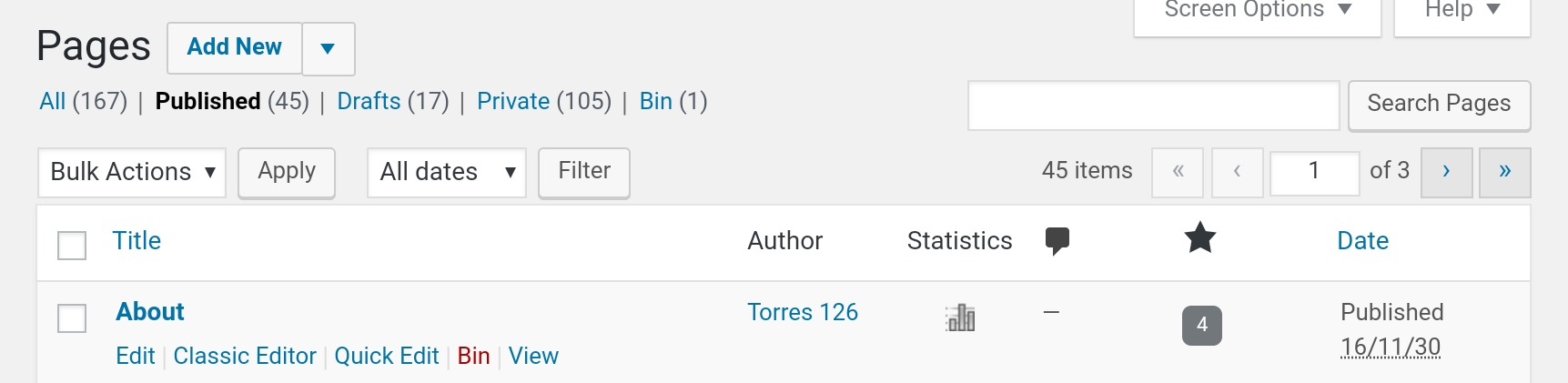
This would be consistent with wp-admin and Calypso.
Actual behavior
Private pages appear under "Published". This would generally be okay because of the searching feature, but for a site with lots of private pages, the entire search function quickly becomes really laggy to the point it's more convenient to use a browser.
Steps to reproduce the behavior
- Have a site with a couple of pages set to private
- Go into the "Pages" tab
- See private pages
In comparison, try doing this on a site with a large number of private pages, and using the Search function or editing pages. It'll lag a lot, which I'm assuming is due to the huge number of posts listed, since it doesn't lag on other sites or in the "Drafts" tab which has far less pages for me.
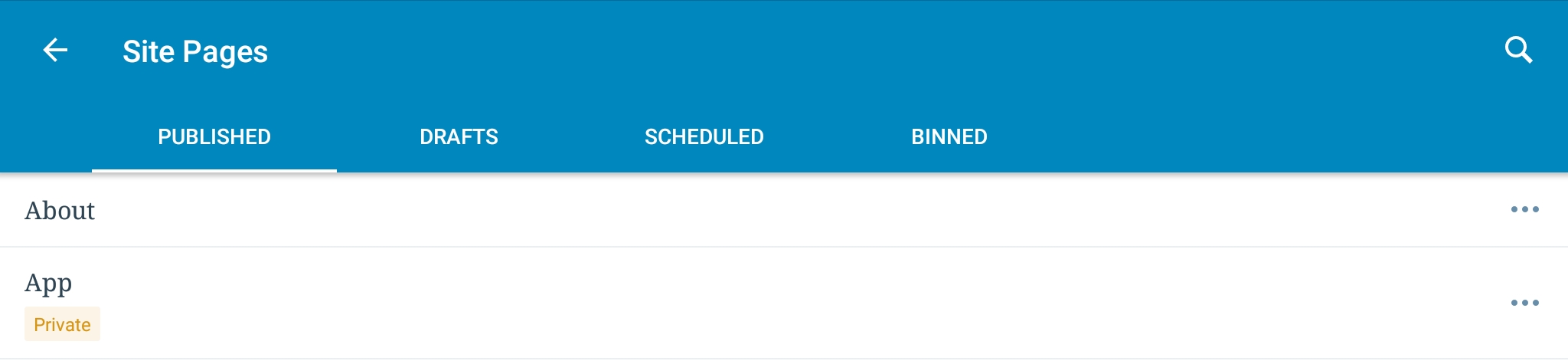
For comparison, web versions do not show privately published pages under the "Published" section.
The lag will also make an error appear when trying to edit the page, which doesn't occur when there's less pages.
An error occurred when loading the post. Refresh your posts and try again.
Note: Though the error mentions a post, this is happening with a page
I just feel it'd be a better, more consistent and less troublesome/laggy enhancement if private pages were removed from the "Published" section.
Tested on Samsung Galaxy Tab S2, Android 7
Contributor guide
First steps
- Read the whole issue, then the project's contributing guide.
- Comment on the issue to say you are picking it up — it saves two people doing the same work.
- Fork the repository and make your change on a branch.
- Open a pull request that references the issue number.
Research direction
Start from the Pages tab and its Search function, reproducing the lag with many private pages on Android. Trace how private pages enter the Published list and how editing behaves; done means private pages are separated from Published or clearly placed in an All tab, search is responsive, and the edit-loading error no longer occurs.
Written by the indexing model from the issue text.
Assessment
- Tech stack
- android, kotlin
- Domain
- mobile, performance
- Issue type
- Feature
- Difficulty
- 4/5
- Estimated time
- 3-5 days
- Activity status
- Stale
- Clarity
- Mostly clear
- Newbie friendliness
- 42/100