wordpress-mobile / wordpress-mobile/WordPress-Android
Jetpack: Can't install Jetpack when self-hosted password is changed
Nobody has claimed this yet.
- Dominant language
- Kotlin
- Stars
- 3.2k
- Forks
- 1.4k
- Avg merge
- 1d 11h
- Merged PRs (30d)
- 69
Description
Expected behavior
I expect that the manual installation flow implemented in https://github.com/wordpress-mobile/WordPress-Android/pull/8426 will allow me to manually install Jetpack if the remote install fails because of invalid credentials.
Actual behavior
If I change my self-hosted account password after adding the site to the app, the Jetpack install fails and I end up on a blank screen where I can't proceed.
Steps to reproduce the behavior
- Set up a self-hosted site without Jetpack.
- Add the self-hosted site to the app.
- Change the account password on the self-hosted site (in the web dashboard).
- In the app, go to Stats.
- Select "Install Jetpack."
- Select "Continue."
Result: I see the "Installing Jetpack" screen, and then a webview loads with the beginning of the web flow for Jetpack install, but it quickly ends up on a blank screen:
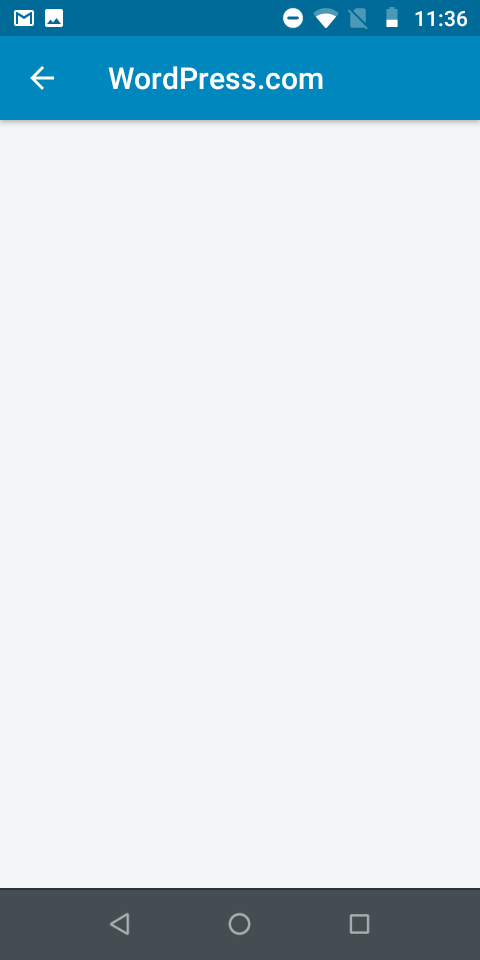
Tested on Moto E5 Play, Android 8.1.0, WPAndroid alpha-133
cc @planarvoid
Contributor guide
First steps
- Read the whole issue, then the project's contributing guide.
- Comment on the issue to say you are picking it up — it saves two people doing the same work.
- Fork the repository and make your change on a branch.
- Open a pull request that references the issue number.
Research direction
Start with the manual installation flow described in WordPress-Android PR 8426 and reproduce the password-change steps on Android. Trace the flow after selecting “Continue” and compare it with the invalid-credentials case. Done means the flow no longer ends on a blank screen and allows manual Jetpack installation when remote installation fails.
Written by the indexing model from the issue text.
Assessment
- Tech stack
- android, kotlin
- Domain
- authentication, mobile
- Issue type
- Bug
- Difficulty
- 3/5
- Estimated time
- 1-2 days
- Activity status
- Stale
- Clarity
- Mostly clear
- Newbie friendliness
- 35/100