wordpress-mobile / wordpress-mobile/WordPress-Android
Comments: some HTML is stripped from comments on edit
Nobody has claimed this yet.
- Dominant language
- Kotlin
- Stars
- 3.2k
- Forks
- 1.4k
- Avg merge
- 1d 11h
- Merged PRs (30d)
- 69
Description
Expected behavior
For any HTML in a comment to remain intact when a comment is created or edited in the mobile app
Actual behavior
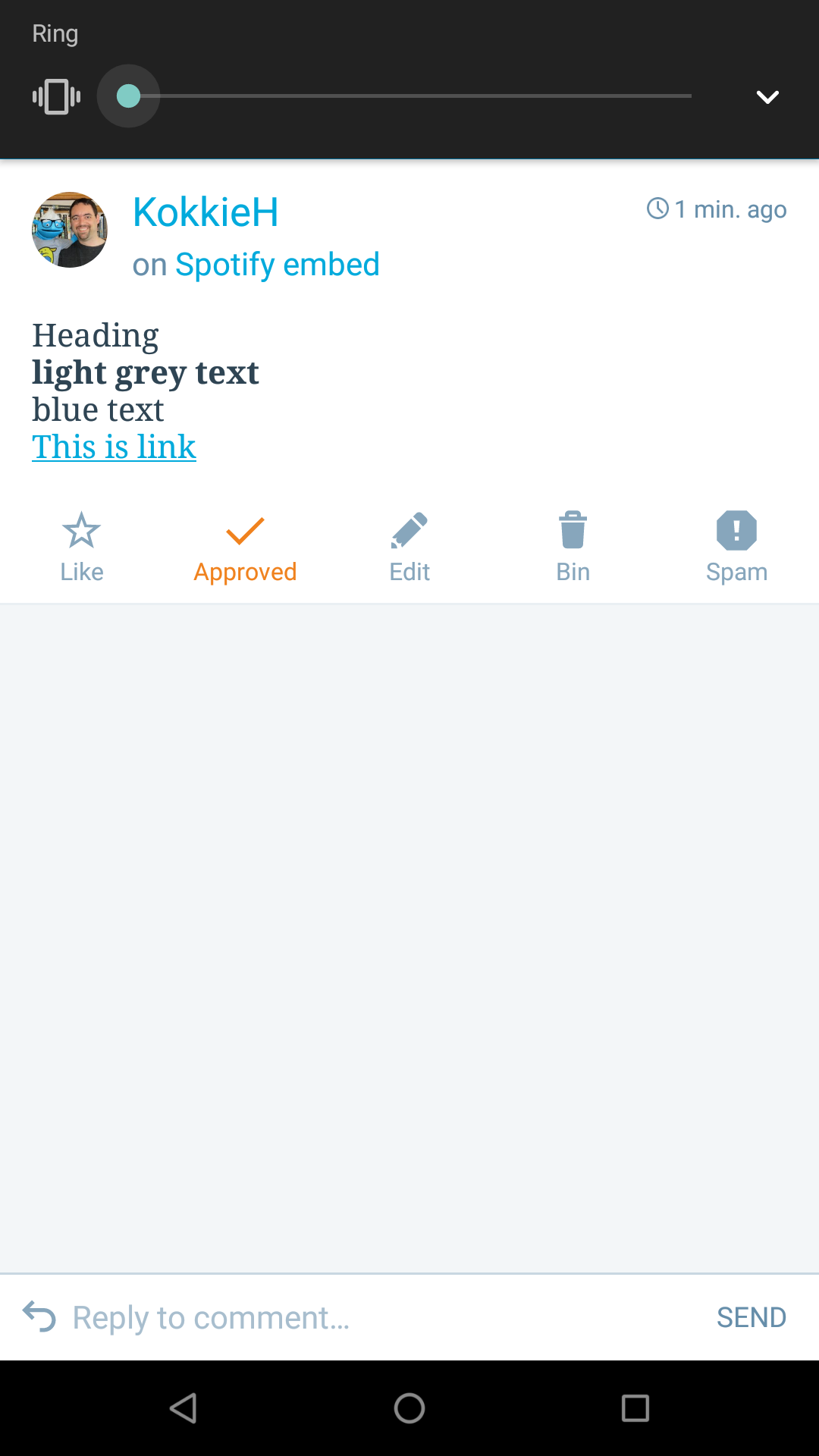
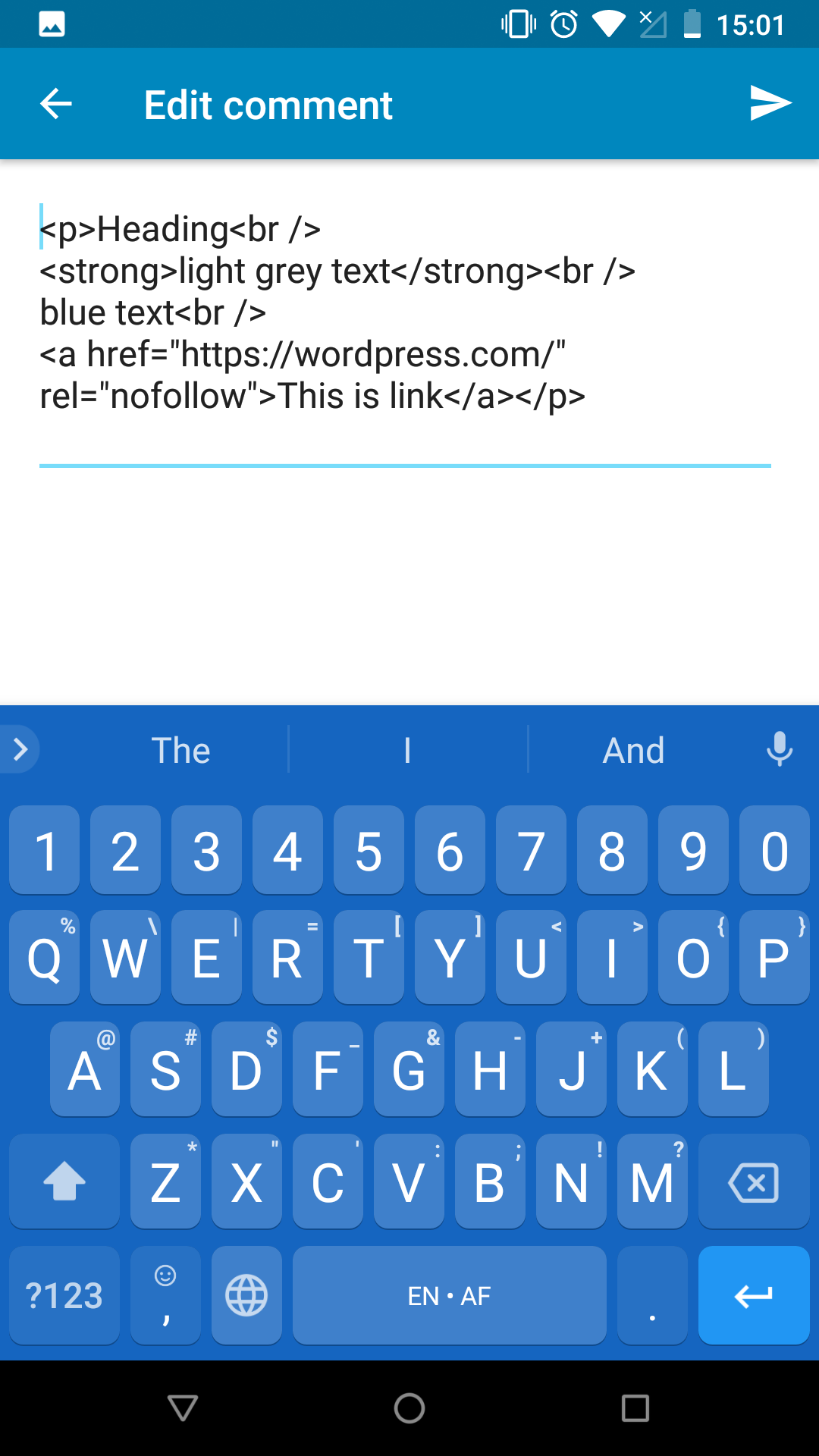
While the formatting is applied when viewing the comment in the app and the HTML is visible while editing the comment, the moment the comment is saved, some HTML tags are stripped out. If leaving a comment in the app Reader, some HTML is stripped out immediately on publishing the comment.
Steps to reproduce the behavior
- Using a browser, comment on a post including a heading and use a span-tag to change some the colour of some text. Example:
<h3 style="padding-left:30px;text-align:center;">Heading</h3>
<span style="color:#eeeeee;"><strong>light grey text</strong></span>
<span style="color:#0000ff;">blue text</span>
<a href="https://wordpress.com/">This is a link</a>
- In the app, go to W ->Comments and edit the comment. The HTML added in the browser will be visible.
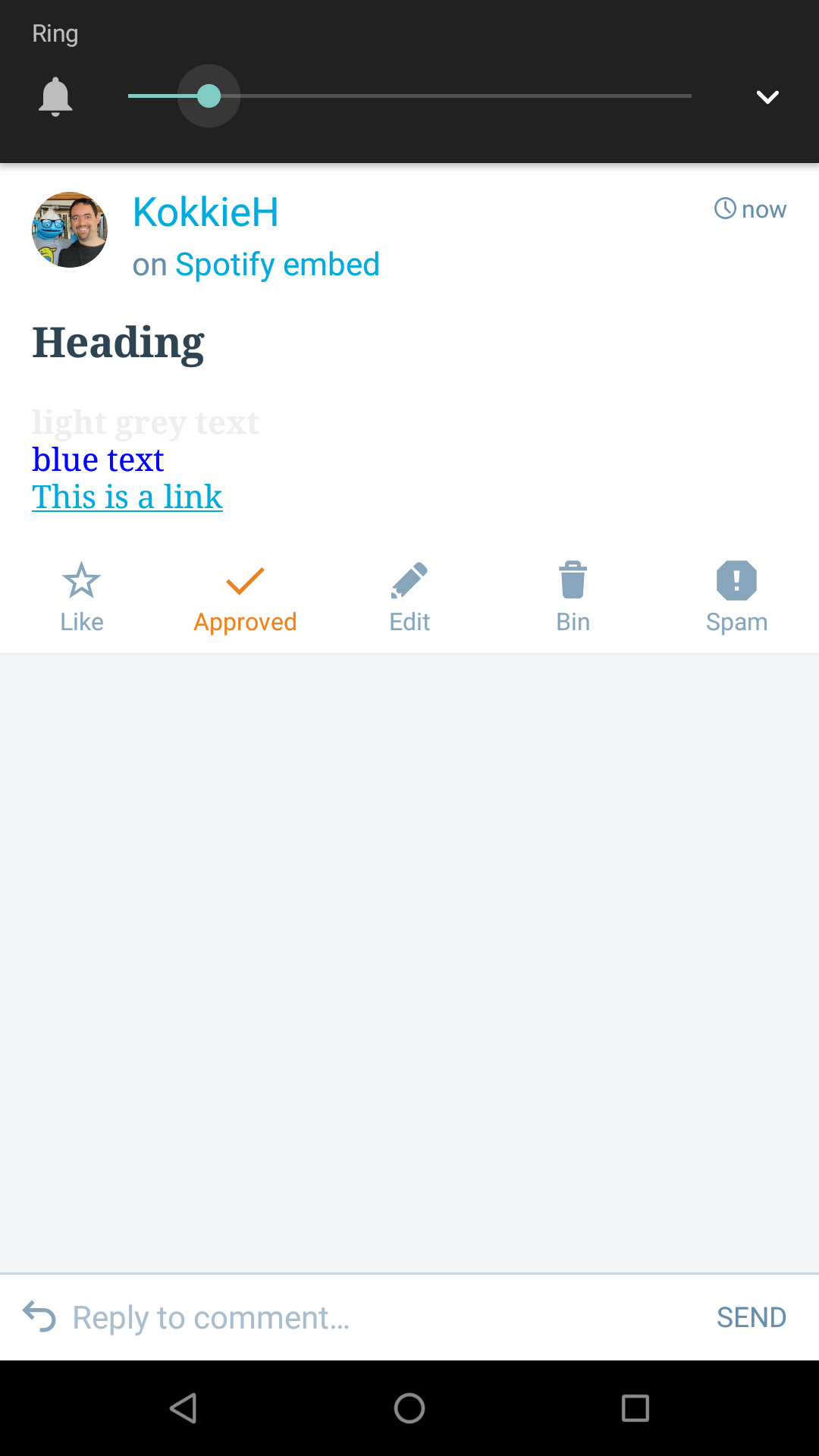
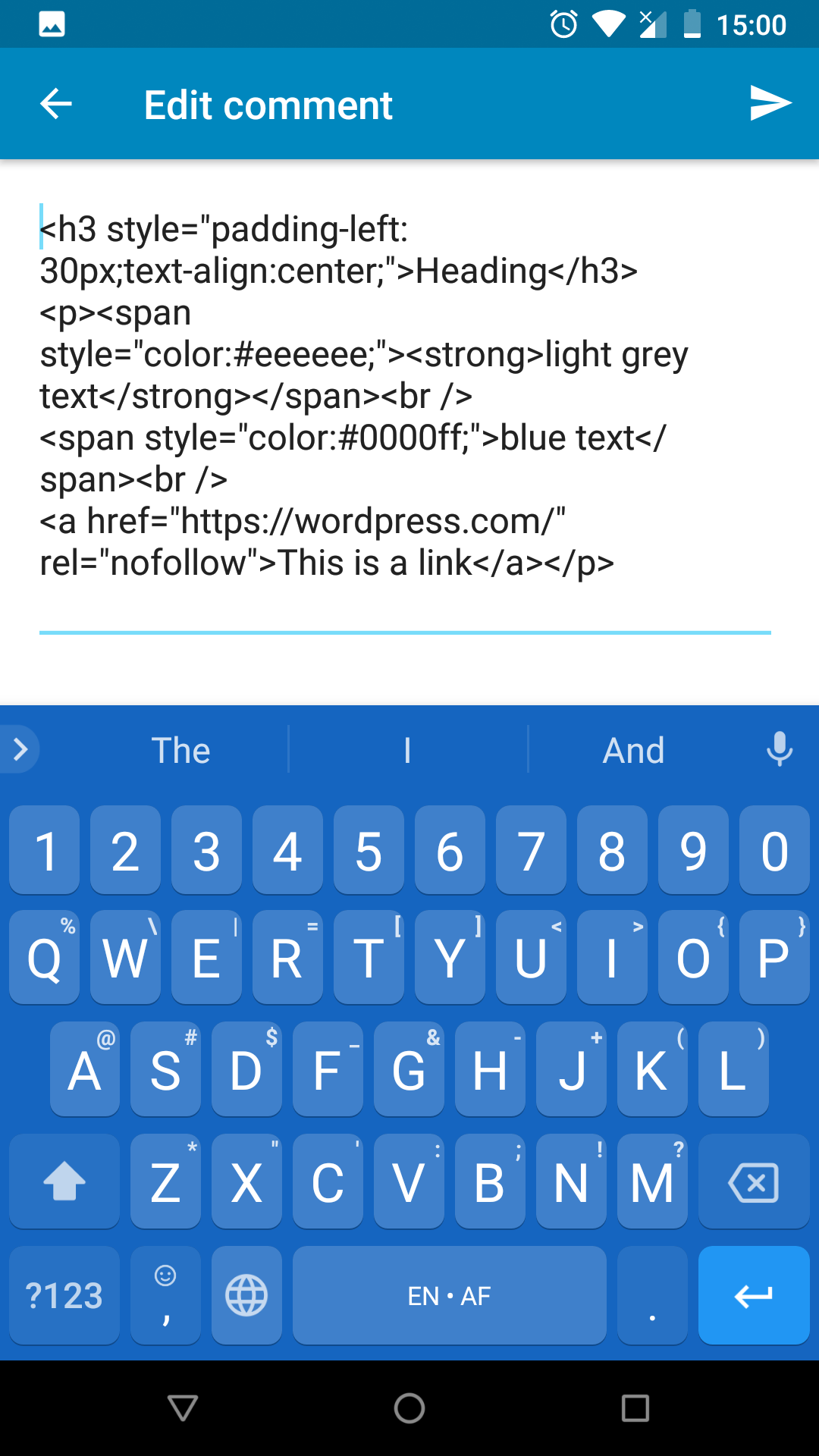
- Make any edit to the comment and update it. The comment no longer displays some of the formatting:
And on opening it to edit again some of the HTML tags are now missing:
Tested on [device], Android [version]
Confirmed on a Nexus 5X, Android version 8.1.0, App version 9.4
Reported by a user in the WordPress.com forums
Contributor guide
First steps
- Read the whole issue, then the project's contributing guide.
- Comment on the issue to say you are picking it up — it saves two people doing the same work.
- Fork the repository and make your change on a branch.
- Open a pull request that references the issue number.
Research direction
Start by reproducing the issue in the Android app using the supplied heading, span, strong, and link HTML, then trace the comment edit and publish flow. Done means the formatting remains intact after saving or publishing, including when the comment is opened for editing again.
Written by the indexing model from the issue text.
Assessment
- Tech stack
- android, kotlin
- Domain
- mobile
- Issue type
- Bug
- Difficulty
- 3/5
- Estimated time
- 1-2 days
- Activity status
- Stale
- Clarity
- Mostly clear
- Newbie friendliness
- 38/100