wordpress-mobile / wordpress-mobile/WordPress-Android
Media library not working on Atomic private sites
Open
Nobody has claimed this yet.
[Pri] Medium
[Type] Bug
Media
- Dominant language
- Kotlin
- Stars
- 3.2k
- Forks
- 1.4k
- Avg merge
- 1d 11h
- Merged PRs (30d)
- 69
Description
Expected behavior
The media library should work on Atomic private sites, as well as media blocks within the block editor.
Actual behavior
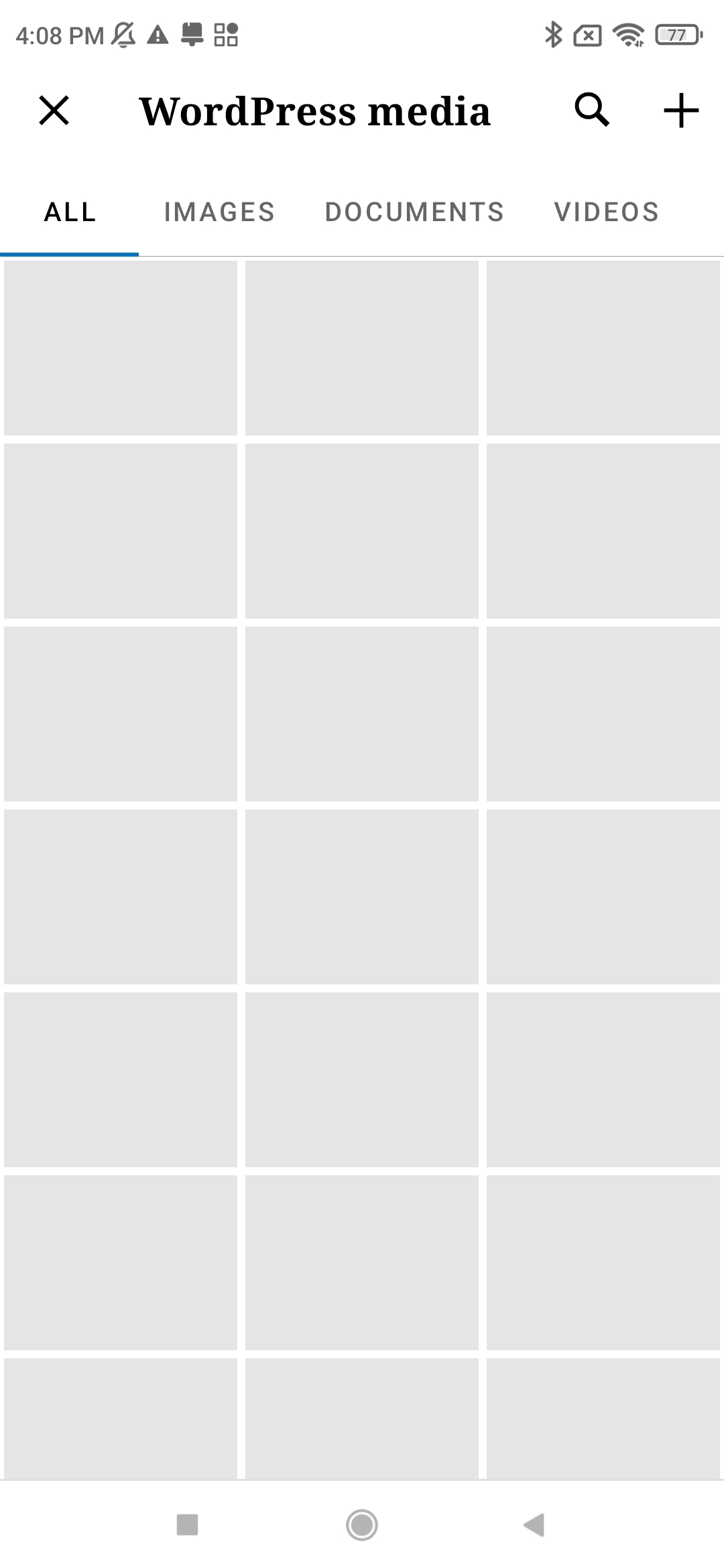
The media library can't load any images showing a placeholder.
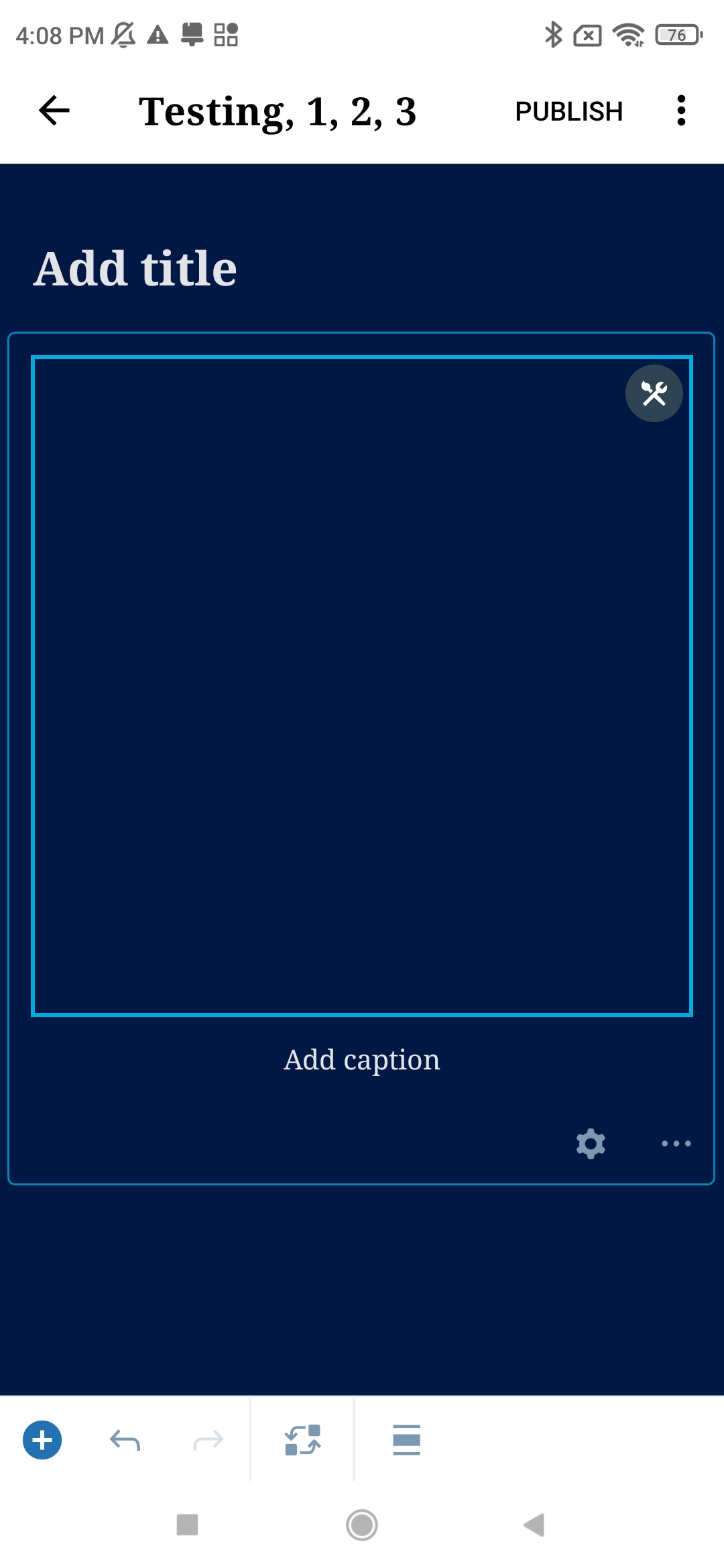
Image blocks don't work in the editor.
| Media library | Block editor |
|---|---|
 |
 |
Steps to reproduce the behavior
- Open the app
- Use an Atomic private site.
- Go to the media library
- Remote images should show up but placeholders are shown instead, if you open one, you get "Media could not be found" alert.
- Open the editor
- Add an Image block
- After the image is uploaded, it just show an empty space without the image.
Tested on Redmi Note 8T, Android 11, WPAndroid 20.2 (production build)
Contributor guide
First steps
- Read the whole issue, then the project's contributing guide.
- Comment on the issue to say you are picking it up — it saves two people doing the same work.
- Fork the repository and make your change on a branch.
- Open a pull request that references the issue number.
Research direction
Start by reproducing the issue on an Atomic private site in the media library and block editor, following the listed Redmi Note 8T steps. Trace the media library image loading and Image block display paths; done means remote images load and uploaded Image blocks render instead of placeholders or empty space.
Written by the indexing model from the issue text.
Assessment
- Tech stack
- android, kotlin
- Domain
- mobile
- Issue type
- Bug
- Difficulty
- 4/5
- Estimated time
- 3-5 days
- Activity status
- Stale
- Clarity
- Mostly clear
- Newbie friendliness
- 35/100