wordpress-mobile / wordpress-mobile/WordPress-Android
Reader has issues in rendering the search block.
Nobody has claimed this yet.
- Dominant language
- Kotlin
- Stars
- 3.2k
- Forks
- 1.4k
- Avg merge
- 1d 11h
- Merged PRs (30d)
- 69
Description
Expected behaviour
When creating a post with the search block, I would expect to be able to view the post in the app reader and being able to scroll along the full list of found search matches.
Actual behaviour
When creating a post with the search block, when looking at it from the app reader the search block is not shown (note that in iOS the block is shown but some rendering issues are present that we should check in Android as well once the previous point is addressed)
Steps to reproduce the behaviour
- Create a post with the search block
- Publish the post
- Open the post in the reader and notice the search block is not rendered
| Reader rendering | Webview rendering |
|---|---|
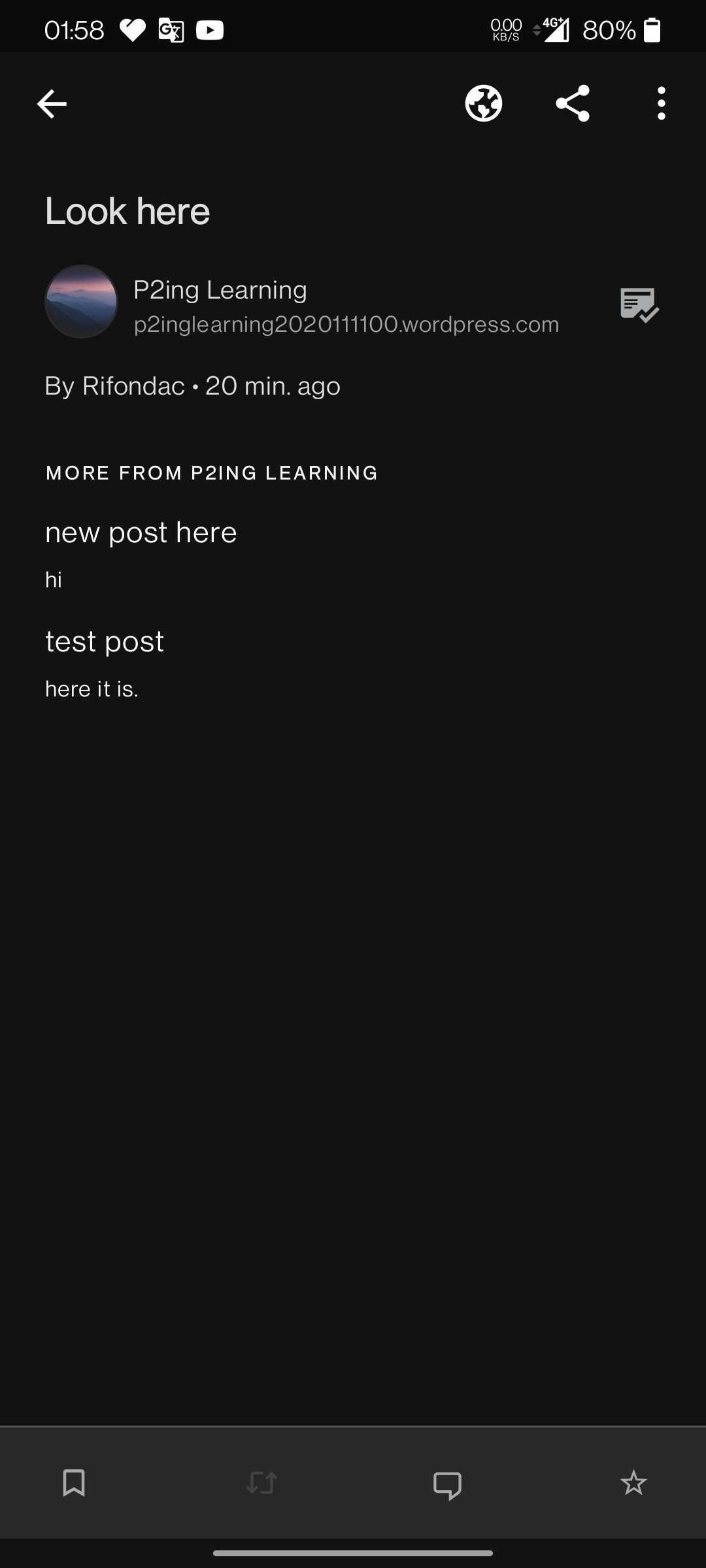 |
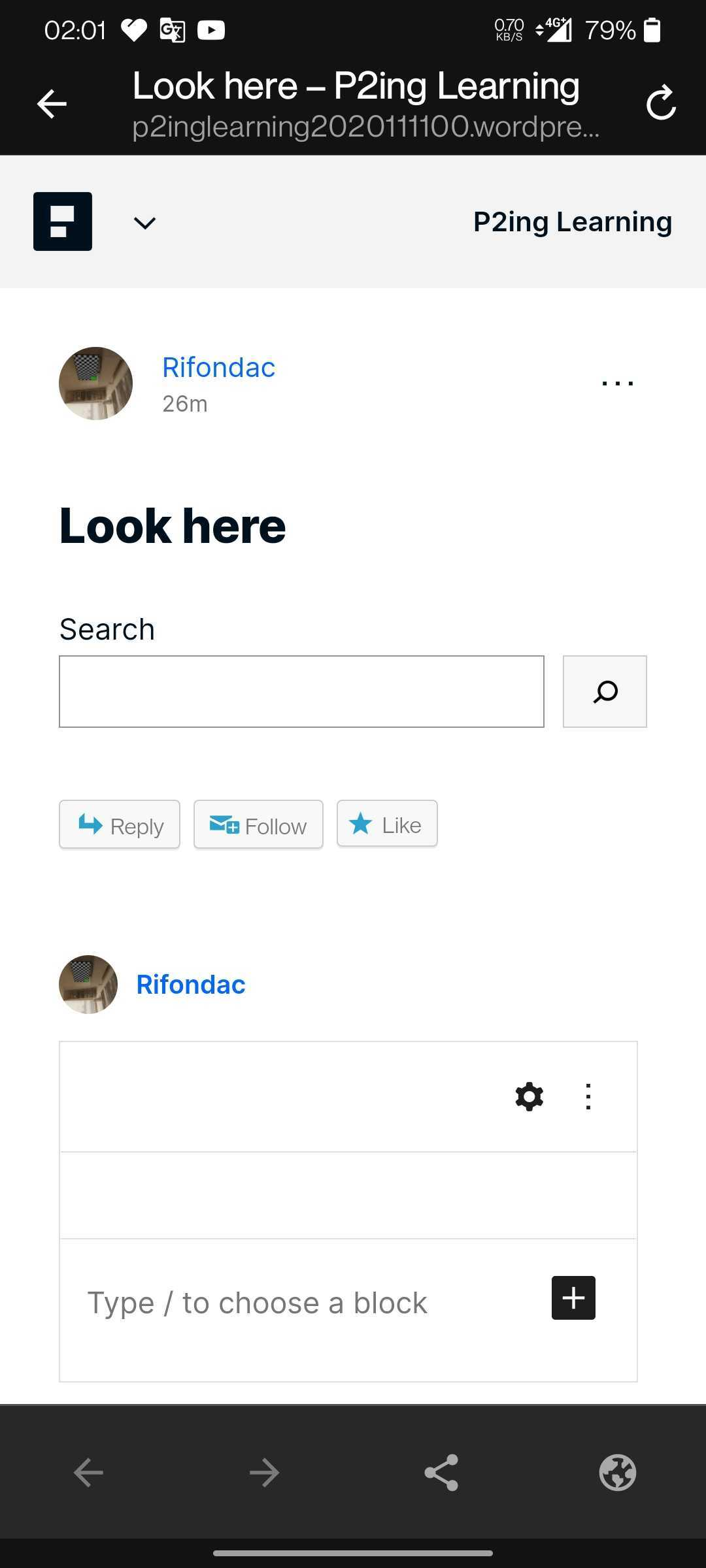 |
Tested on [OnePlus 7T], Android [Android 11], WPAndroid [17.3-rc-1]
Link to iOS homologous here
Contributor guide
First steps
- Read the whole issue, then the project's contributing guide.
- Comment on the issue to say you are picking it up — it saves two people doing the same work.
- Fork the repository and make your change on a branch.
- Open a pull request that references the issue number.
Research direction
Start by reproducing the issue with the listed Android and WPAndroid versions: create and publish a post containing a search block, then open it in the Reader. Compare the Reader and webview renderings, including the iOS reference, and consider the issue done when Android displays the block and allows scrolling through all search matches without the reported rendering problems.
Written by the indexing model from the issue text.
Assessment
- Tech stack
- android, kotlin
- Domain
- mobile
- Issue type
- Bug
- Difficulty
- 3/5
- Estimated time
- 1-2 days
- Activity status
- Stale
- Clarity
- Mostly clear
- Newbie friendliness
- 42/100