wordpress-mobile / wordpress-mobile/WordPress-Android
Software Keyboard Hides Bottom Widgets
Nobody has claimed this yet.
- Dominant language
- Kotlin
- Stars
- 3.2k
- Forks
- 1.4k
- Avg merge
- 1d 11h
- Merged PRs (30d)
- 69
Description
Expected
All interface widgets are shown or can be scrolled into view, especially at the bottom of the screen.
Observed
Some interface widgets are not shown or can't be scrolled into view, especially at the bottom of the screen.
Reproduced
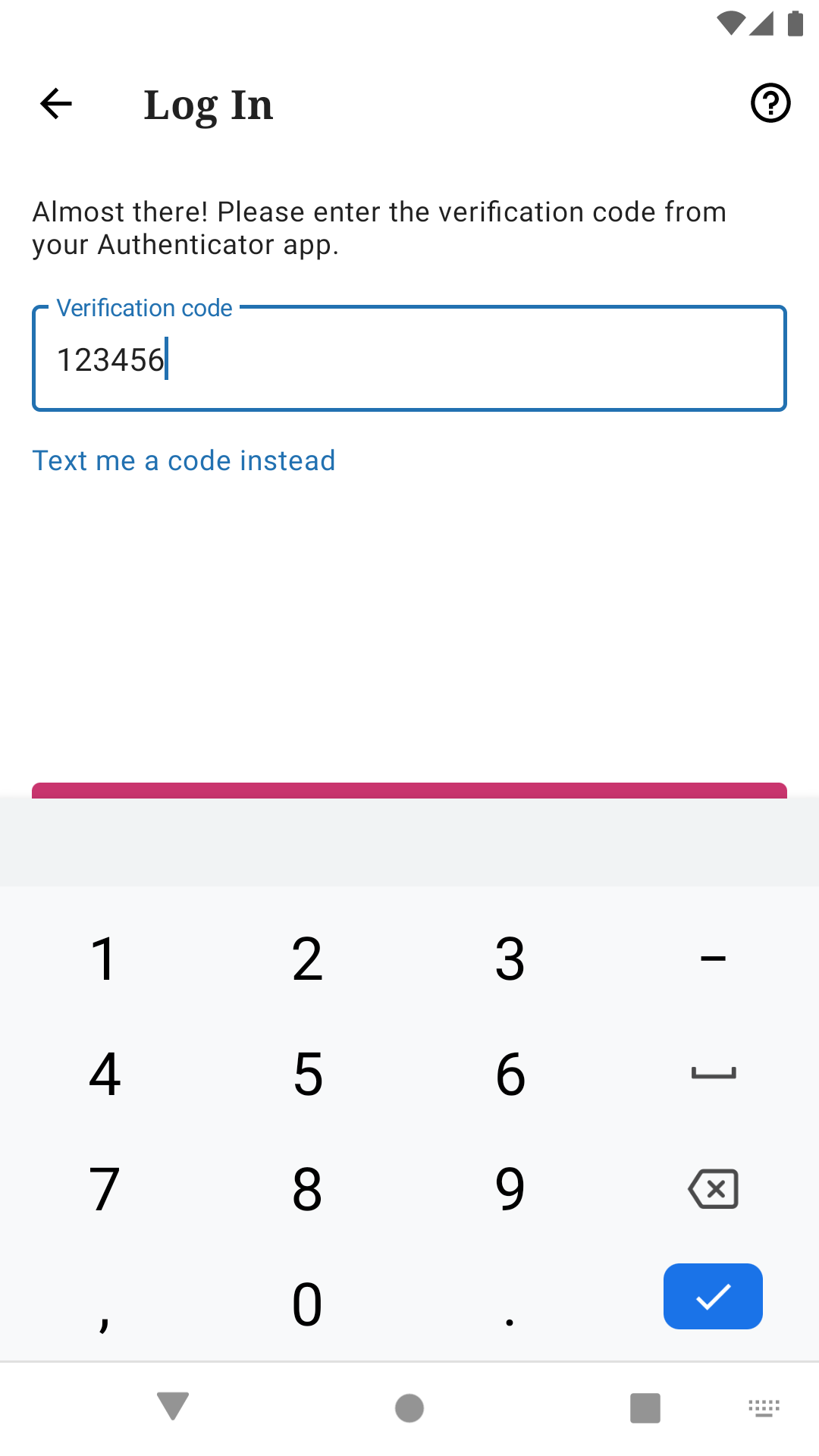
Some partially hidden widgets have been observed on the Log In screen while entering the two-factor authentication code and on the Comments screen while replying to a comment.
Log In
In order to see the two-factor authentication screen during login, two-factor authentication must be enabled on the account at https://wordpress.com/me/security/two-step.
- Clear app data.
- Tap Continue with WordPress.com button on prologue screen.
- Enter email address in Email address field.
- Tap Continue button on Get Started screen.
- Enter password in Password field.
- Tap Continue button on Log In screen.
- Leave app to get two-factor authentication code.
- Copy two-factor authentication code outside of app.
- Go back to app.
- Long-press Verification code field.
- Tap Paste option in menu.
- Notice Continue button is partially hidden and cannot be scrolled into view.
Comments
In order to reply to a comment, at least one comment must be published on the selected site.
- Go to My Site tab.
- Tap Comments item under Publish section.
- Tap any comment in list.
- Tap Reply to comment... field.
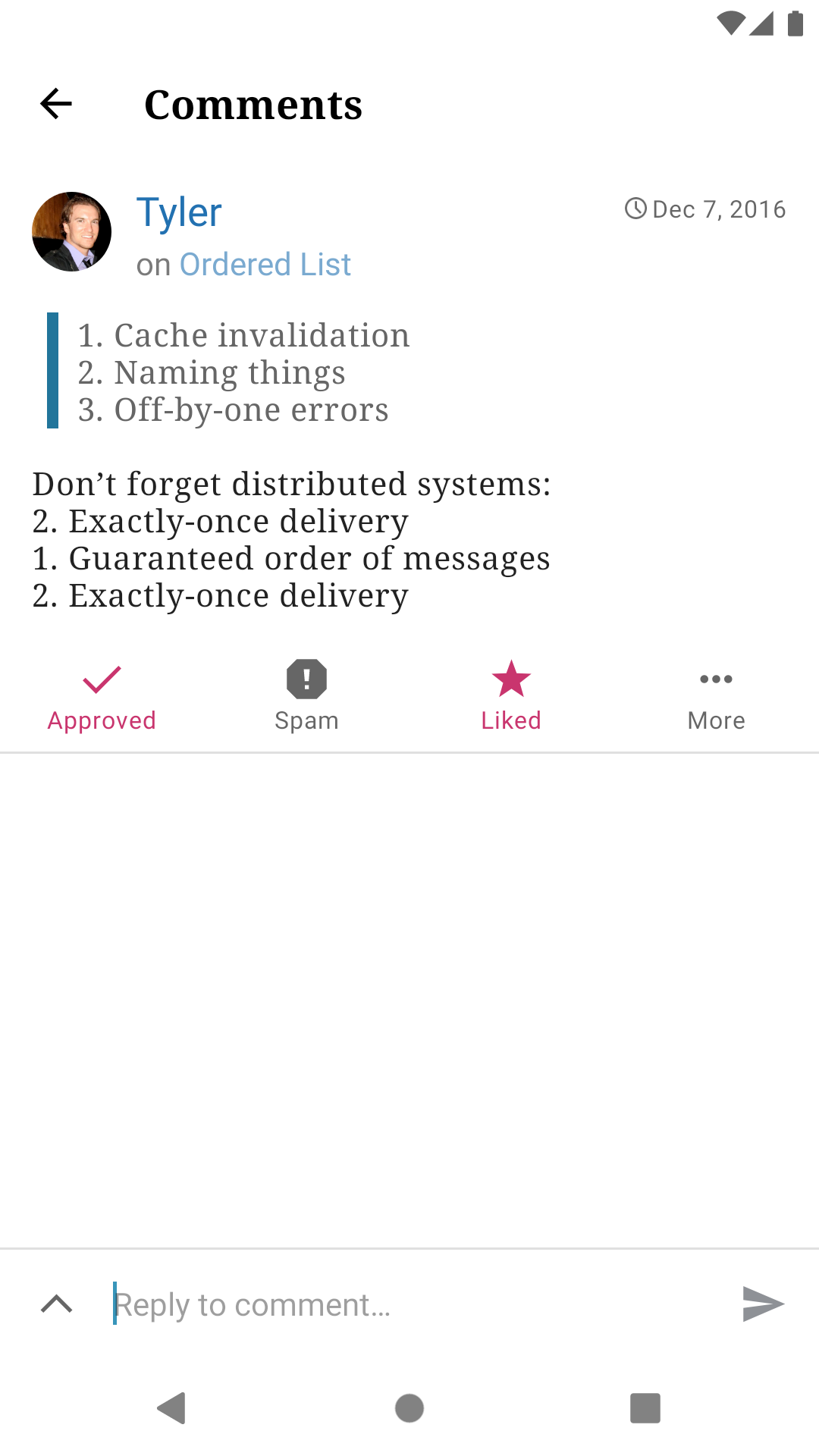
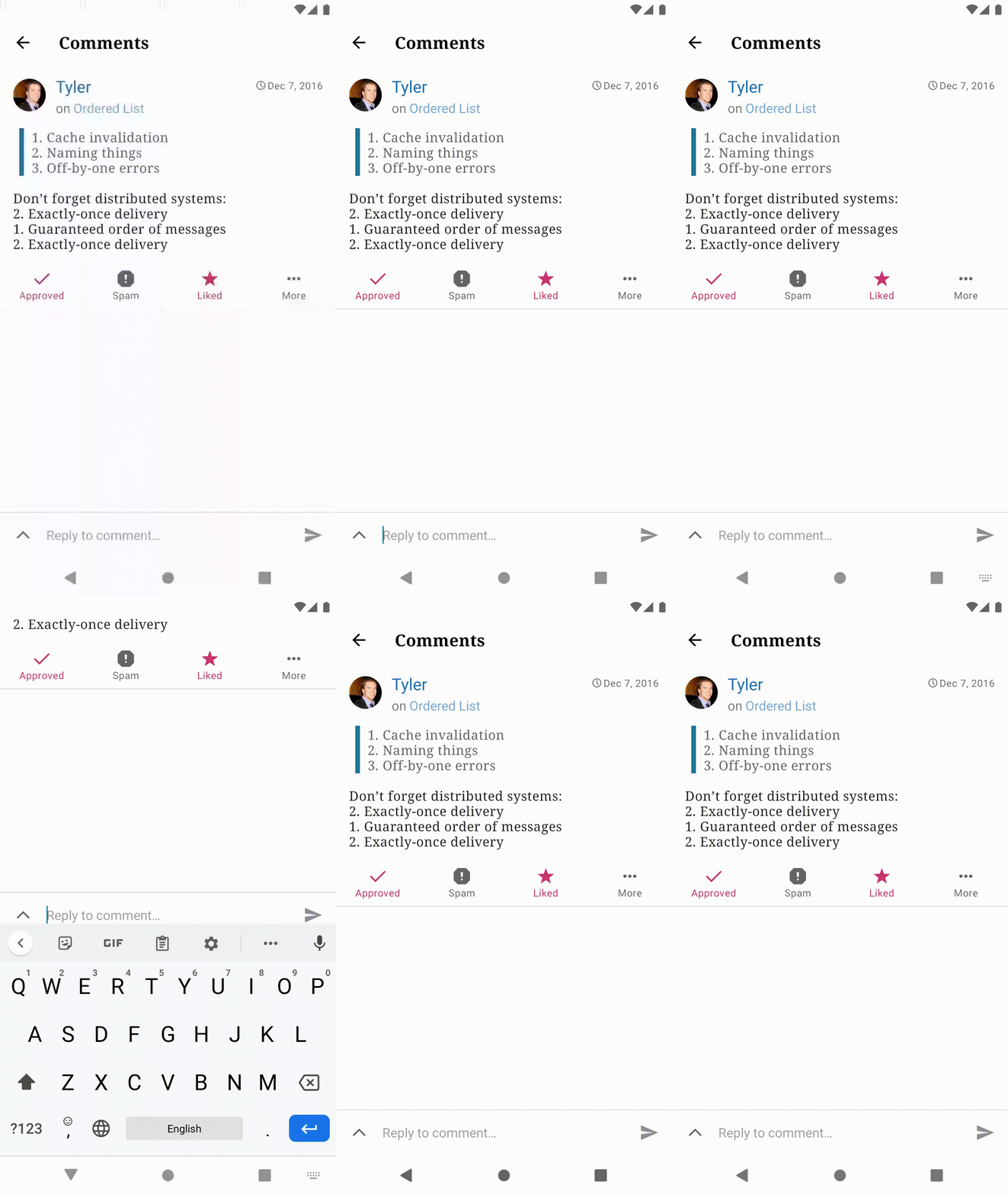
- Notice cursor is shown in Reply to comment... field.
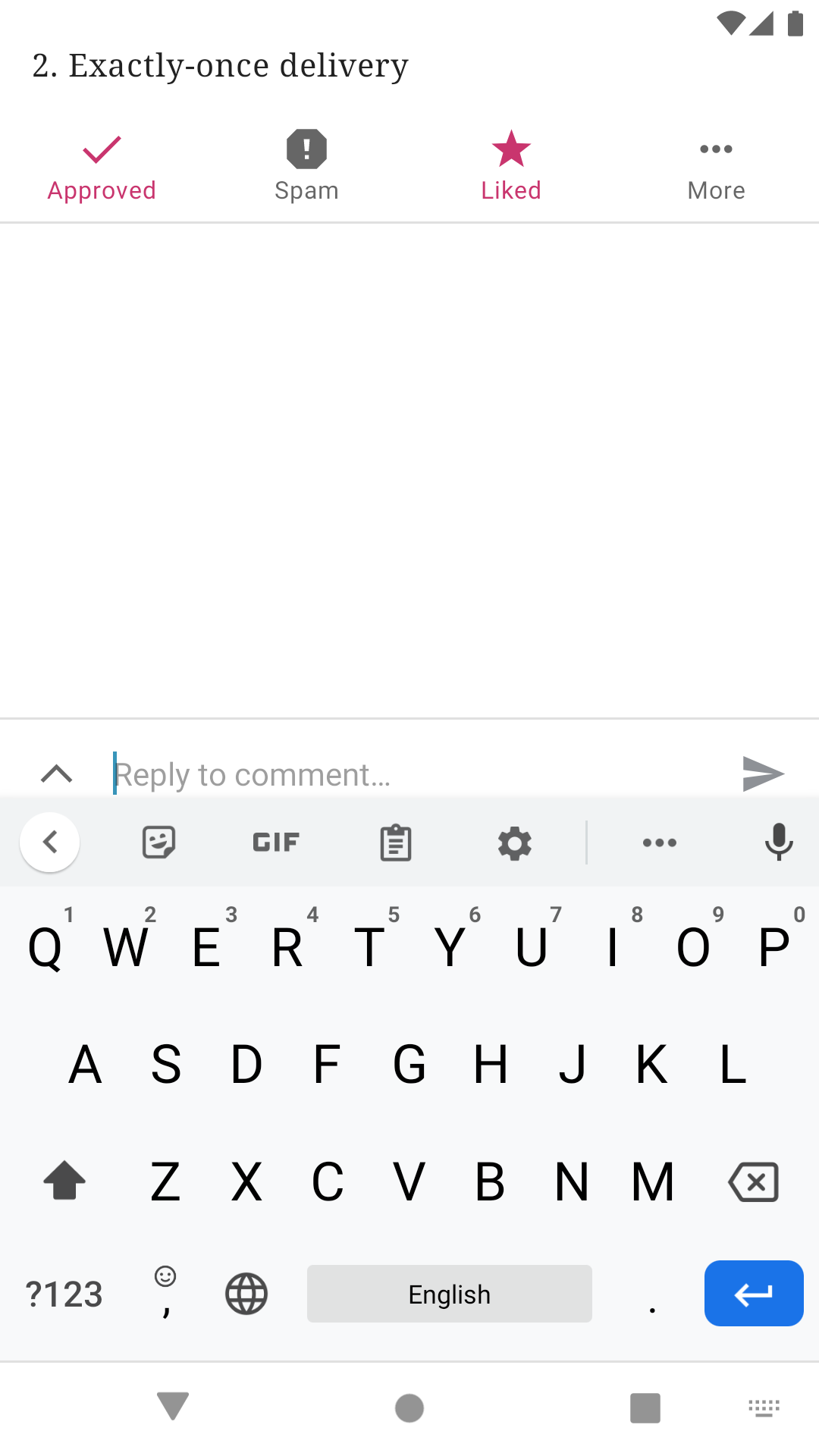
- Notice software keyboard is not shown.
- Tap Reply to comment... field.
- Notice software keyboard is shown.
- Notice Reply to comment... field is partially hidden.
- Notice comment view is partially hidden.
| First Tap | Second Tap |
|---|---|
 |
 |
Tested
Google Pixel 2, Android 10, WordPress 16.0-rc-2(939)
Contributor guide
First steps
- Read the whole issue, then the project's contributing guide.
- Comment on the issue to say you are picking it up — it saves two people doing the same work.
- Fork the repository and make your change on a branch.
- Open a pull request that references the issue number.
Research direction
Start by reproducing the issue in the Android app through the two-factor authentication flow and the Comments reply flow described above, using the tested Pixel 2 and Android 10 details as reference. Done means bottom widgets, including the Continue button and reply field, remain visible or can be scrolled into view while the software keyboard is shown.
Written by the indexing model from the issue text.
Assessment
- Tech stack
- android, kotlin
- Domain
- mobile
- Issue type
- Bug
- Difficulty
- 3/5
- Estimated time
- 1-2 days
- Activity status
- Stale
- Clarity
- Mostly clear
- Newbie friendliness
- 35/100