wordpress-mobile / wordpress-mobile/WordPress-Android
Login: Site List does not update automatically after logging in to WordPress.com via Jetpack Install
Open
Nobody has claimed this yet.
[Pri] Medium
[Type] Bug
Login
Site Management
- Dominant language
- Kotlin
- Stars
- 3.2k
- Forks
- 1.4k
- Avg merge
- 1d 11h
- Merged PRs (30d)
- 69
Description
Steps to reproduce:
- On the log in screen, select the "Enter your site address" option and log in to a self-hosted non-Jetpack site.
- Go to Notifications.
- Tap "Install Jetpack".
- Tap "Set Up".
- Log in to the WordPress.com account you'd like to associate the Jetpack account with.
- Tap "Approve" when prompted.
- Go to My Site > Switch Site.
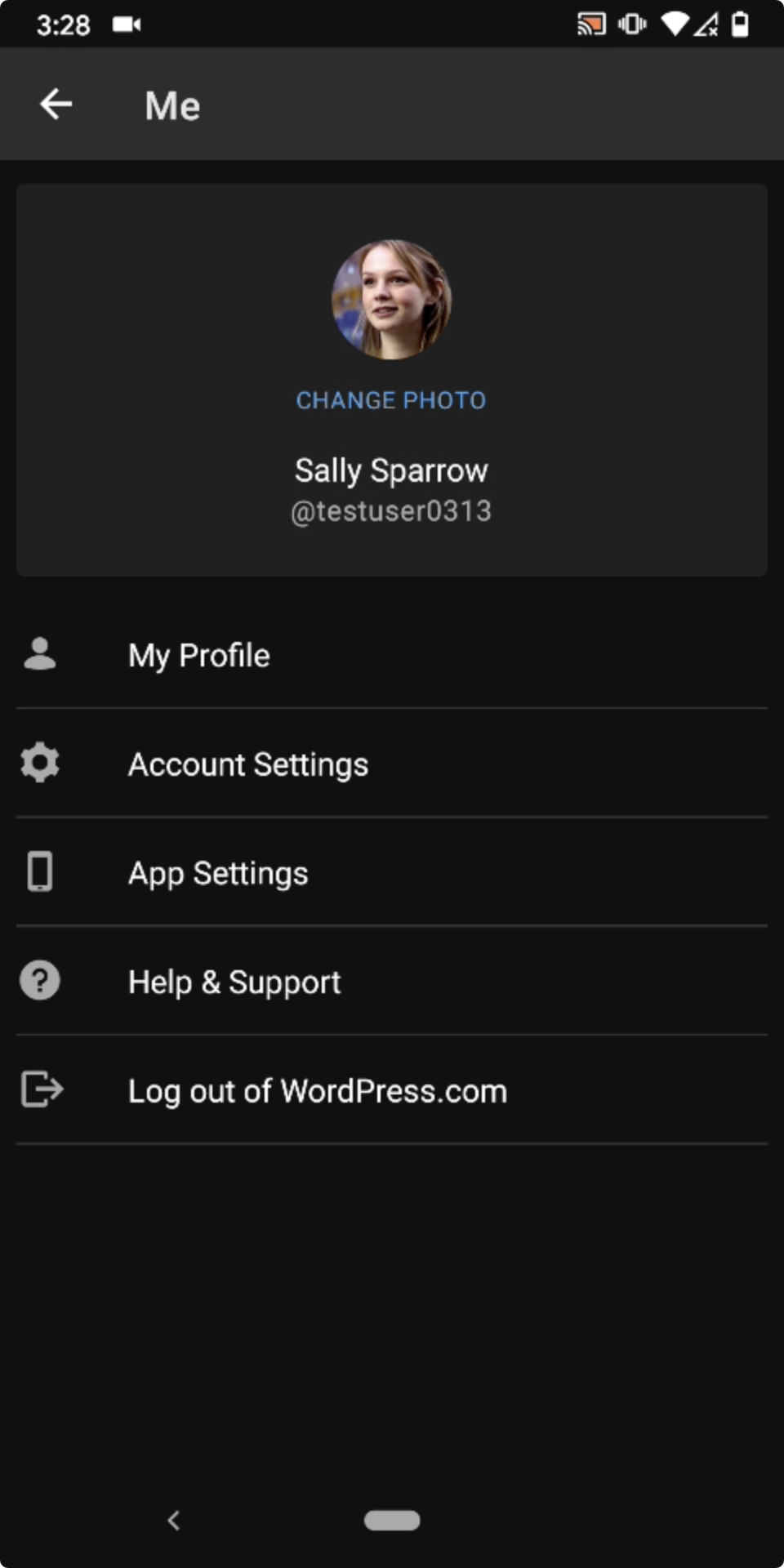
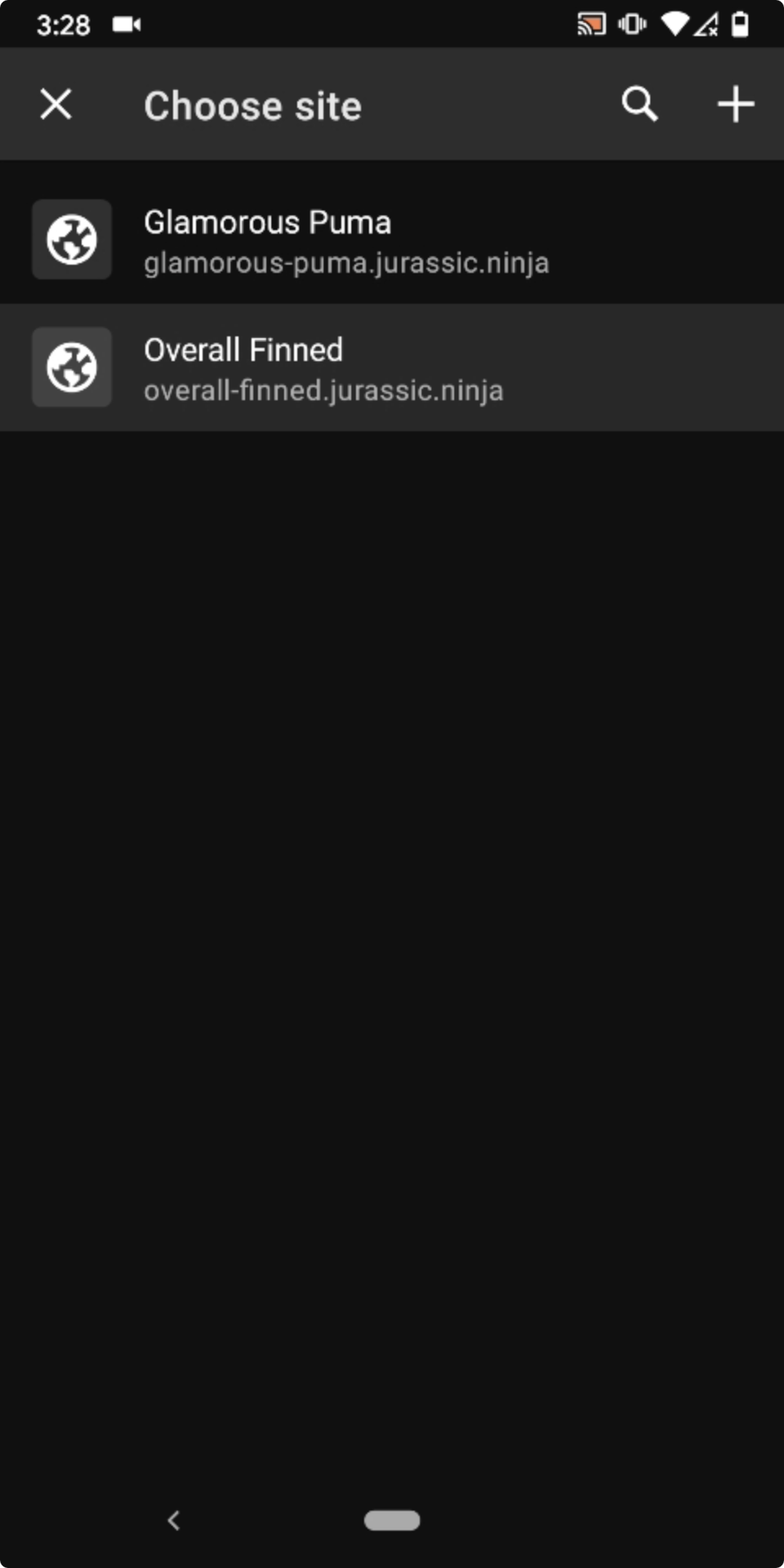
Result: Associated WP.com sites are missing from the My Site > Switch Site > Choose site screen if you log in by way of the Install Jetpack flow. (2m35s)
| Account screen after installing Jetpack via the app | Choose site screen missing WP.com sites | Pull-to-refresh | Choose site with WP.com sites showing after pull-to-refresh |
|---|---|---|---|
 |
 |
 |
 |
Tested with WPAndroid 15.4-rc-1 on Pixel 3 Android 10.
Contributor guide
First steps
- Read the whole issue, then the project's contributing guide.
- Comment on the issue to say you are picking it up — it saves two people doing the same work.
- Fork the repository and make your change on a branch.
- Open a pull request that references the issue number.
Research direction
Reproduce the flow from the login screen through Notifications, Install Jetpack, Set Up, and My Site > Switch Site on Android. Inspect how the site list is refreshed after WordPress.com authentication; done means associated WP.com sites appear automatically without using pull-to-refresh.
Written by the indexing model from the issue text.
Assessment
- Tech stack
- android, kotlin
- Domain
- authentication, mobile
- Issue type
- Bug
- Difficulty
- 3/5
- Estimated time
- 1-2 days
- Activity status
- Stale
- Clarity
- Mostly clear
- Newbie friendliness
- 35/100