wordpress-mobile / wordpress-mobile/WordPress-Android
Pages List: there can appear to be a double selection on the Set Parent page for child pages after selecting a different parent, searching, then selecting the original parent again
Nobody has claimed this yet.
- Dominant language
- Kotlin
- Stars
- 3.2k
- Forks
- 1.4k
- Avg merge
- 1d 11h
- Merged PRs (30d)
- 69
Description
Steps to reproduce:
- Go to My Site > Site Pages > More menu (for a child page) > Set parent.
- Note the original parent page.
- Select a new parent page.
- Tap the search icon at top right.
- Search for and select the originally set parent page.
- Tap the back Botton at top left.
Result: the first Set Parent selected appears to still be selected and when you scroll down the second parent page appears to be selected too but if you scroll back up again you see that the first selection is no longer selected. (1m4s)
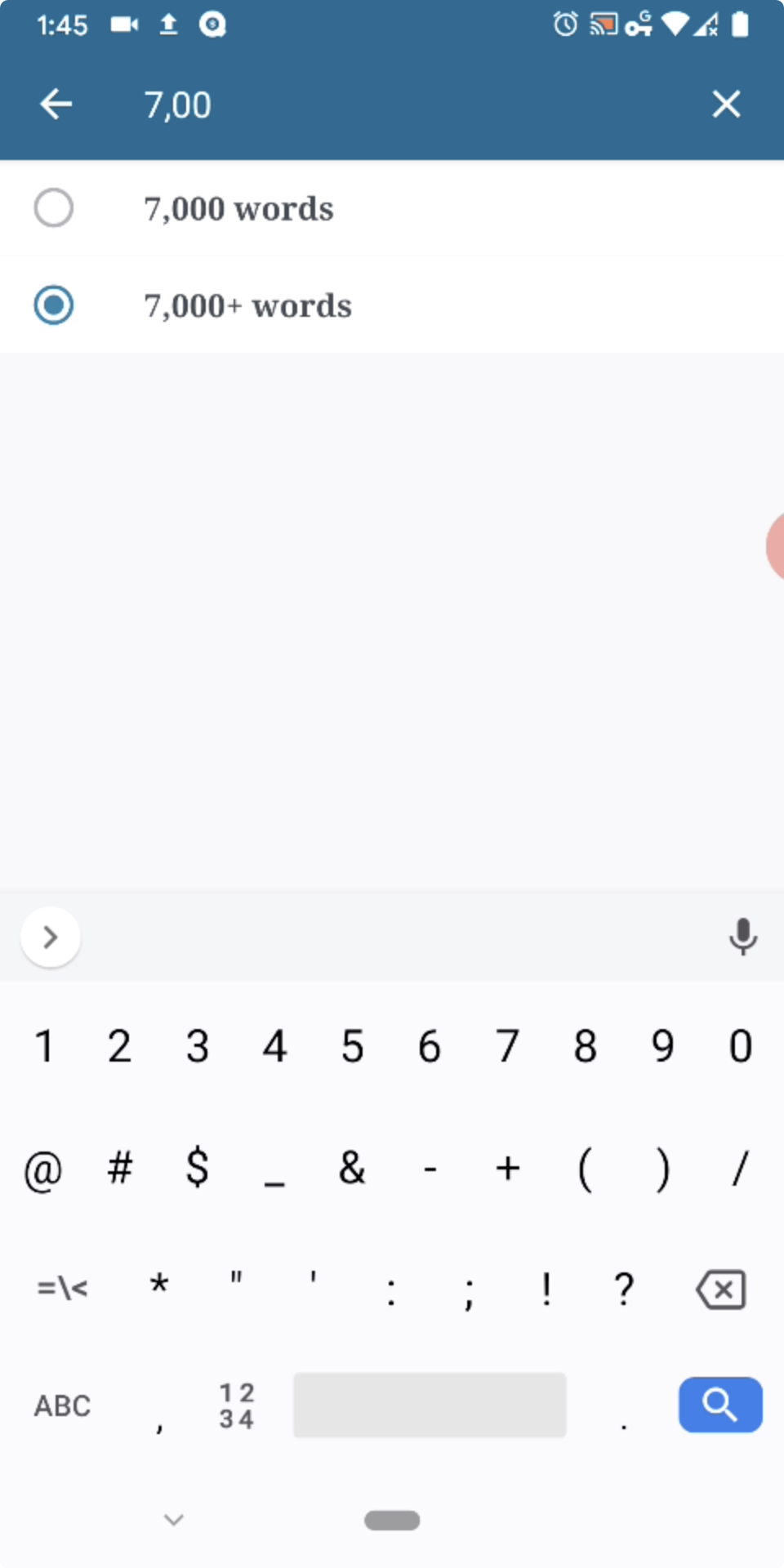
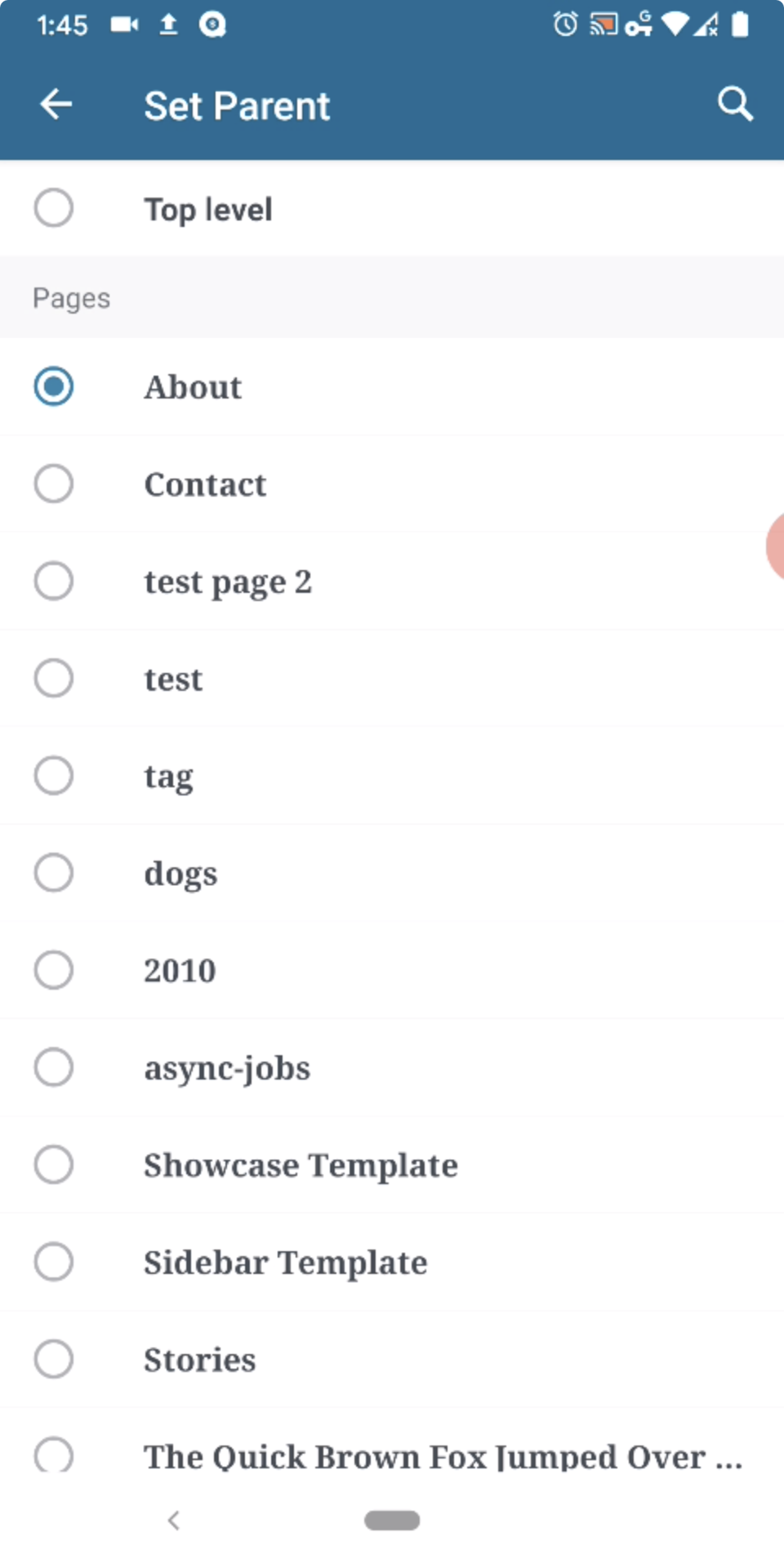
Tested with WPAndroid 14.3-rc-1 on Pixel 3 Android 10.
Contributor guide
First steps
- Read the whole issue, then the project's contributing guide.
- Comment on the issue to say you are picking it up — it saves two people doing the same work.
- Fork the repository and make your change on a branch.
- Open a pull request that references the issue number.
Research direction
Start by reproducing the Set Parent flow in WordPress for Android, then trace the Pages List selection state through changing the parent, searching, selecting the original parent, and returning. Done means the previous parent is no longer visually selected and only the current parent appears selected after navigating back.
Written by the indexing model from the issue text.
Assessment
- Tech stack
- android, kotlin
- Domain
- mobile
- Issue type
- Bug
- Difficulty
- 3/5
- Estimated time
- 1-2 days
- Activity status
- Stale
- Clarity
- Mostly clear
- Newbie friendliness
- 35/100