wordpress-mobile / wordpress-mobile/WordPress-Android
Add splash screen to avoid bright flash in dark mode
Nobody has claimed this yet.
- Dominant language
- Kotlin
- Stars
- 3.2k
- Forks
- 1.4k
- Avg merge
- 1d 11h
- Merged PRs (30d)
- 69
Description
This issue may appear on adding dark mode support in the app. Choosing a night mode other than MODE_NIGHT_FOLLOW_SYSTEM creates a screen flash in the special case when the night mode in the app is different from system's night mode.
This issue was discovered and resolved in the Simplenote app recently. Detailed discussion is here.
Expected behavior
App opens directly in dark mode.
Actual behavior
App briefly shows a white screen before opening in dark mode.
The behaviour as seen in Simplenote app:
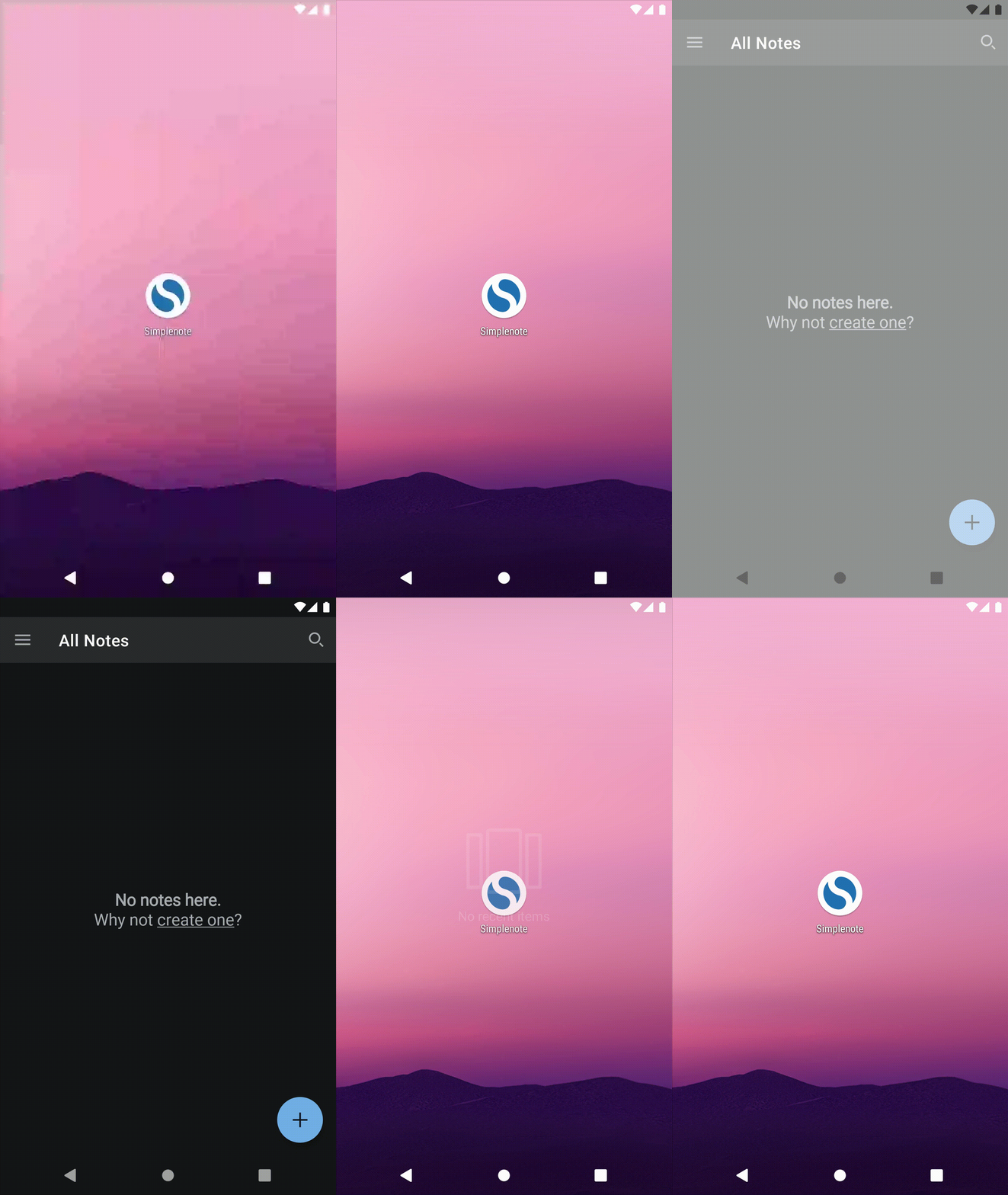
The reciprocal behaviour also happens but is less distracting: a dark splash screen is shown before the app opens in light mode if app theme is light and system theme is dark (API 29+ only)
Steps to reproduce the behavior
- Set app theme to dark.
- Close app and remove from recent apps.
- Set system theme to light (default on pre API29/Android 10)
- Open app.
Tested on [device], Android [version], WPAndroid [version]
Not tested on WPAndroid
Suggested solution
Create a splash theme and set it as the default app theme. Android uses this theme to inflate the initial window before applying the app's chosen night mode.
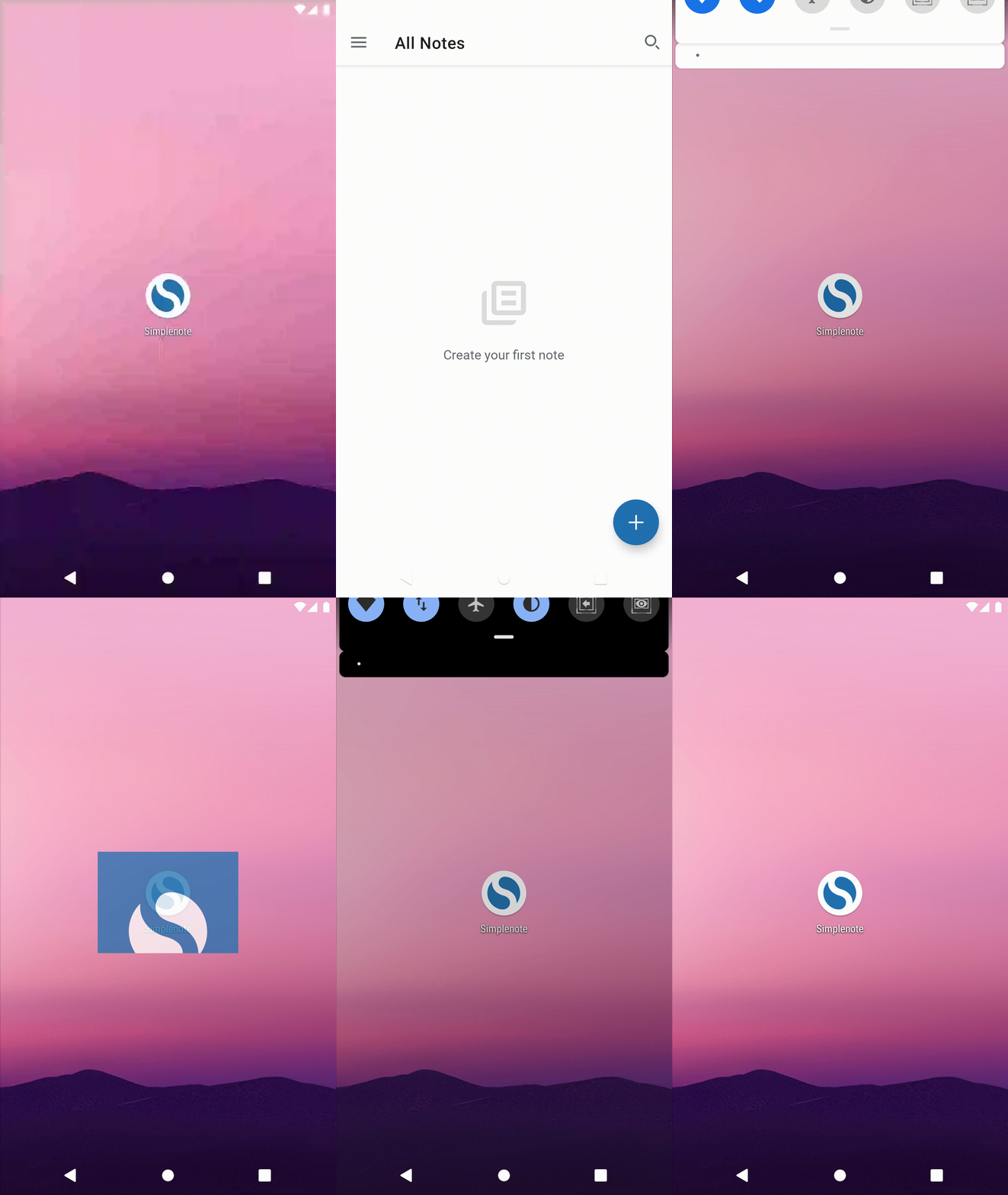
In the splash theme set android:windowBackground to a neutral colour or a drawable with a neutral coloured background. This is also an opportunity to highlight brand colours. In the Simplenote app, the background is a drawable with a white logo centred in 'Simplenote blue' background.
Splash background drawable:
<layer-list xmlns:android="http://schemas.android.com/apk/res/android"
    android:opacity="opaque">
    <item android:drawable="@color/blue"/>
    <item
        android:width="@dimen/icon_empty"
        android:height="@dimen/icon_empty"
        android:drawable="@drawable/ic_simplenote_24dp"
        android:gravity="center"/>
</layer-list>
Splash theme:
 <style name="Theme.Simplestyle.Splash">
        <item name="android:navigationBarColor">@color/blue</item>
        <item name="android:statusBarColor">@color/blue</item>
        <item name="android:windowBackground">@drawable/splash_background</item>
        <item name="android:windowLightStatusBar">false</item>
        <item name="android:windowLightNavigationBar">false</item>
    </style>
Behaviour after changes:
Contributor guide
First steps
- Read the whole issue, then the project's contributing guide.
- Comment on the issue to say you are picking it up — it saves two people doing the same work.
- Fork the repository and make your change on a branch.
- Open a pull request that references the issue number.
Research direction
Locate the app's default theme and Android resource definitions, then review the proposed splash theme and splash background drawable in the issue. Confirm the change by reproducing the light-to-dark and dark-to-light startup cases; done means the app opens without a bright or dark flash before its selected theme appears.
Written by the indexing model from the issue text.
Assessment
- Tech stack
- android
- Domain
- mobile
- Issue type
- Bug
- Difficulty
- 3/5
- Estimated time
- 1-2 days
- Activity status
- Stale
- Clarity
- Mostly clear
- Newbie friendliness
- 52/100