wordpress-mobile / wordpress-mobile/WordPress-Android
Add access to select and insert images from Google Photos
Nobody has claimed this yet.
- Dominant language
- Kotlin
- Stars
- 3.2k
- Forks
- 1.4k
- Avg merge
- 1d 11h
- Merged PRs (30d)
- 69
Description
Why doesn’t the Wordpress App support Gallery photos?
(internal references: 2625873-zen, p4a5px-2up-p2 cc @edwinho89)
I checked and could not find a way to add images from Google Photos via the media picker in the block editor (or via Media > Add New). At the time of testing, I had the Google Photos app installed and connected and I also made sure to run through the steps at https://en.support.wordpress.com/google-photos/ to connect the WordPress.com editor to my account to Google for the site I tested (I did that on the web per the instructions).
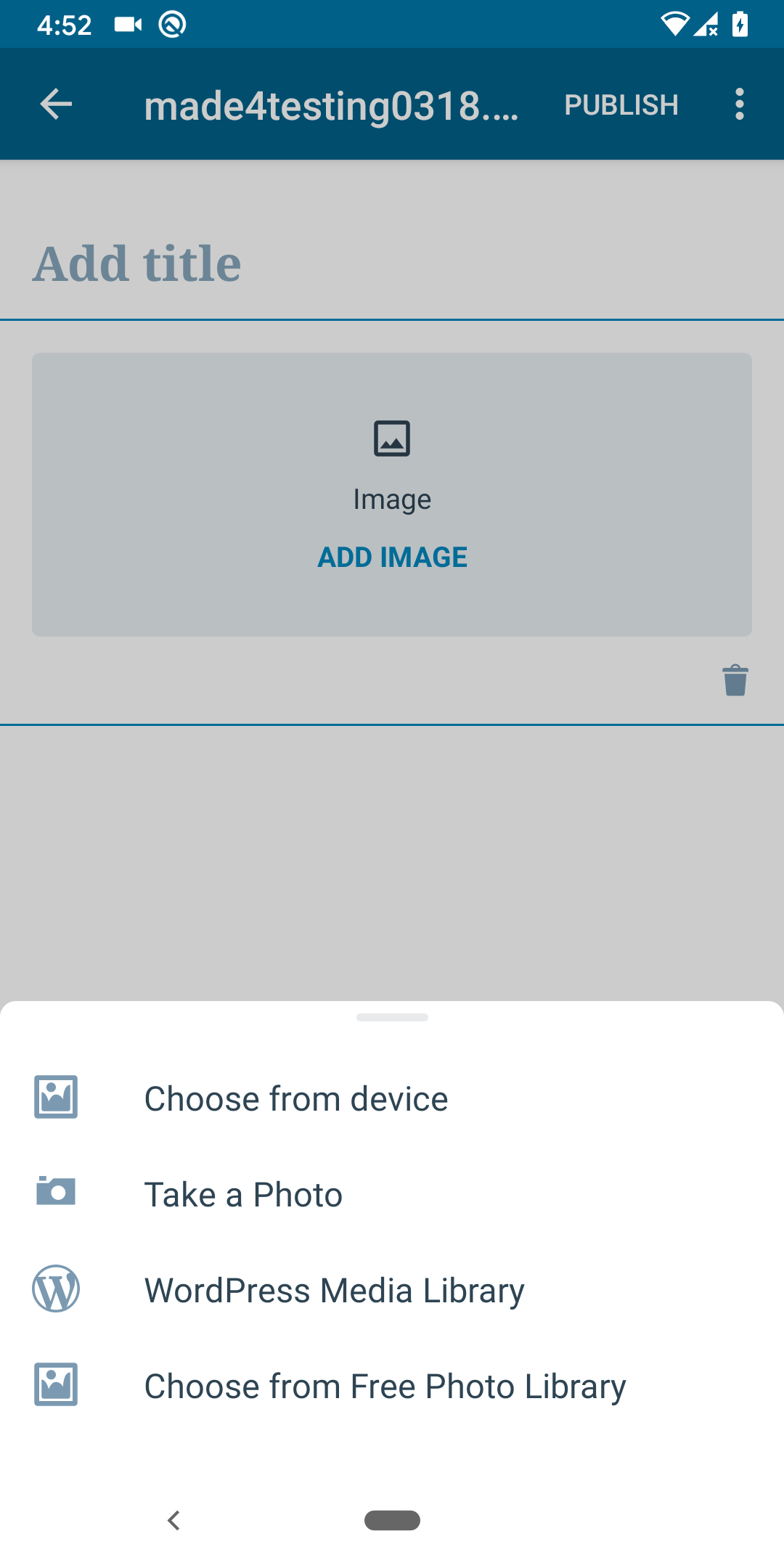
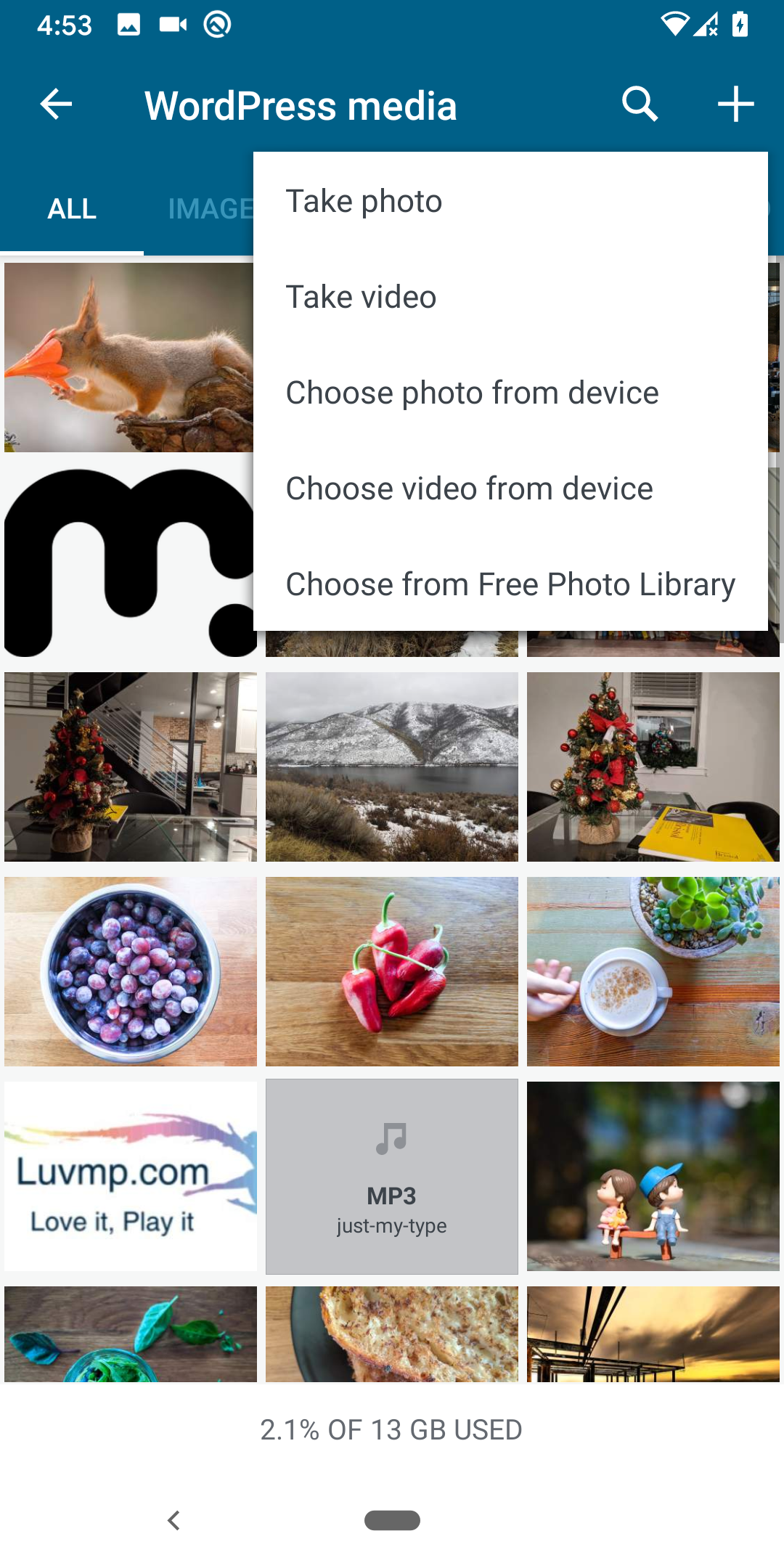
Tested with WPAndroid 14.0-rc-1 on Pixel 3 Android 10.
Contributor guide
First steps
- Read the whole issue, then the project's contributing guide.
- Comment on the issue to say you are picking it up — it saves two people doing the same work.
- Fork the repository and make your change on a branch.
- Open a pull request that references the issue number.
Research direction
Start by reproducing the issue in the block editor media picker and through Media > Add New using the documented Google Photos connection flow. Compare the available sources with the expected Gallery photos access; done means users can select and insert Google Photos images in both stated entry points.
Written by the indexing model from the issue text.
Assessment
- Tech stack
- android, kotlin
- Domain
- mobile-dev
- Issue type
- Feature
- Difficulty
- 5/5
- Estimated time
- Over a week
- Activity status
- Stale
- Clarity
- Mostly clear
- Newbie friendliness
- 28/100