wordpress-mobile / wordpress-mobile/WordPress-Android
Login: suspicious login toast message dismisses too quickly to read if using a password manager such as 1Password
Nobody has claimed this yet.
- Dominant language
- Kotlin
- Stars
- 3.2k
- Forks
- 1.4k
- Avg merge
- 1d 11h
- Merged PRs (30d)
- 69
Description
WordPress.com "suspicious" logins have two separate login prompts (email then username) that have a slightly different design and a toast message that sometimes goes away too fast to read.
- Log in with an account that has been deemed "suspicious" (e.g. user552).
- Follow the login prompts.
- Observe the design differences in the email screen and the username screen.
- Check whether or not you can see a toast message explaining the 2nd prompt.
Result: in this flow, you are prompted to log in two separate times: one by email and one by username—the email login prompt does have a toast message but it appears to get dismissed prematurely if you are using a password manager such as 1Password. (26s)
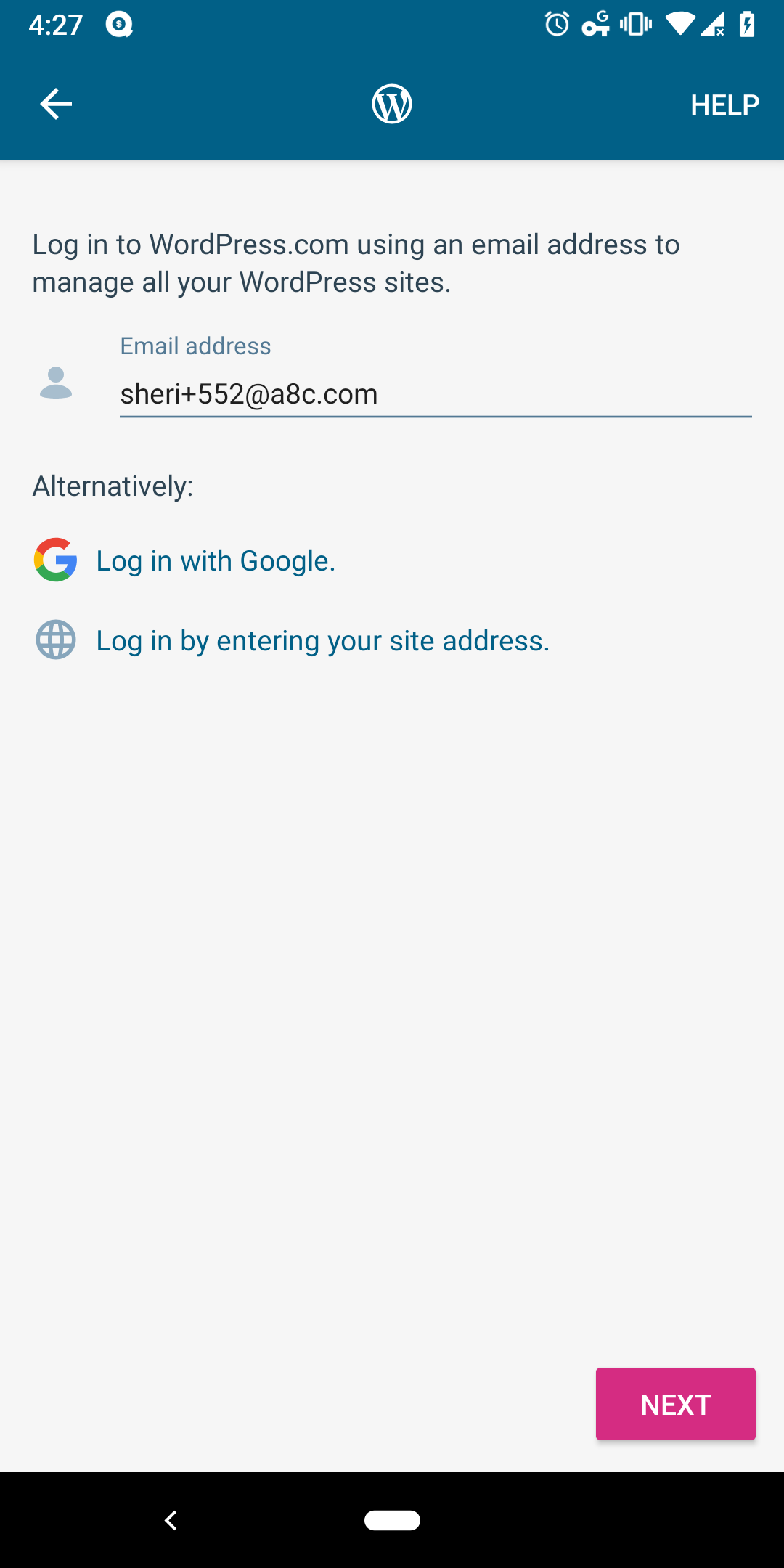
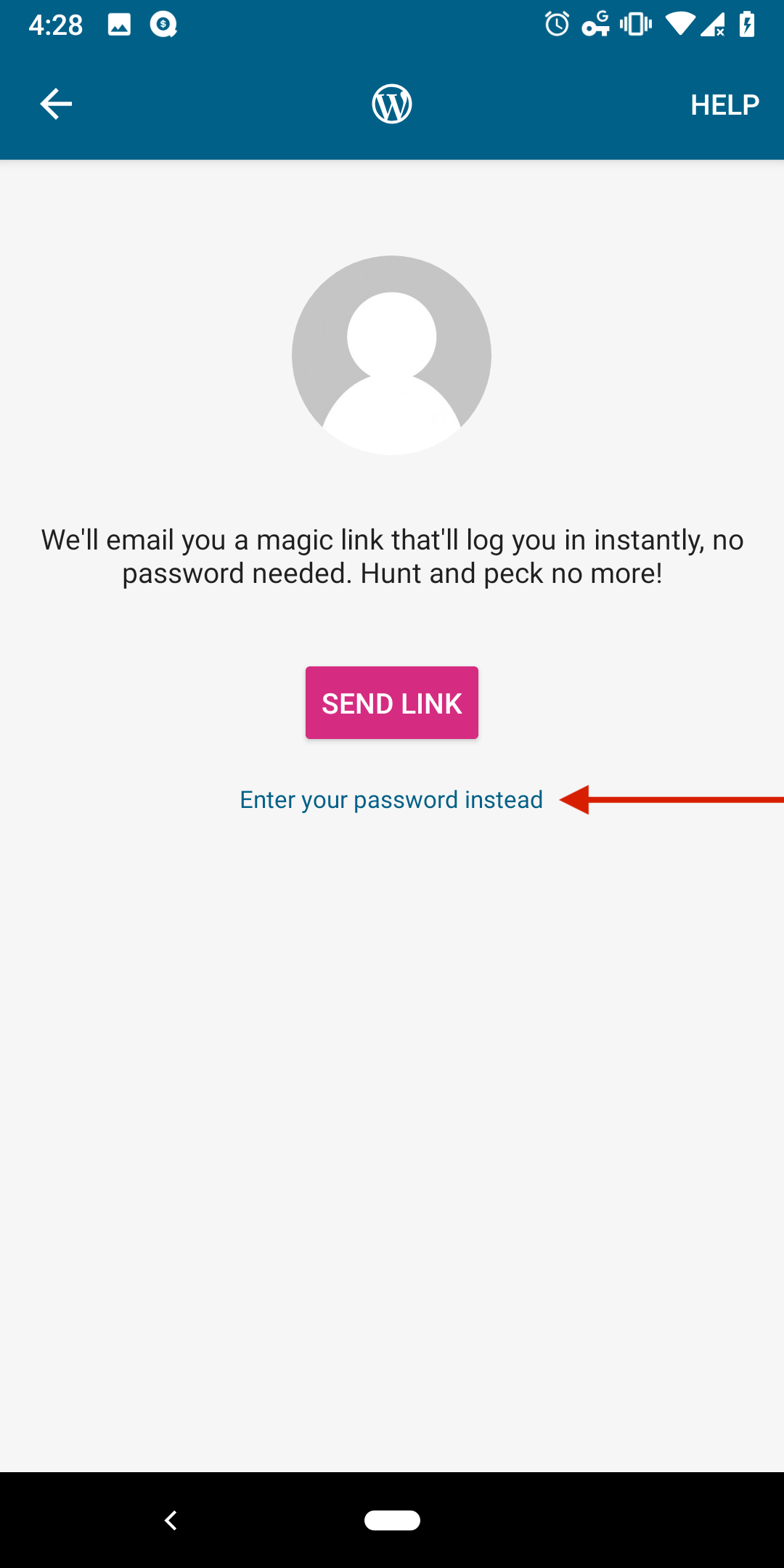
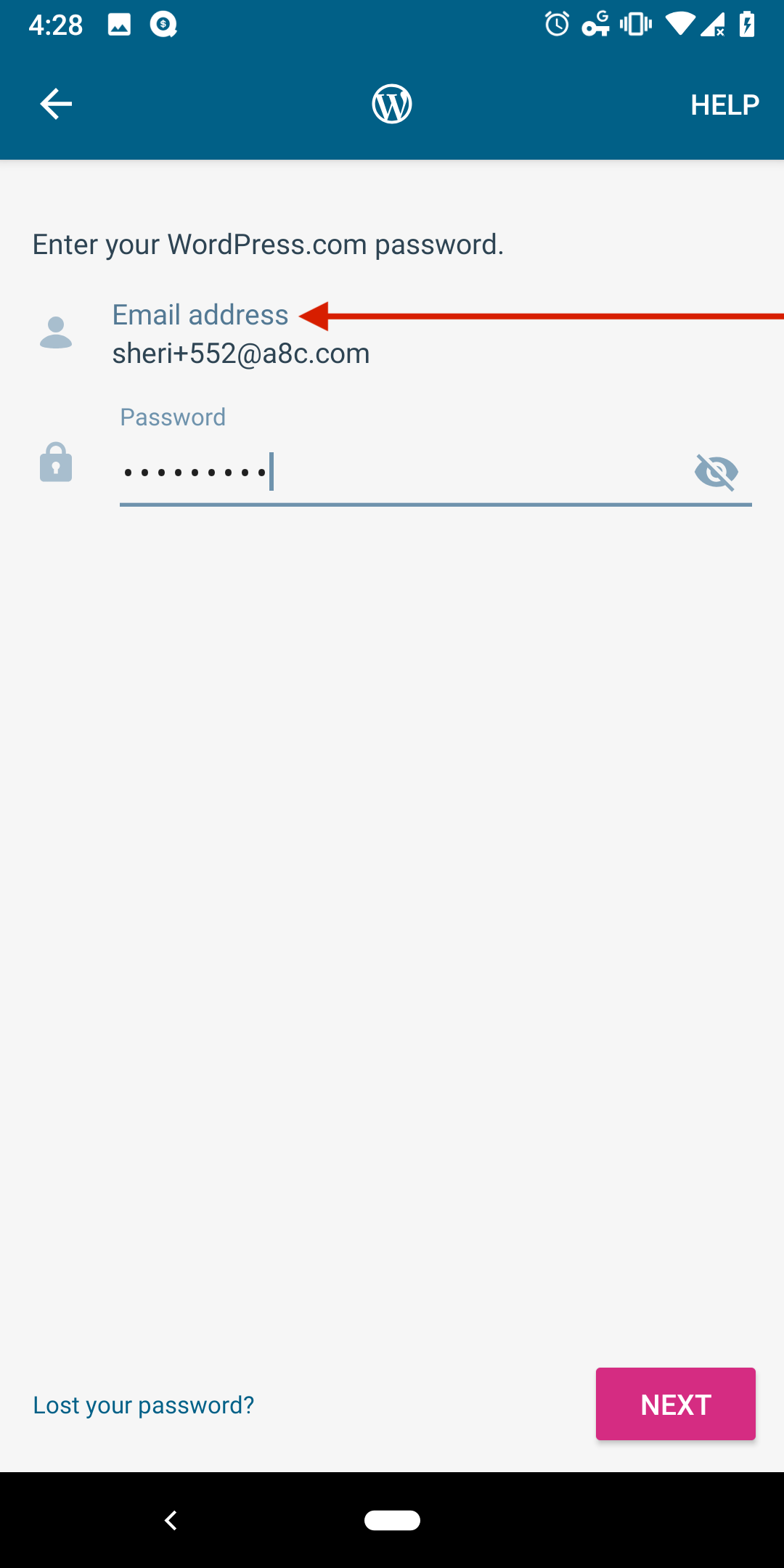
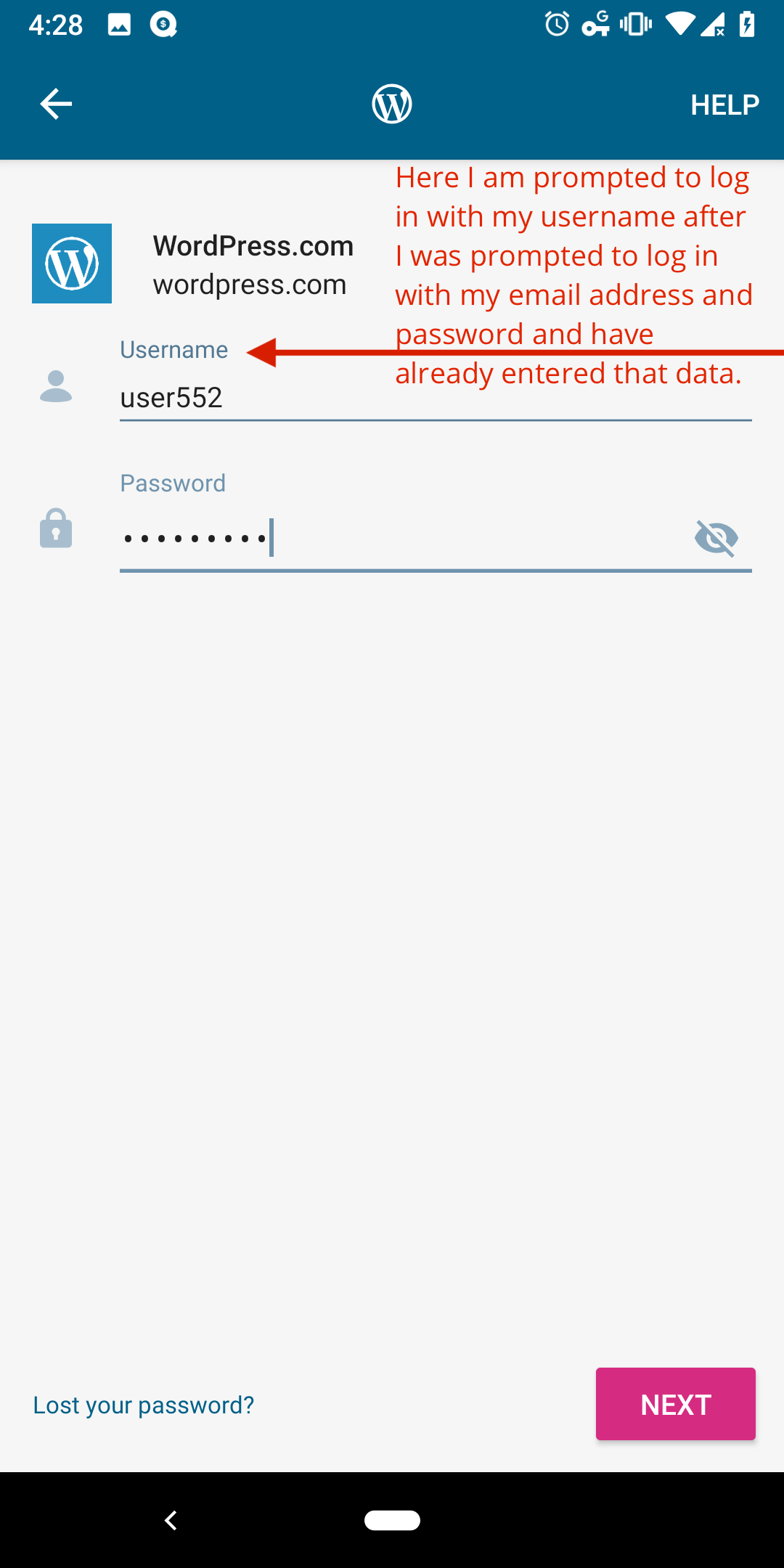
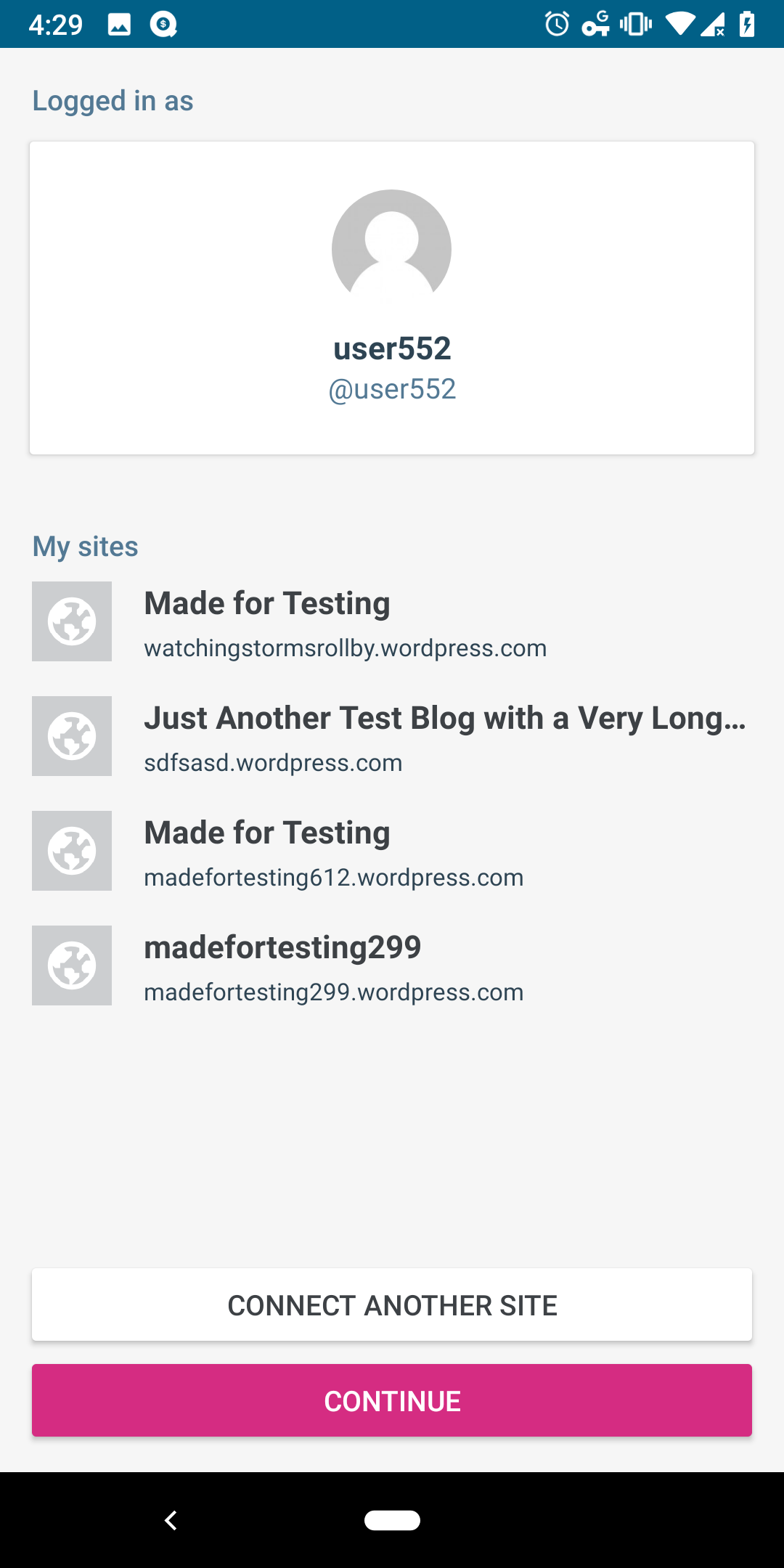
Tested with WPAndroid alpha-177 (12.8 alpha) on Pixel 3 Android 9.
The toast message says:
Please log in using your WordPress.com username instead of your email address.
It doesn't say why or that something might be wrong or that it's an extra security step and, as a user who finds this flow, I would personally like knowing why I need to log in twice. I also think it would make it feel less like a bug. Personally, I would prefer to see it on the screen and not in a toast message because otherwise it's easy to miss.
Suggested new wording:
For extra security, please log in using your WordPress.com username instead of your email address.
Or:
We couldn't access your blog as expected. Let's try a different way. Please log in using your WordPress.com username instead of your email address.
The wording changes might be too long though. I will leave it up to you to decide if there is anything we can do to make the error messaging more clear.
Contributor guide
First steps
- Read the whole issue, then the project's contributing guide.
- Comment on the issue to say you are picking it up — it saves two people doing the same work.
- Fork the repository and make your change on a branch.
- Open a pull request that references the issue number.
Research direction
No file or test is named. Start by reproducing the suspicious WordPress.com login flow in the Android app with a password manager, then trace the email and username prompts and their toast handling. Done means the explanatory message remains readable and clearly explains the extra username login step.
Written by the indexing model from the issue text.
Assessment
- Tech stack
- android, kotlin
- Domain
- authentication, mobile
- Issue type
- Bug
- Difficulty
- 3/5
- Estimated time
- 1-2 days
- Activity status
- Stale
- Clarity
- Mostly clear
- Newbie friendliness
- 35/100