[Bug] In new jupyter notebook (7+), the fullscreen button is missing from app
Open
Nobody has claimed this yet.
- Dominant language
- Python
- Stars
- 2.2k
- Forks
- 202
- Avg merge
- 4h 36m
- Merged PRs (30d)
- 3
Description
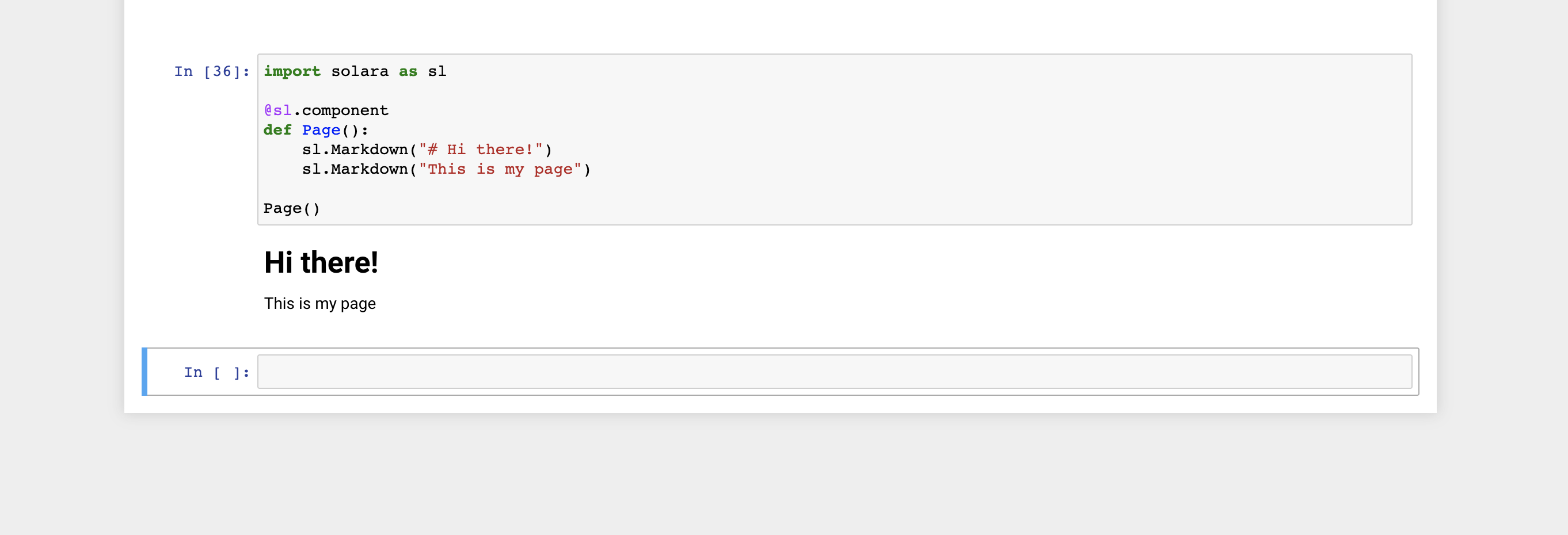
In jupyter version 7+, when you run a Solara app in the notebook, there's no option to go fullscreen anymore.
simple app
import solara as sl

@sl.component
def Page():
    sl.Markdown("# Hi there!")
    sl.Markdown("This is my page")

Page()
Jupyter versions
Selected Jupyter core packages...
IPython          : 8.12.0
ipykernel        : 6.22.0
ipywidgets       : 8.0.6
jupyter_client   : 8.2.0
jupyter_core     : 5.3.0
jupyter_server   : 2.5.0
jupyterlab       : not installed
nbclient         : 0.7.3
nbconvert        : 7.3.1
nbformat         : 5.8.0
notebook         : 6.5.4
qtconsole        : 5.4.2
traitlets        : 5.9.0
Solara version: '1.10.0'
Contributor guide
First steps
- Read the whole issue, then the project's contributing guide.
- Comment on the issue to say you are picking it up — it saves two people doing the same work.
- Fork the repository and make your change on a branch.
- Open a pull request that references the issue number.
Research direction
Start by reproducing the provided Solara app in Jupyter 7+ and compare its controls with the reported missing fullscreen option. Trace the Jupyter notebook integration from that reproduction; the work is done when the fullscreen control is available again for apps running in a new notebook.
Written by the indexing model from the issue text.
Assessment
- Tech stack
- jupyter, python
- Domain
- frontend
- Issue type
- Bug
- Difficulty
- 3/5
- Estimated time
- 1-2 days
- Activity status
- Stale
- Clarity
- Mostly clear
- Newbie friendliness
- 35/100