wallabag / wallabag/android-app
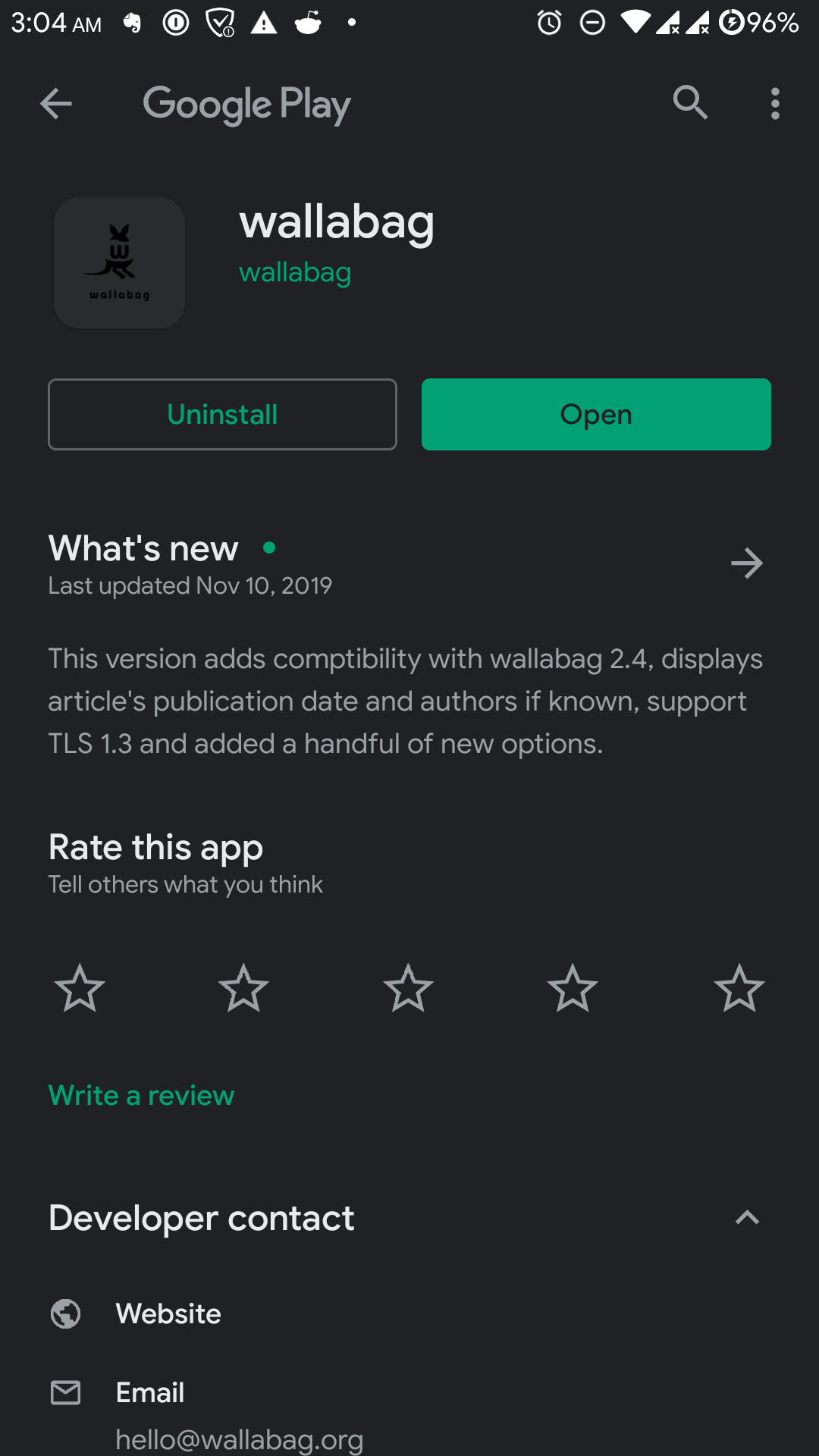
In a dark theme, the icon on Google Play is very poorly visible
- Dominant language
- Java
- Stars
- 587
- Forks
- 276
- PR merge metrics
- No merged PRs in 30d
Description
# Issue details
### Actual behaviour
- The icon on Google Play does not meet the [recommendations](https://developer.android.com/google-play/resources/icon-design-specifications) ([there is no white background](https://developer.android.com/google-play/resources/icon-design-specifications#brand_adaptation)), because of this, it is very poorly visible in the dark mode.
### Expected behaviour
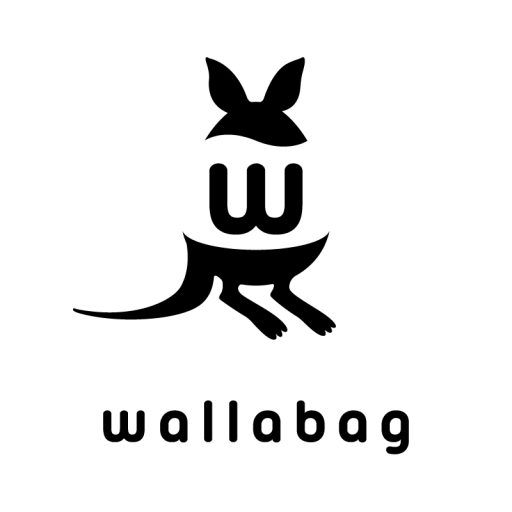
- The icon on Google Play complies with the recommendations (there is a white background), because of this, it is clearly visible in the dark mode.
# Steps to reproduce the issue
1. Turn on dark mode in Android settings
2. Launch Google Play and make sure that the dark theme is activated
3. Open the [wallabag app page](https://play.google.com/store/apps/details?id=fr.gaulupeau.apps.InThePoche)
# Environment details
- **wallabag app version**: 2.3.0
- **wallabag app installation source** (e.g. Gplay, F-Droid, manual): Google Play
- **Android OS version**: 9
- **Android ROM** (e.g. stock, LineageOS, SlimRom,…): AOSP (SkyDragon OS)
- **Android hardware**: OnePlus 3
- **wallabag server version**:
- **Do you have Two-Factor-Authentication enabled?**: yes
Here's what it looks like now:
Also here is a picture of how it should look like:
Contributor guide
No contributing guide indexed for this repository
Assessment
This issue has not been assessed yet.