Screen totally blurry when PC awakening
Nobody has claimed this yet.
- Dominant language
- TypeScript
- Stars
- 44.7k
- Forks
- 3.6k
- Avg merge
- 21m
- Merged PRs (30d)
- 1
Description
-
I am on the latest Hyper.app version
-
I have searched the issues of this repo and believe that this is not a duplicate
-
OS version and name: Linux Mint 19
-
Hyper.app version: 3.0.2
-
Link of a Gist with the contents of your .hyper.js: https://gist.github.com/leolivier/4a9980b9340b04ff4257bce01b8ea370
-
Relevant information from devtools (CMD+ALT+I on macOS, CTRL+SHIFT+I elsewhere): maybe linked to this message?: WebGL2 is not supported on your machine. Falling back to canvas-based rendering.
-
The issue is reproducible in vanilla Hyper.app: yes
Issue
Hi
Each time I awaken my PC after it goes to sleep, I systematically have this kind of screen on hyper.js:
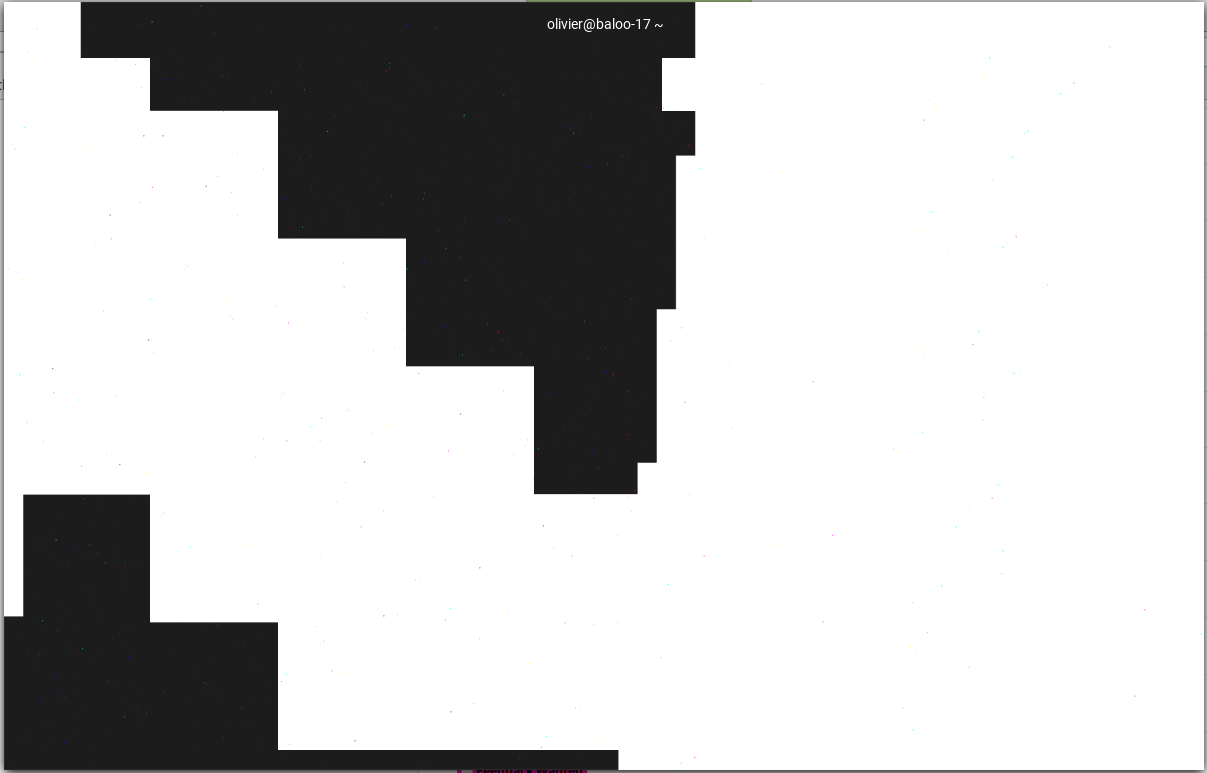
Then I need to reload (Ctl-Shift-R) and sometimes even full reload to get my screen back but I lose my terminal content.
It might be linked to the console message saying my PC doesn't support WebGL2?
Edit: although when I go to https://get.webgl.org/webgl2/ the site says my PC supports WebGL2...
Edit2: I noticed that new .hyper.js files contained a line
webGLRenderer:true
(which does not change the above behaviour).
So I tried to add a line
webGLRenderer:false,
to my hyper.js and the result after awakening is not exactly the same:
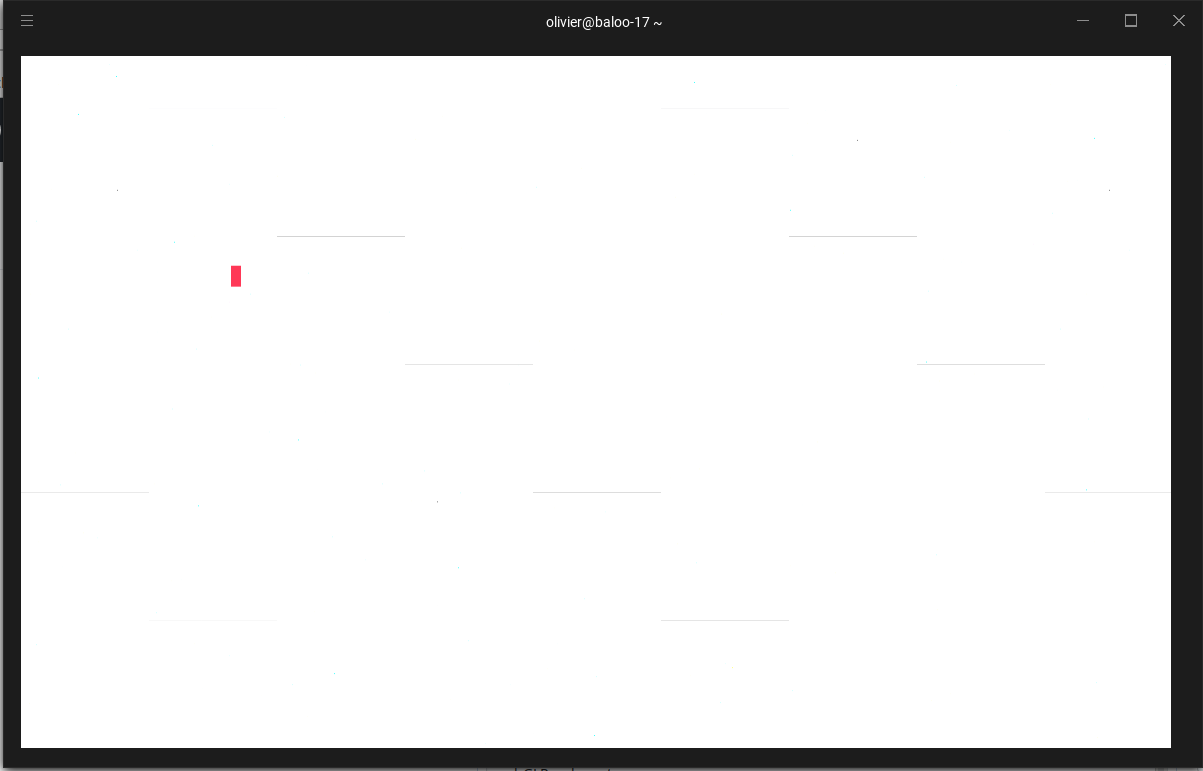
The internal part of the screen is fully white but the border is fully black and the console does not contain the message on webGL2 anymore, but still I'm forced to reload to get the screen working else everything stays white even when entering text.
Contributor guide
No contributing guide indexed for this repository
First steps
- Read the whole issue, then the project's contributing guide.
- Comment on the issue to say you are picking it up — it saves two people doing the same work.
- Fork the repository and make your change on a branch.
- Open a pull request that references the issue number.
Research direction
Start by reproducing the blurred or white Hyper.app screen after the PC awakens from sleep on Linux Mint 19, with WebGL rendering both enabled and disabled. Compare the behavior with the reported WebGL2 console message and verify that the display recovers without requiring a reload or losing terminal content.
Written by the indexing model from the issue text.
Assessment
- Tech stack
- linux
- Domain
- desktop
- Issue type
- Bug
- Difficulty
- 4/5
- Estimated time
- 3-5 days
- Activity status
- Stale
- Clarity
- Mostly clear
- Newbie friendliness
- 35/100