UTM Ubuntu Shared Mode not working (M1)
- Dominant language
- Swift
- Stars
- 35.5k
- Forks
- 1.8k
- Avg merge
- 5d 5h
- Merged PRs (30d)
- 7
Description
**Describe the issue**
Using shared networking with guest on M1 macbook does not share network with guest. I am not able to ping or access any sites. Not able to follow the [UTM FAQ](https://docs.getutm.app/guides/ubuntu/#networking-is-unavailable) on networking as it seems that I do not have a /etc/netplan/00-installer-config.yaml file and I'm not sure what should go in it.
Bridged mode works but as I would like to use my host's VPN, I would like to use shared mode.
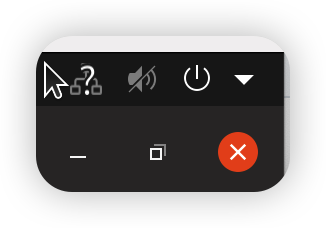
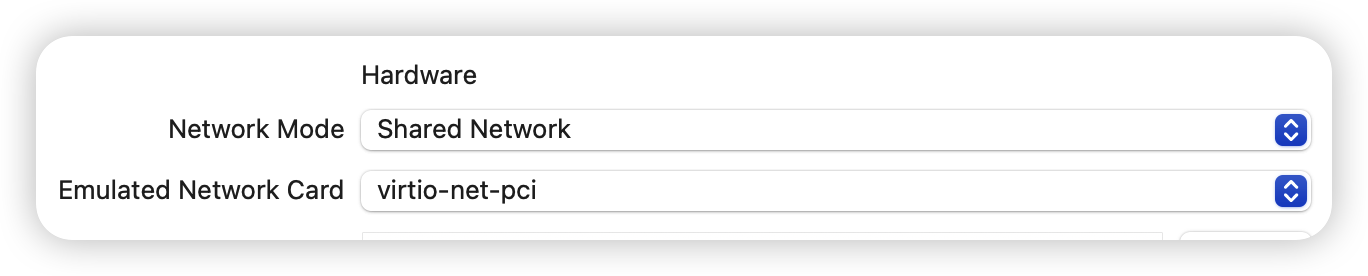
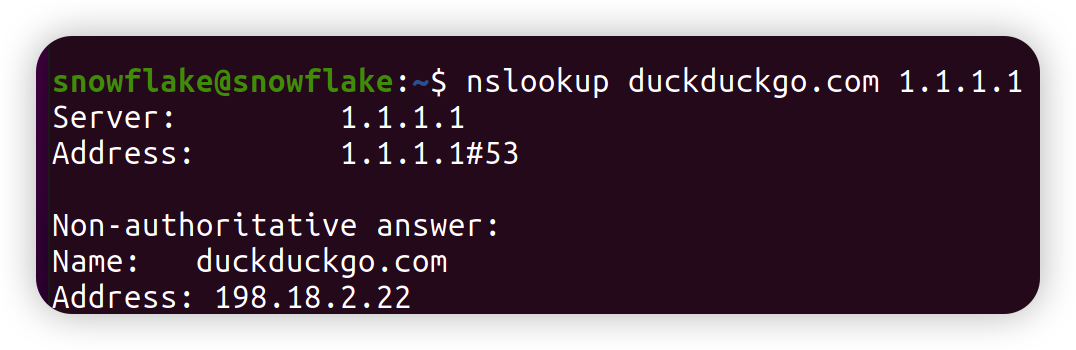
Trying to do a dns lookup on an external website through what I tried to be a public dns ip, seems to link to an internal ip...
**Configuration**
* UTM Version: 3.2.4
* macOS Version: 12.6
* Mac Chip (Intel, M1, ...): M1
**Upload VM**
[config.plist.zip](https://github.com/utmapp/UTM/files/9902189/config.plist.zip)
Contributor guide
Assessment
This issue has not been assessed yet.