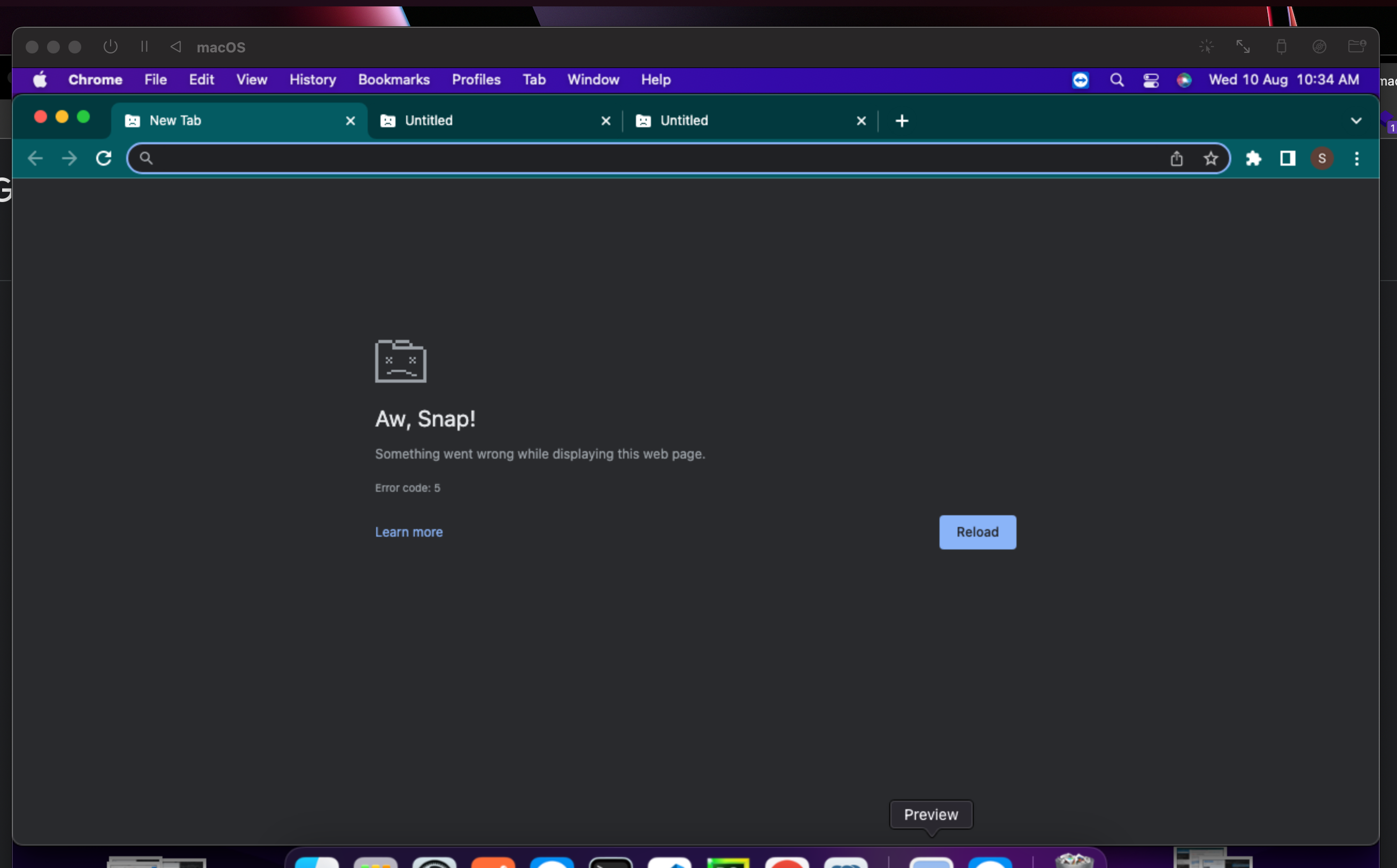
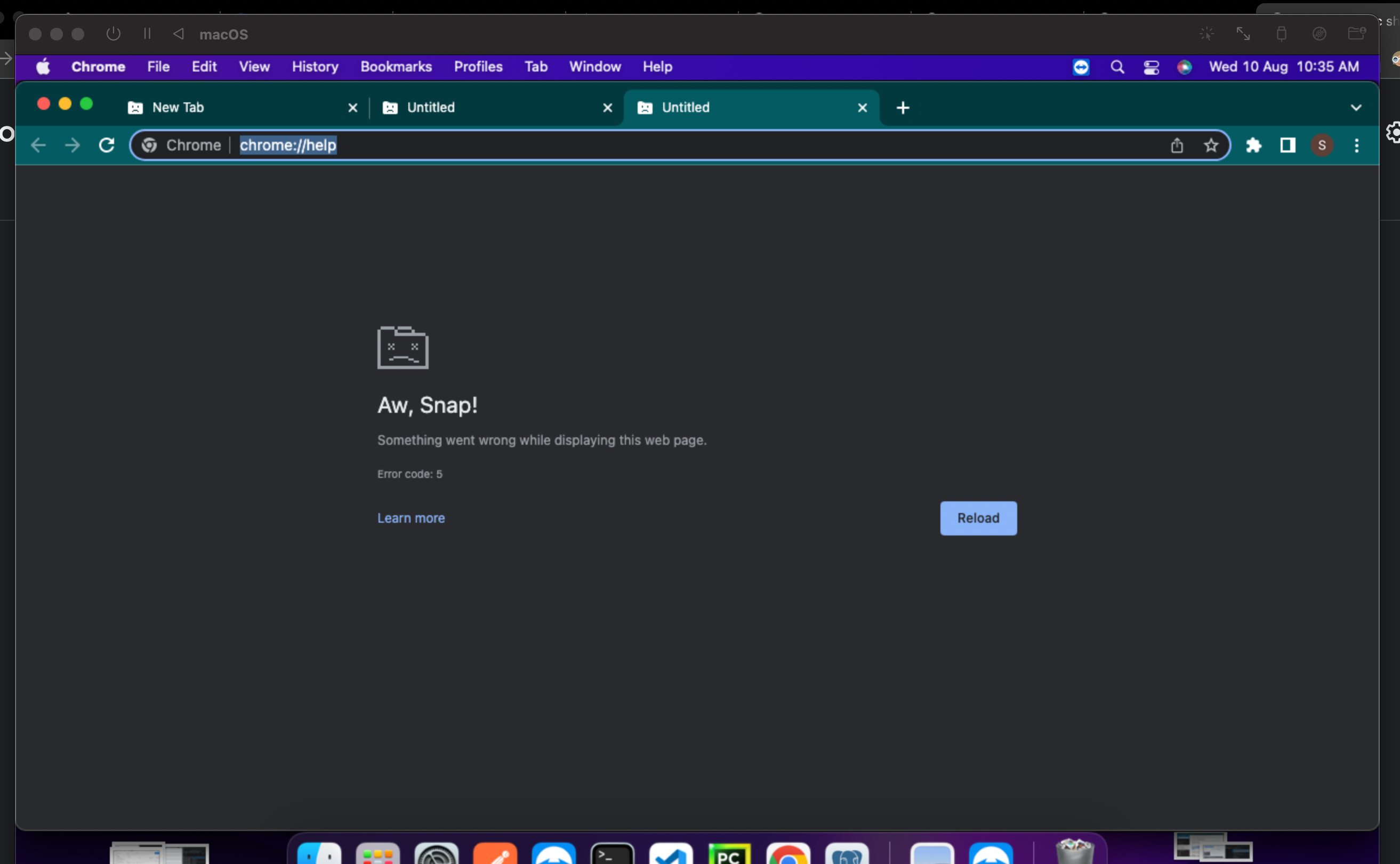
Chromium based browsers stop working showing "Aw, Snap!" or "Can't open this page" for every page, even for "chrome://help"
- Dominant language
- Swift
- Stars
- 35.5k
- Forks
- 1.8k
- Avg merge
- 5d 5h
- Merged PRs (30d)
- 7
Description
**Describe the issue**
Chromium based browsers stop working showing "Aw, Snap!" or "Can't open this page" for every page, even for "chrome://help"
Tried on Brave and Chrome, but Safari and all other non-chromium based browsers are working fine alongside with it
I have tried everything possible,
1. Reinstall chrome after clearing everything from chrome's user data
2. restarted VM, then install chrome
3. tried other chromium based VM like Brave,
A few days ago I copied the .utm file, just for backup, and tried to run that VM and it worked for 1 day, and next day after UTM restarted It also started showing the same issue,
before that I was using some old UTM and 3 days ago I updated UTM to 3.2.4
**Configuration**
* UTM Version: 3.2.4
* macOS Version: 12.5
* Mac Chip: M1
**Upload VM**
[config.plist.zip](https://github.com/utmapp/UTM/files/9296895/config.plist.zip)

Contributor guide
Assessment
This issue has not been assessed yet.