Maximum active Virtual Machines issue
- Dominant language
- Swift
- Stars
- 35.5k
- Forks
- 1.8k
- Avg merge
- 5d 5h
- Merged PRs (30d)
- 7
Description
**Describe the issue**
In my UTM setup I have multiple macOS Guest VMs created for different purposes. Obviously with Apple Silicon Virtualization we can only have 2 VMs active simultaneously. Occasionally, if I have had 2 VMs running, and I shut one of them down, then try to start a different one, I get presented the following error
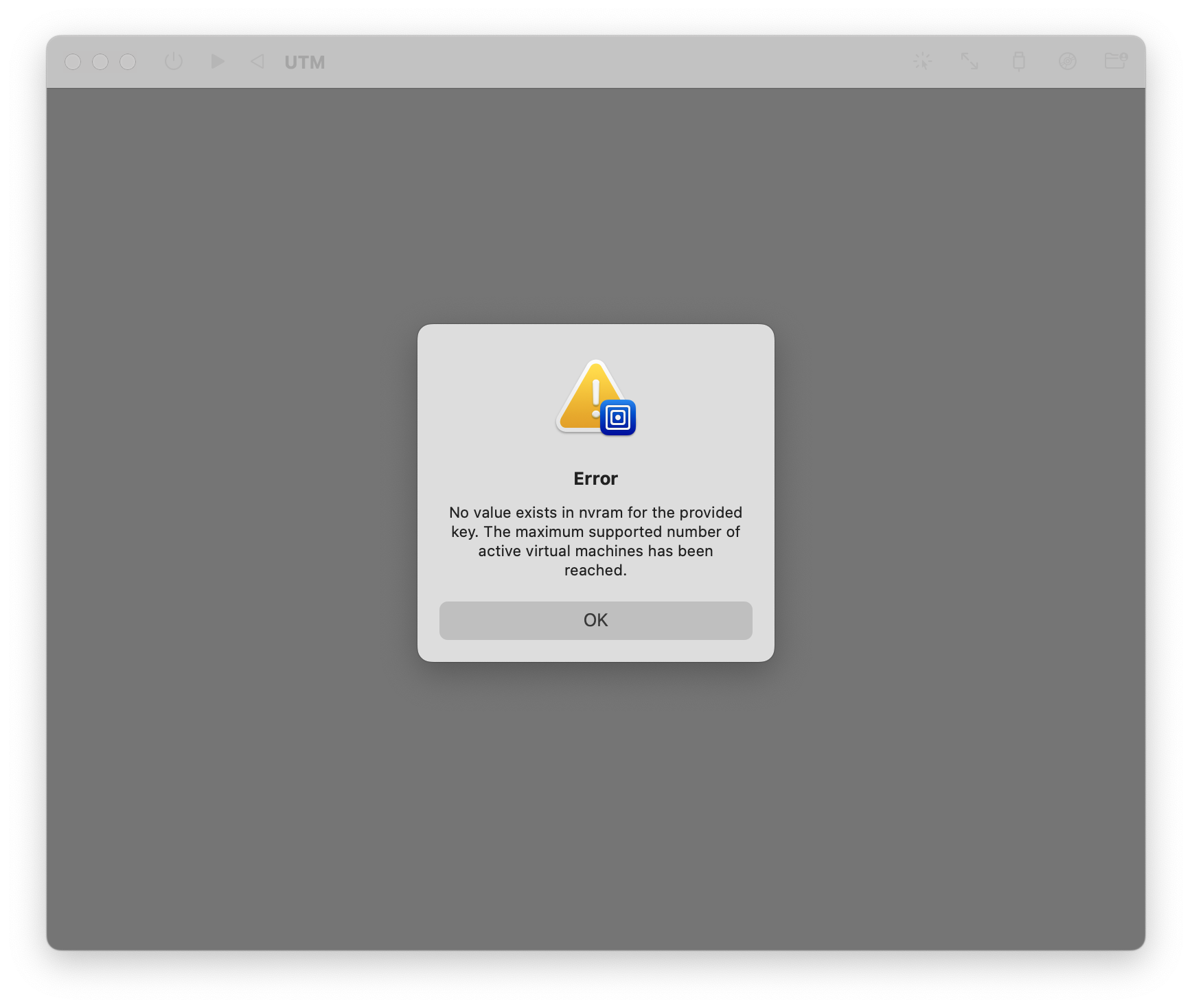
I do not know if this an issue with UTM not cleaning up certain resources when a VM is stopped and closed, or if it's an OS framework level bug on Apple's side?
The only way I seem able to recover from this is to logout of the machine and log back in again. Quitting and re-opening UTM itself _sometimes_ resolves the issue, but not every time. This implies that there may be some process running as my logged in user that I could also possibly kill to rectify the problem but so far I've been unable to identify if that's the case.
**Configuration**
* UTM Version: 3.2.4 (58)
* OS Version: 12.5
* Intel or Apple Silicon? Apple Silicon
**Debug log**
Debug log location instructions seem only relevant for QEMU based VMs, not Apple Virtualization framework - I cannot see an option anywhere in the settings for these VMs where I enable or locate the debug logs for them.
Contributor guide
Assessment
This issue has not been assessed yet.