Cannot install macOS 13
- Dominant language
- Swift
- Stars
- 35.5k
- Forks
- 1.8k
- Avg merge
- 5d 5h
- Merged PRs (30d)
- 7
Description
## Description
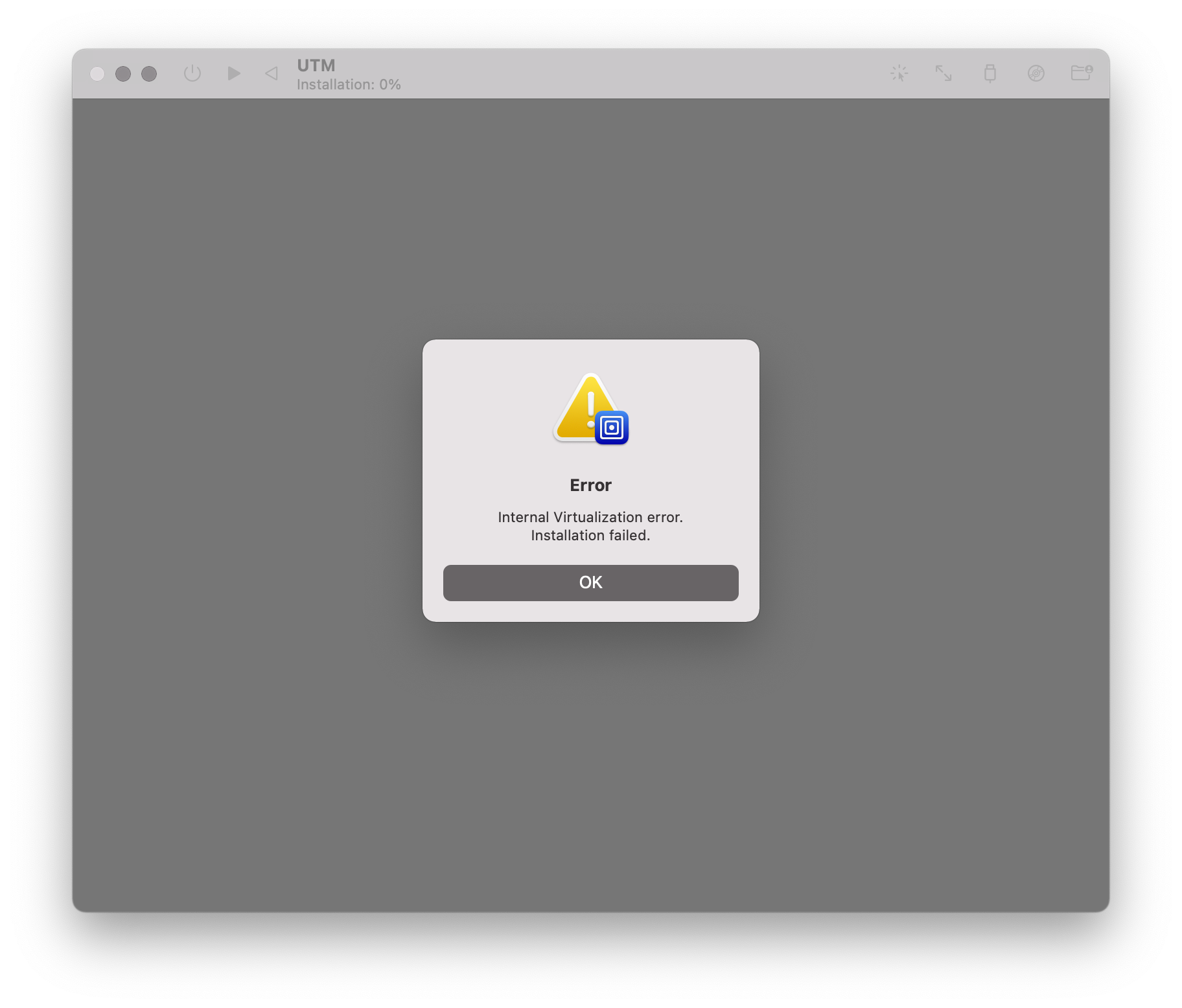
I tried installing macOS 13 beta 1 with the `.ipsw` image downloaded from the Apple Developer portal (SHA256 = `d19186fd27e54525589e4a53f9ad631a7d1360897e003033df88612999cfe249`). Installation fails after a couple of minutes of loading.
## Configuration
* UTM Version: 3.2.4
* Host OS: macOS 12.2.1
* Apple Silicon (M1)
## VM Config
I’m using the pre-configured macOS 12+ template which produces the following `config.plist` file:
```
architecture
aarch64
bootLoader
operatingSystem
macOS
consoleCursorBlink
cpuCount
0
diskImages
imagePath
disk0.img
isExternal
isReadOnly
sizeMib
65536
displays
heightInPixels
1200
pixelsPerInch
80
widthInPixels
1920
icon
mac
iconCustom
isAppleVirtualization
isAudioEnabled
isBalloonEnabled
isConsoleDisplay
isEntropyEnabled
isKeyboardEnabled
isPointingEnabled
isSerialEnabled
macPlatform
auxiliaryStoragePath
AuxiliaryStorage
hardwareModel
YnBsaXN0MDDTAQIDBAUGXxAZRGF0YVJlcHJlc2VudGF0aW9uVmVyc2lvbl8Q
D1BsYXRmb3JtVmVyc2lvbl8QEk1pbmltdW1TdXBwb3J0ZWRPUxQAAAAAAAAA
AAAAAAAAAAABEAKjBwgIEAwQAAgPKz1SY2VpawAAAAAAAAEBAAAAAAAAAAkA
AAAAAAAAAAAAAAAAAABt
machineIdentifier
YnBsaXN0MDDRAQJURUNJRBNd1Q8zJpiHVQgLEAAAAAAAAAEBAAAAAAAAAAMA
AAAAAAAAAAAAAAAAAAAZ
memorySize
8589934592
name
macOS Ventura
networkDevices
macAddress
4e:44:bd:7c:b3:81
networkMode
Shared
version
3
```
## Screenshots
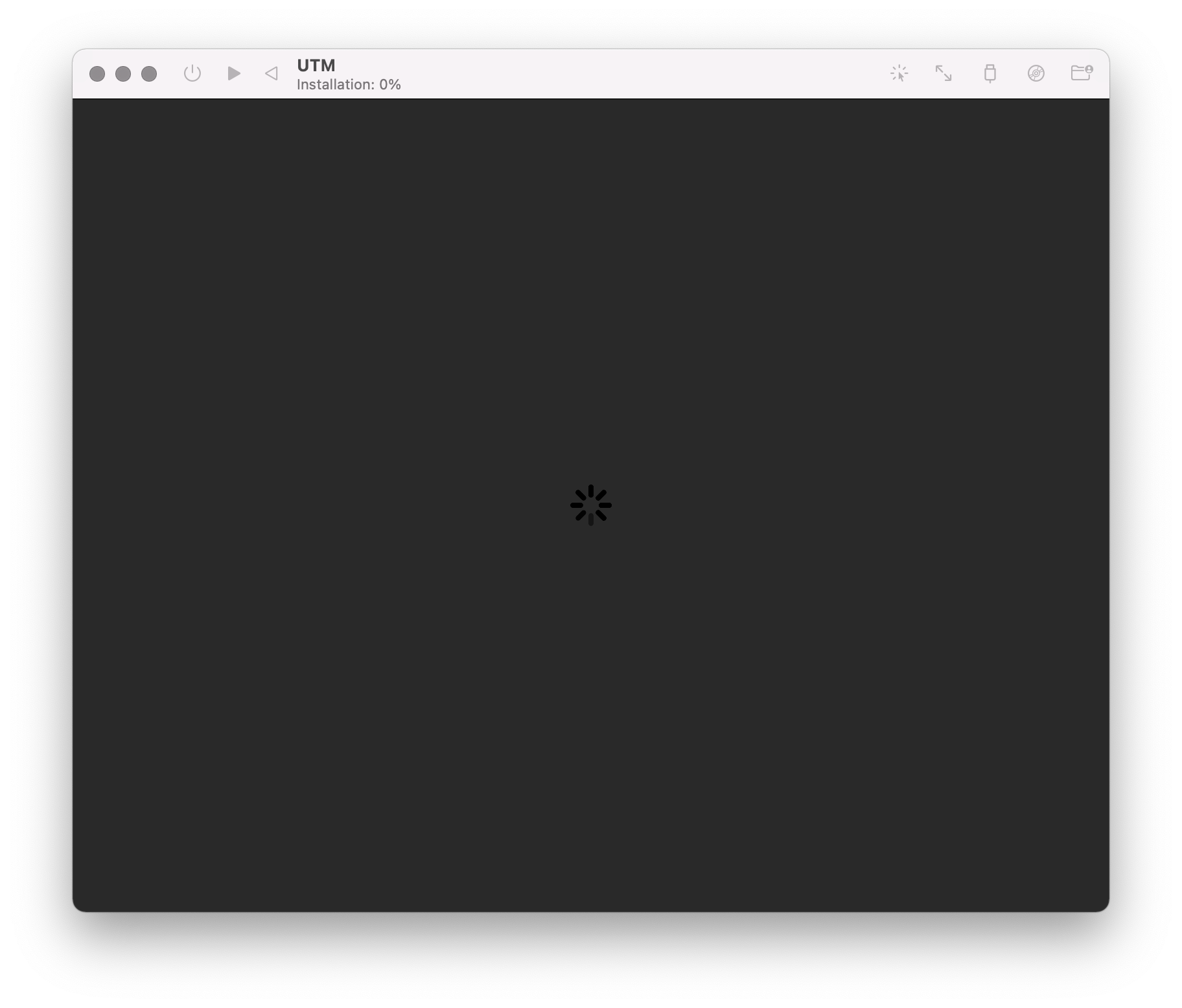
The boot process starts normally
After a couple of minutes, the error message appears
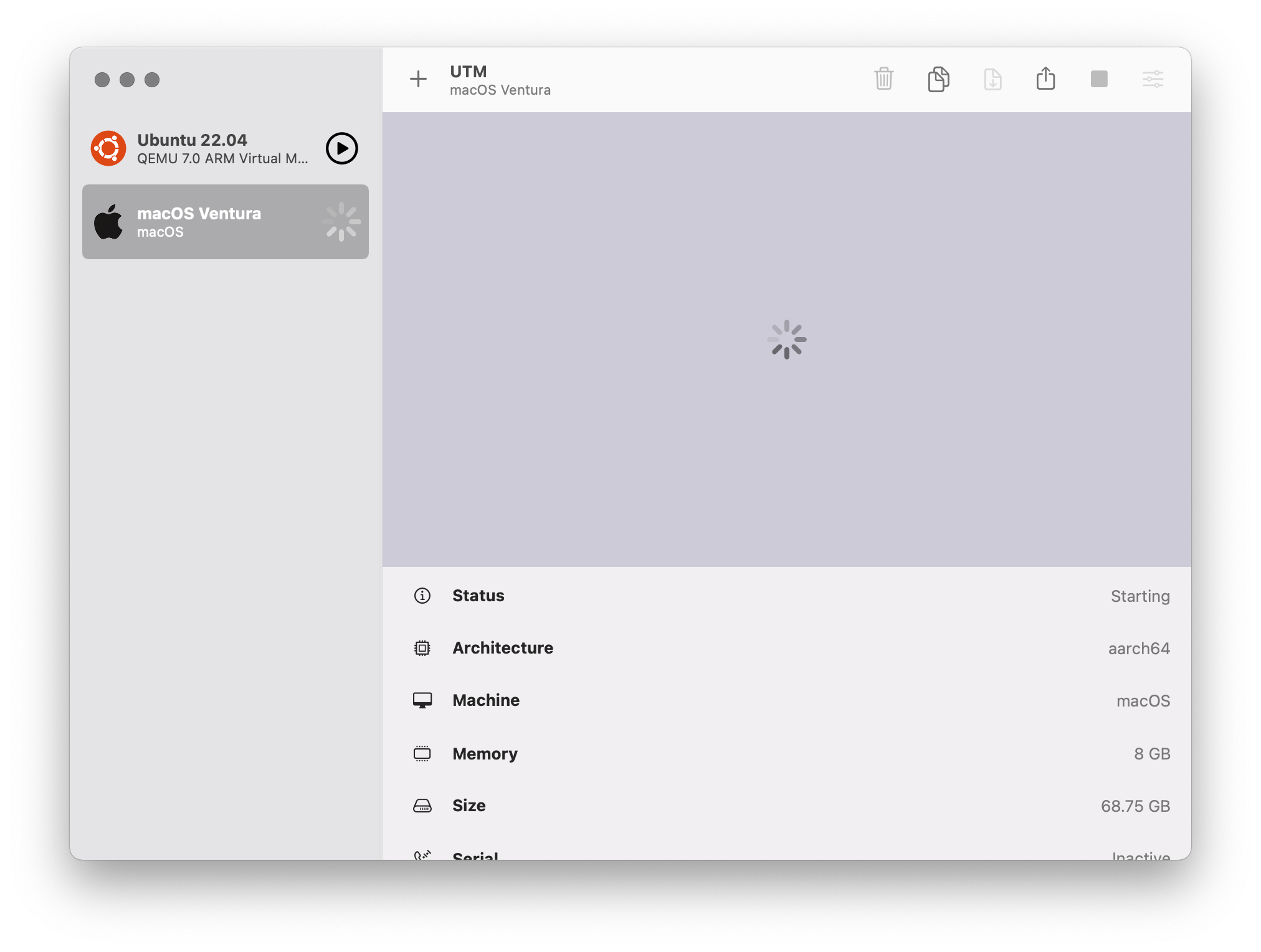
After the VM is closed, the spinning indicator remains
Contributor guide
Assessment
This issue has not been assessed yet.