No way to open 'Welcome to UTM' window again while VM is running
Open
interface
macOS
- Dominant language
- Swift
- Stars
- 35.5k
- Forks
- 1.8k
- Avg merge
- 5d 5h
- Merged PRs (30d)
- 7
Description
**Describe the issue**
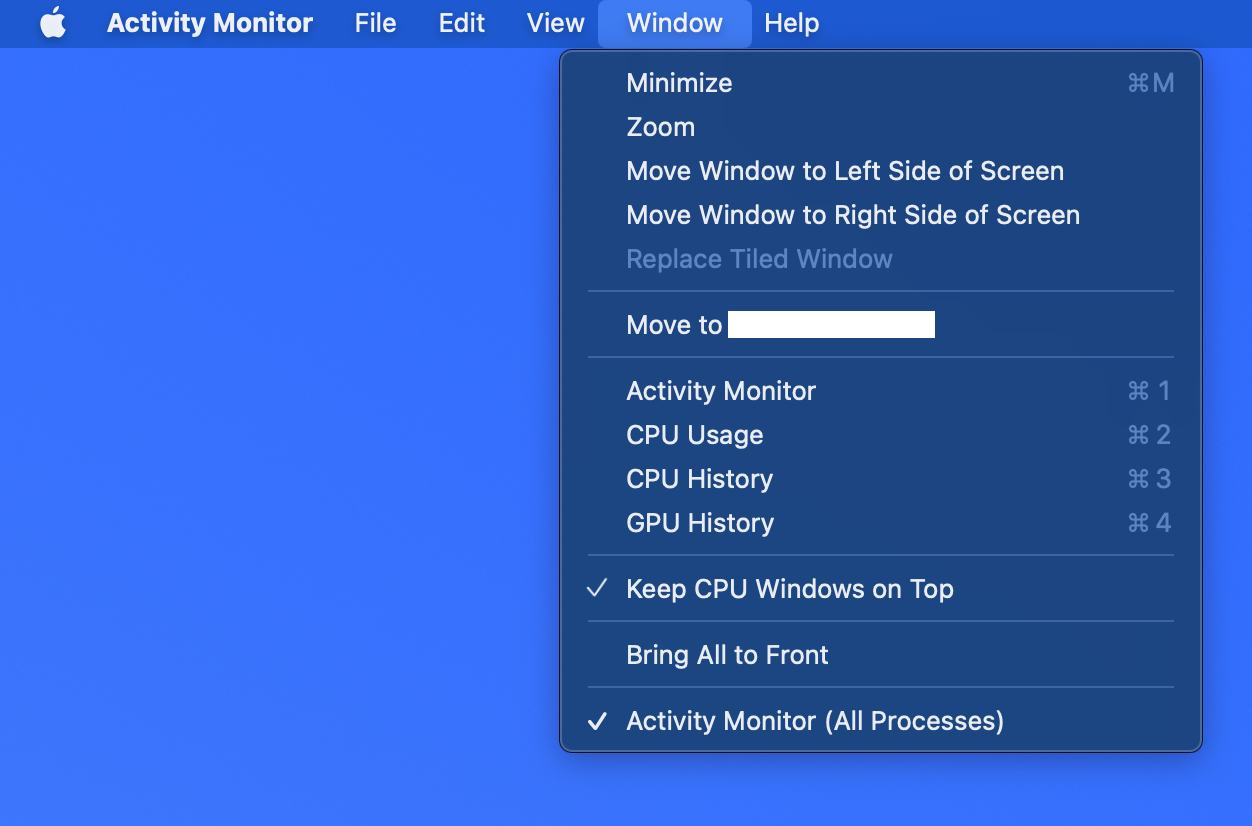
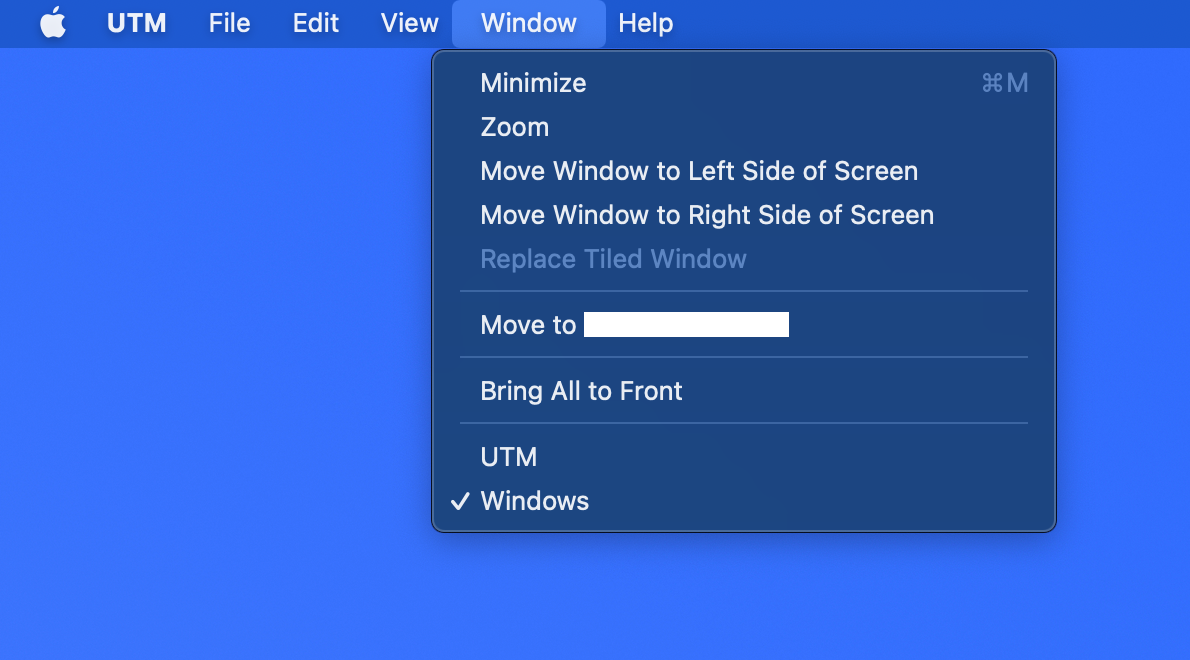
macOS apps usually assign `⌘+1` to bring up the main window when the window is closed. However UTM lacks that feature so it becomes impossible to open the 'Welcome to UTM' window when it's closed while VM is running on another window.
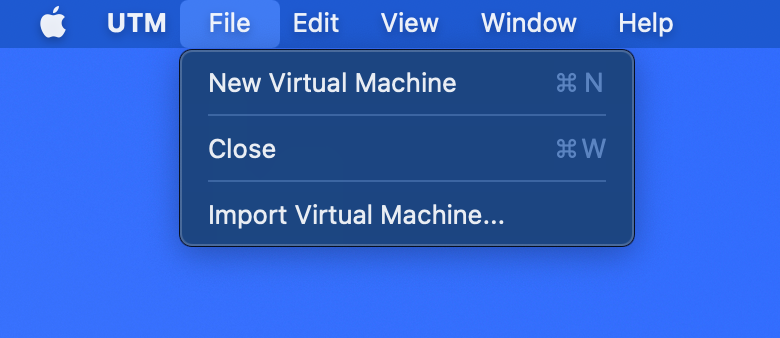
Moreover, I'd expect either `File > New Virtual Machine` or File > Import Virtual Machine... to bring up the main window again, but nothing happens when it's pressed.
**Configuration**
* UTM Version: 3.0.4 and 3.1.0 (beta)
* OS Version: 12.2.1
* Intel or Apple Silicon?: Apple Silicon
**Crash log**
Did not crash
**Debug log**
Not related to VM
**Upload VM**
Not related to VM
Contributor guide
Assessment
This issue has not been assessed yet.