tensorflow / tensorflow/tensorboard
XLA Cluster is not visible in tensorboard graph
- Dominant language
- TypeScript
- Stars
- 7.2k
- Forks
- 1.7k
- Avg merge
- 4d 22h
- Merged PRs (30d)
- 1
Description
Consider Stack Overflow for getting support using TensorBoard—they have
a larger community with better searchability:
https://stackoverflow.com/questions/tagged/tensorboard
Do not use this template for for setup, installation, or configuration
issues. Instead, use the “installation problem” issue template:
https://github.com/tensorflow/tensorboard/issues/new?template=installation_problem.md
To report a problem with TensorBoard itself, please fill out the
remainder of this template.
Environment information (required)
Please run diagnose_tensorboard.py (link below) in the same
environment from which you normally run TensorFlow/TensorBoard, and
paste the output here:
version: Tensorflow 2.4.0
For browser-related issues, please additionally specify:
- Browser type and version (e.g., Chrome 64.0.3282.140):
- Screenshot, if it’s a visual issue:
Issue description
Please describe the bug as clearly as possible. How can we reproduce the
problem without additional resources (including external data files and
proprietary Python modules)?
I enabled XLA in bert model and using the XLA flags check that it's generated XLA cluster.
https://www.tensorflow.org/xla#inspect_compiled_programs
I added XLA generated files in the attachment.
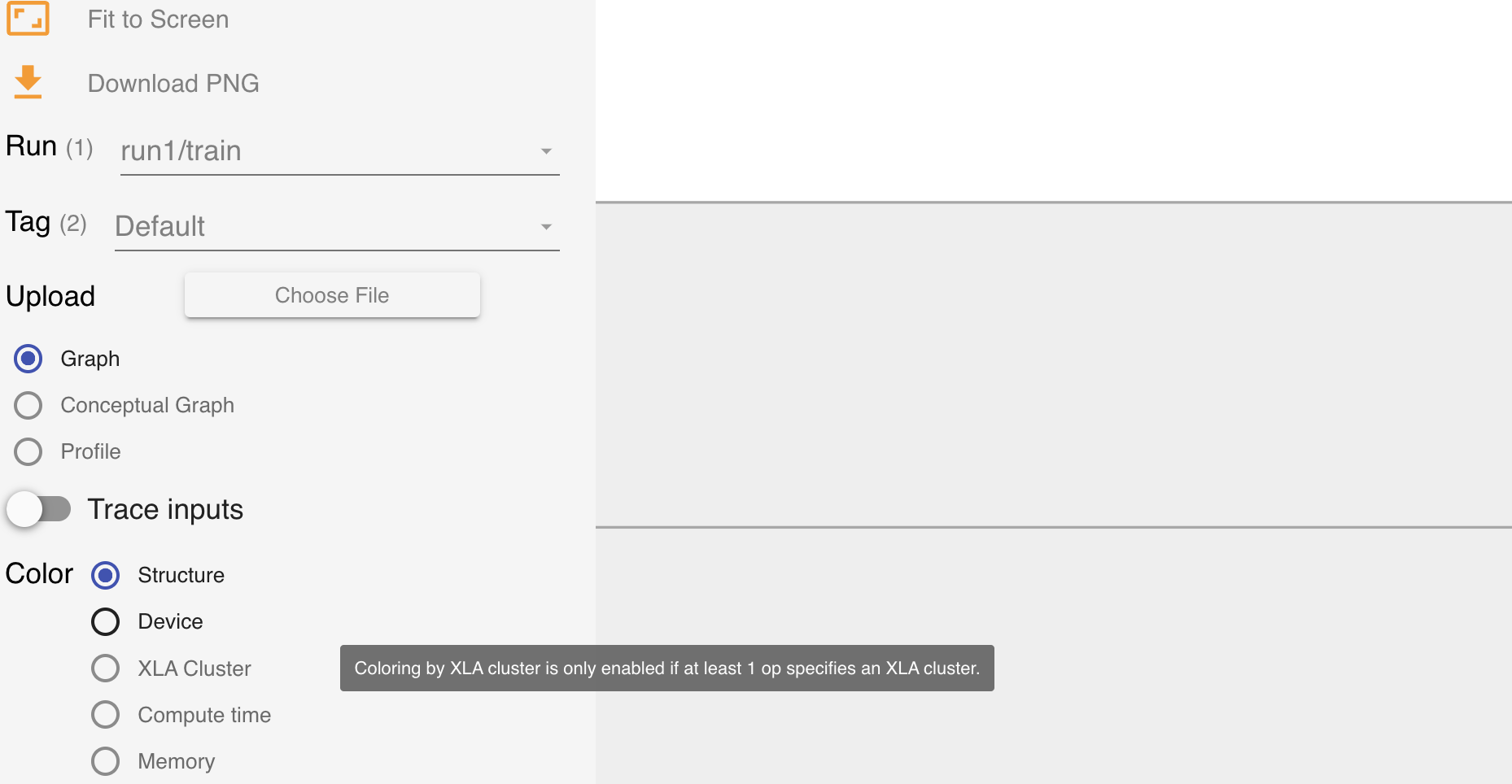 tensorboard. Any clue
[xla.zip](https://github.com/tensorflow/tensorboard/files/8578097/xla.zip)
tensorboard. Any clue
[xla.zip](https://github.com/tensorflow/tensorboard/files/8578097/xla.zip)
However, it's not visible in tensorboard. Any clue?
Contributor guide
First steps
- Read the whole issue, then the project's contributing guide.
- Comment on the issue to say you are picking it up — it saves two people doing the same work.
- Fork the repository and make your change on a branch.
- Open a pull request that references the issue number.
Assessment
This issue has not been assessed yet.