UI Strange Issues
Nobody has claimed this yet.
- Dominant language
- C#
- Stars
- 7.8k
- Forks
- 1.2k
- Avg merge
- 2d 17h
- Merged PRs (30d)
- 49
Description
Release Type: Official Release
Version: 4.0.0.1-beta04-1347
Platform(s): Direct3D11
Describe the bug
When having two UI Component in the scene one 2D and one3D
if the 2D UI is before the 3D UI in Entity Tree
strange issues will appear on Direct3D
First, the 3d UI will not be placed correctly and will move with the camera
Second, the transparent texture is not drawn correctly?
To Reproduce
Steps to reproduce the behavior:
- Create a 2D UI with an ImageElement with a transparent texture
- Create a 3D UI with a border with background
- Insert 2D UI before 3D UI in Entity Tree
Expected behavior
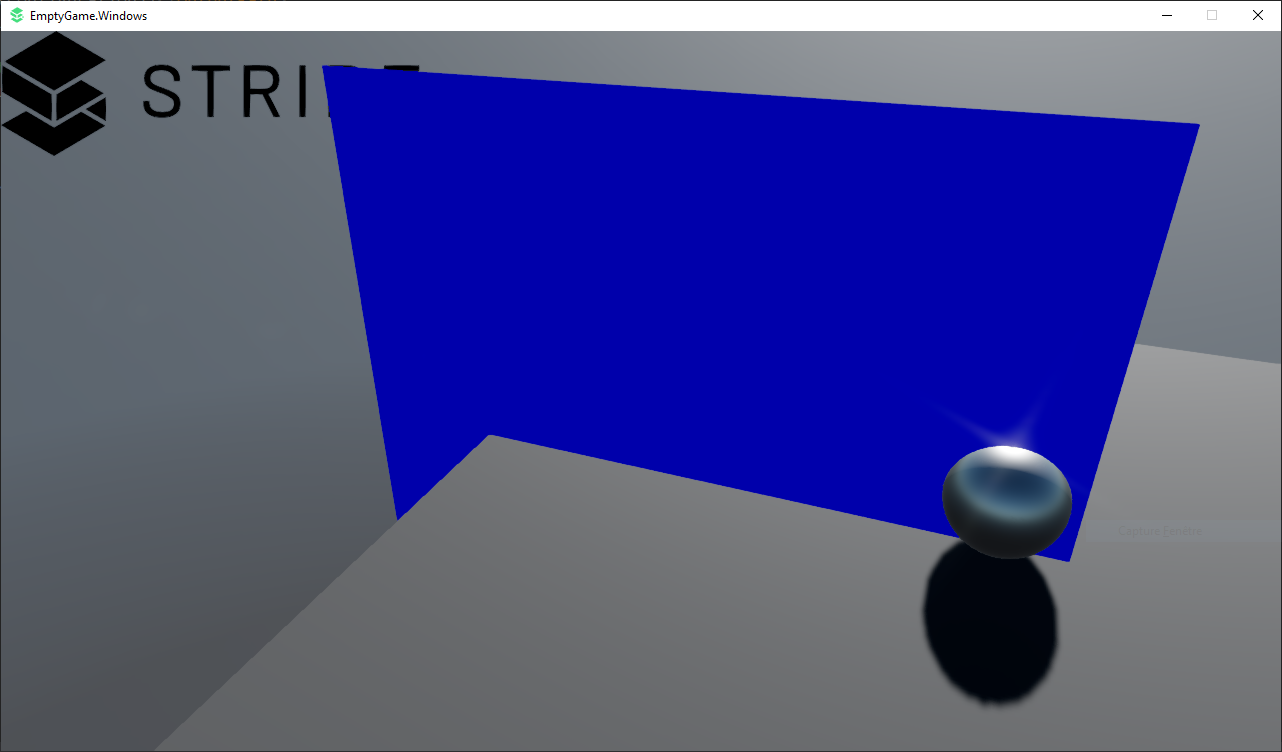
Rendered with Direct3D12
3D UI is correctly placed (cutting sphere)
Transparent is behind 3D UI because 2D UI is drawn before 3D UI according to Entity Tree
Screenshots
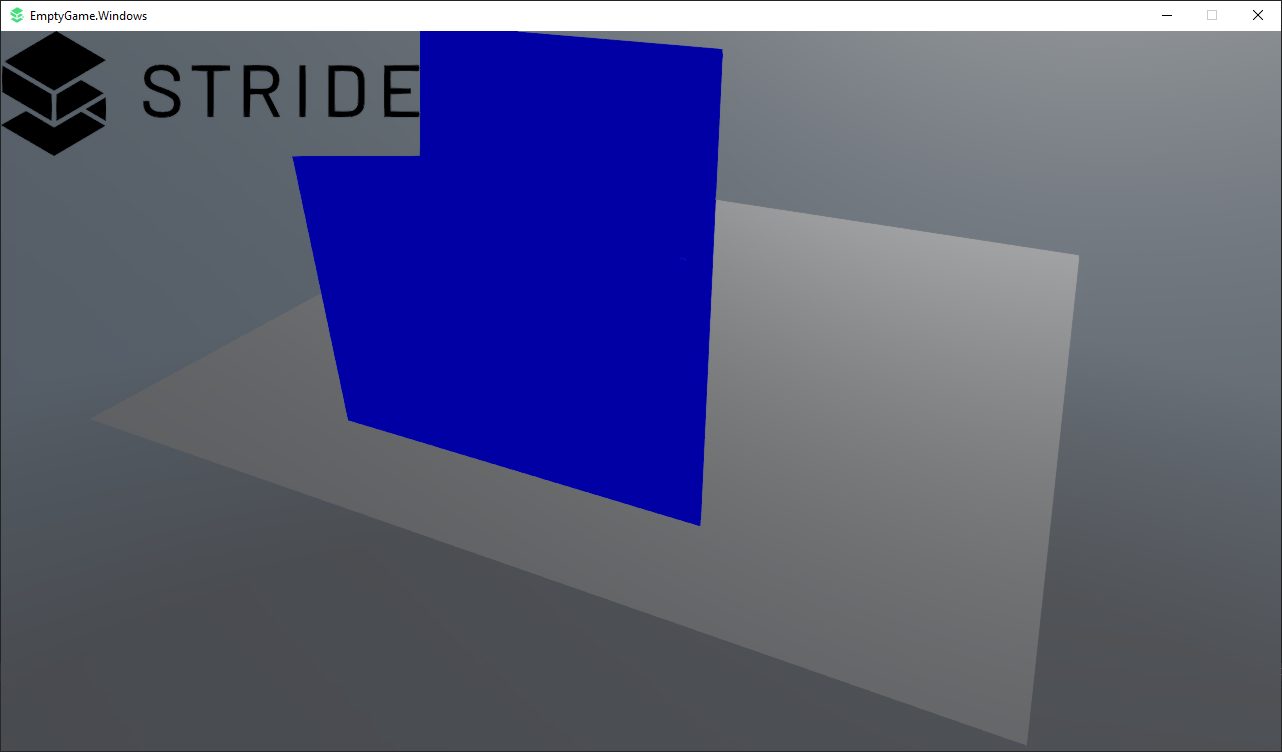
In Direct3D11
3D UI is not cutting sphere and move when the camera move
The transparent texture is not drawn correctly?
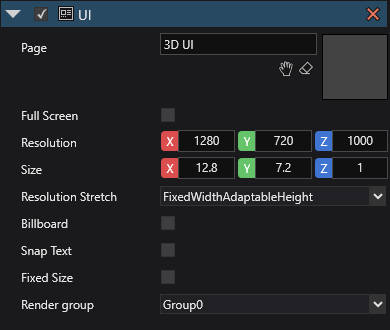
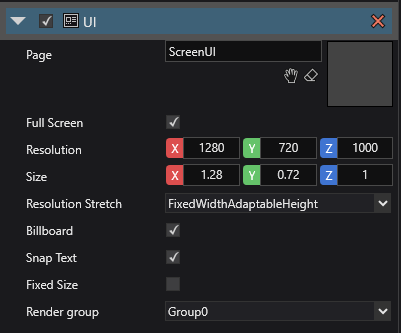
UI Configuration
Bugged Project : Bug Project.zip
Contributor guide
First steps
- Read the whole issue, then the project's contributing guide.
- Comment on the issue to say you are picking it up — it saves two people doing the same work.
- Fork the repository and make your change on a branch.
- Open a pull request that references the issue number.
Research direction
Start with the attached Bug Project.zip and reproduce the scene on Direct3D11 using the listed 2D and 3D UI setup. Compare the result with the Direct3D12 screenshots; done means the 3D UI remains correctly placed and the transparent texture renders in the expected entity-tree order.
Written by the indexing model from the issue text.
Assessment
- Tech stack
- csharp
- Domain
- computer-graphics, game-dev
- Issue type
- Bug
- Difficulty
- 4/5
- Estimated time
- 3-5 days
- Activity status
- Stale
- Clarity
- Mostly clear
- Newbie friendliness
- 35/100