react-component / react-component/slider
Bind tooltip code within the component
Nobody has claimed this yet.
- Dominant language
- TypeScript
- Stars
- 3.1k
- Forks
- 768
- Avg merge
- 11d 22h
- Merged PRs (30d)
- 5
Description
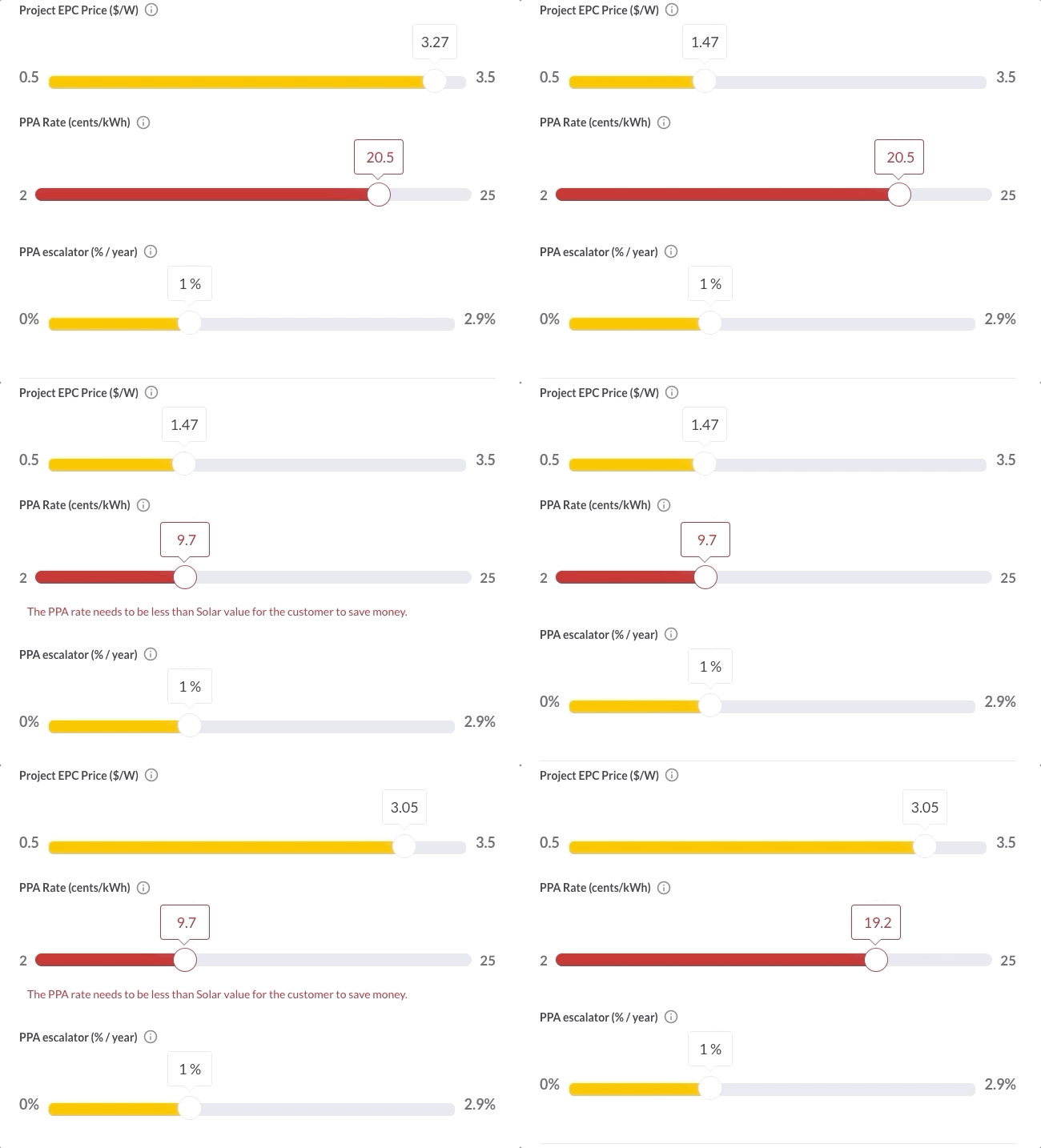
I'm having some UI issues with the way the tooltip is designed. When I have sliders stacked up with the tooltip always visible, and the height changes maybe due to something like a validation messaging showing up, the tooltip loses its positioning. I noticed that tooltip code is injected OUTSIDE of the component code. Is there a way to have the tooltip code be part of the component container so the positioning adheres to the component instead of the <body> of the page? Please see a video clip below of what I am referring to. Notice the third slider's tooltip losing its vertical position.
Contributor guide
No contributing guide indexed for this repository
First steps
- Read the whole issue, then the project's contributing guide.
- Comment on the issue to say you are picking it up — it saves two people doing the same work.
- Fork the repository and make your change on a branch.
- Open a pull request that references the issue number.
Research direction
No files or tests are named. Start by tracing the slider tooltip rendering and its relationship to the component container and page body, then reproduce the stacked-slider case with always-visible tooltips and changing validation height. Done means the third tooltip retains its vertical position when the component height changes.
Written by the indexing model from the issue text.
Assessment
- Tech stack
- react, typescript
- Domain
- frontend
- Issue type
- Feature
- Difficulty
- 4/5
- Estimated time
- 3-5 days
- Activity status
- Stale
- Clarity
- Mostly clear
- Newbie friendliness
- 35/100