quarto-ext / quarto-ext/lightbox
How to obtain padding in multi-col layout
Nobody has claimed this yet.
- Dominant language
- Lua
- Stars
- 83
- Forks
- 5
- PR merge metrics
- No merged PRs in 30d
Description
I asked this question over at the Quarto discussion, but figured I would replicate it here now that I have a clearer repro. I would be most grateful for any insight on how to get padding between images in a multi-col layout similar to how this looks without lightbox.
In the first case the images are shown without lightbox and have padding. In the second case, lightbox is activated and padding is gone. I'd like to add padding as in the first instance, but do not see arguments within the filter. The only difference between the two is that lightbox is commented out in the first instance and active in the second. Any thoughts?
I suspect for most use cases, some space between images would be the preferred default behavior.
No lightbox, has padding between images. This is the desired outcome.
---
title: Example Lightbox Document
# filters:
# - lightbox
# lightbox: auto
---
::: {layout-ncol=3}
{group="elsewhere"
description="The waves break off the coast of Aquinnah on a beautiful summer day."}
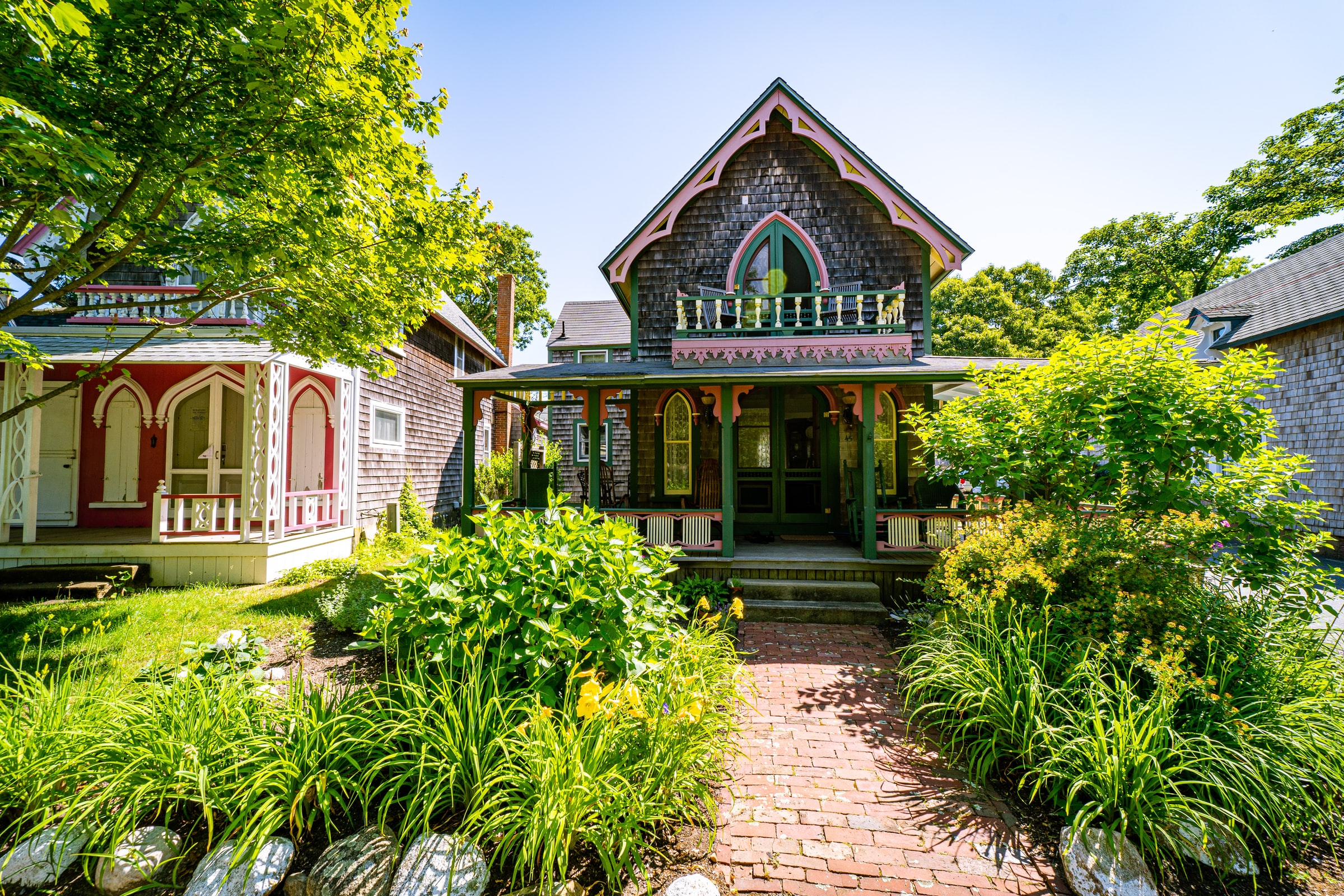{group="elsewhere"
description="Oak Bluffs is famous for its Gingerbread cottages, busy town center, and party like atmosphere."}
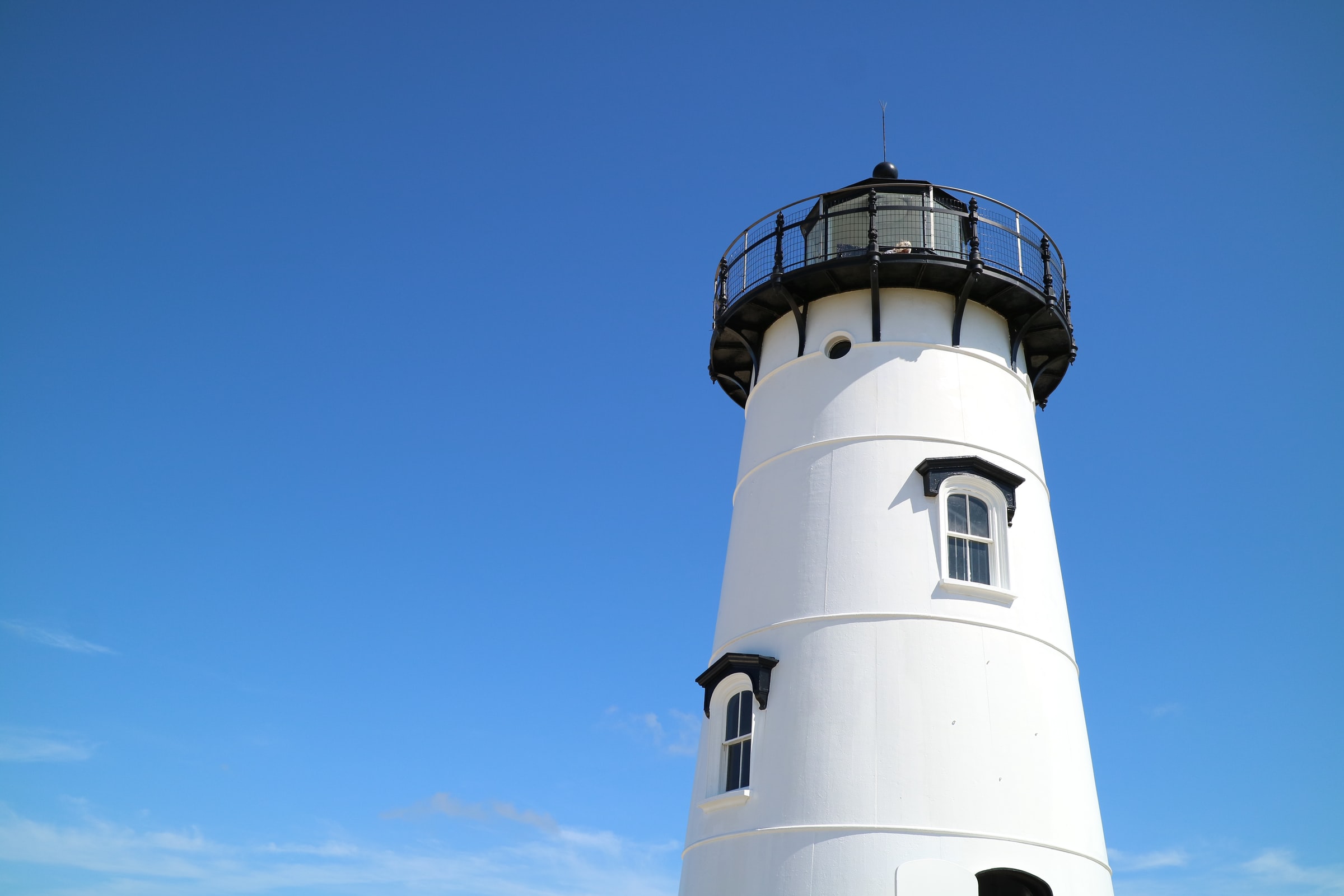{group="elsewhere"
description="The Edgartown Lighthouse is a short walk from downtown and has beautiful views over the entrance to Edgartown Harbor."}
:::

Lightbox activated, no padding between images. This is not the desired outcome. How to include padding?
---
title: Example Lightbox Document
filters:
- lightbox
lightbox: auto
---
::: {layout-ncol=3}
{group="elsewhere"
description="The waves break off the coast of Aquinnah on a beautiful summer day."}
{group="elsewhere"
description="Oak Bluffs is famous for its Gingerbread cottages, busy town center, and party like atmosphere."}
{group="elsewhere"
description="The Edgartown Lighthouse is a short walk from downtown and has beautiful views over the entrance to Edgartown Harbor."}
:::

Contributor guide
No contributing guide indexed for this repository
First steps
- Read the whole issue, then the project's contributing guide.
- Comment on the issue to say you are picking it up — it saves two people doing the same work.
- Fork the repository and make your change on a branch.
- Open a pull request that references the issue number.
Research direction
Start by reproducing the two Quarto examples in the issue, comparing the multi-column layout with and without the lightbox filter. No source file or test is named, so locate the lightbox filter entry point and the generated image layout; done means lightbox-enabled images retain spacing comparable to the no-lightbox example.
Written by the indexing model from the issue text.
Assessment
- Tech stack
- html, lua
- Domain
- frontend, web-dev
- Issue type
- Feature
- Difficulty
- 3/5
- Estimated time
- 1-2 days
- Activity status
- Stale
- Clarity
- Mostly clear
- Newbie friendliness
- 35/100