playcanvas / playcanvas/editor
On a slow connection, clicking on version control when switching scenes removes the close button
Open
Nobody has claimed this yet.
area: editor interface
area: ui
area: version control
bug
- Dominant language
- TypeScript
- Stars
- 1.3k
- Forks
- 215
- Avg merge
- 1d 29m
- Merged PRs (30d)
- 30
Description
Using a Fast 3G network preset in devtools:
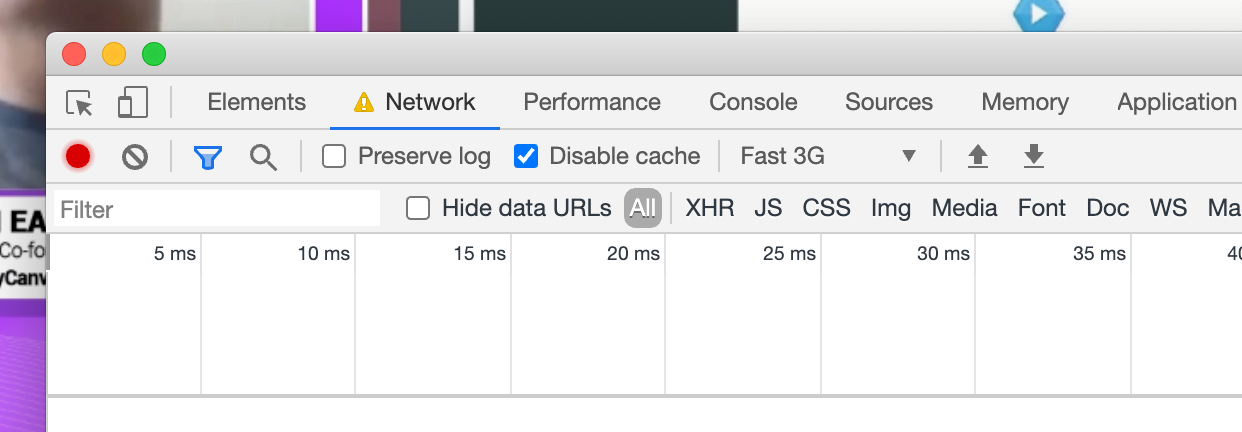
Switch the scene in the Editor and spam the version control button at the top of the Editor.
When it opens, you see that in the top right of the dialog that the close button is missing.
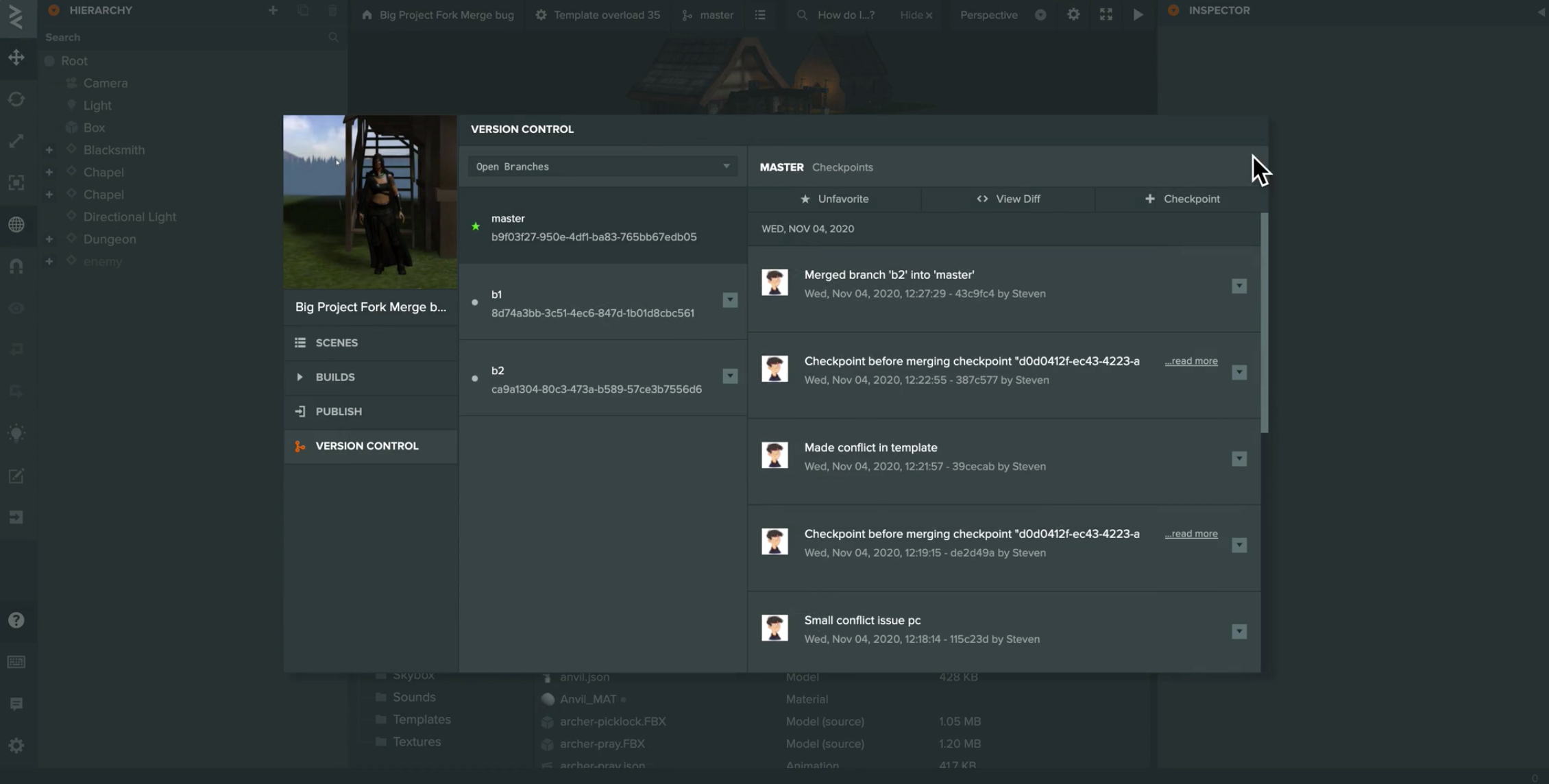
If you select the Scenes on the left menu, the close button appears again.
Video attached below:
Contributor guide
First steps
- Read the whole issue, then the project's contributing guide.
- Comment on the issue to say you are picking it up — it saves two people doing the same work.
- Fork the repository and make your change on a branch.
- Open a pull request that references the issue number.
Research direction
Reproduce the issue using the Fast 3G network preset, then switch scenes and repeatedly open the version control dialog. Check the dialog's close-button behavior before and after selecting Scenes; done means the close button remains visible when the dialog opens during scene switching.
Written by the indexing model from the issue text.
Assessment
- Tech stack
- typescript
- Domain
- frontend
- Issue type
- Bug
- Difficulty
- 3/5
- Estimated time
- 1-2 days
- Activity status
- Stale
- Clarity
- Mostly clear
- Newbie friendliness
- 42/100