Link hint text not centered
Nobody has claimed this yet.
- Dominant language
- JavaScript
- Stars
- 27k
- Forks
- 2.6k
- PR merge metrics
- No merged PRs in 30d
Description
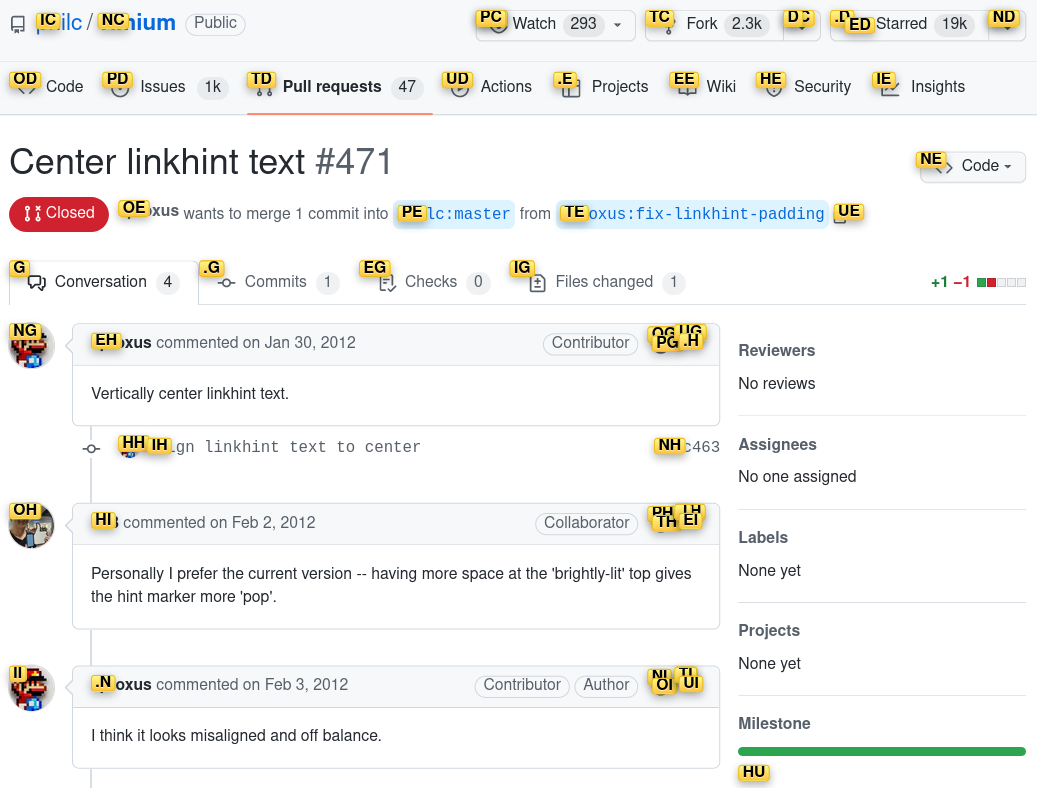
In the screenshot above, you can see that the bottom padding is larger than the top padding. This is using the default CSS in the settings page:
div > .vimiumHintMarker {
/* linkhint boxes */
background: -webkit-gradient(linear, left top, left bottom, color-stop(0%,#FFF785),
  color-stop(100%,#FFC542));
border: 1px solid #E3BE23;
}

div > .vimiumHintMarker span {
/* linkhint text */
color: black;
font-weight: bold;
font-size: 12px;
}

div > .vimiumHintMarker > .matchingCharacter {
}
In what I understand to be the underlying CSS defaults, the bottom margin is 0px, and the top margin is 1px, which would produce the opposite visual effect, so I'm not sure what other setting is affecting this.
Overriding the padding to 4px on all sides increases the padding, but on top of the extra "bottom padding" already present:

div > .vimiumHintMarker {
/* linkhint boxes */
background: -webkit-gradient(linear, left top, left bottom, color-stop(0%,#FFF785),
  color-stop(100%,#FFC542));
border: 1px solid #E3BE23;
padding: 4px; /* added line */
}

div > .vimiumHintMarker span {
/* linkhint text */
color: black;
font-weight: bold;
font-size: 12px;
}

div > .vimiumHintMarker > .matchingCharacter {
}
Setting the top and bottom paddings manually, with an offset of 4px seems to center things:
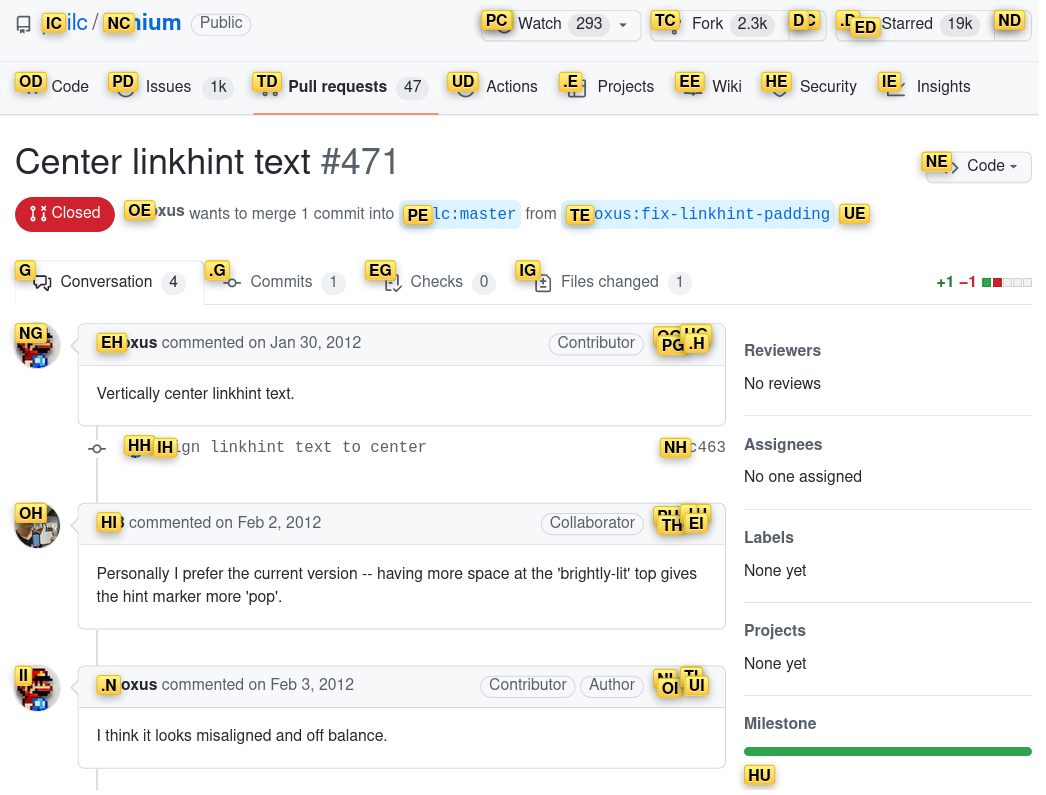
div > .vimiumHintMarker {
/* linkhint boxes */
background: -webkit-gradient(linear, left top, left bottom, color-stop(0%,#FFF785),
  color-stop(100%,#FFC542));
border: 1px solid #E3BE23;
padding-top: 4px;    /* added line */
padding-bottom: 0px; /* added line */

}

div > .vimiumHintMarker span {
/* linkhint text */
color: black;
font-weight: bold;
font-size: 12px;
}

div > .vimiumHintMarker > .matchingCharacter {
}
Vimium 1.67.3
Firefox 107.0
Arch Linux
Contributor guide
First steps
- Read the whole issue, then the project's contributing guide.
- Comment on the issue to say you are picking it up — it saves two people doing the same work.
- Fork the repository and make your change on a branch.
- Open a pull request that references the issue number.
Research direction
Start with content_scripts/vimium.css around the linked defaults near line 82, then compare them with the custom CSS shown in the issue. Reproduce the hint-marker layout in Firefox 107 using the provided settings and verify that the link hint text has equal visual spacing above and below.
Written by the indexing model from the issue text.
Assessment
- Tech stack
- javascript
- Domain
- frontend
- Issue type
- Bug
- Difficulty
- 2/5
- Estimated time
- 1-3 hours
- Activity status
- Stale
- Clarity
- Mostly clear
- Newbie friendliness
- 45/100