[UX] Difficulties scanning the full page
Nobody has claimed this yet.
- Dominant language
- Swift
- Stars
- 251
- Forks
- 142
- Avg merge
- 2d 17h
- Merged PRs (30d)
- 3
Description
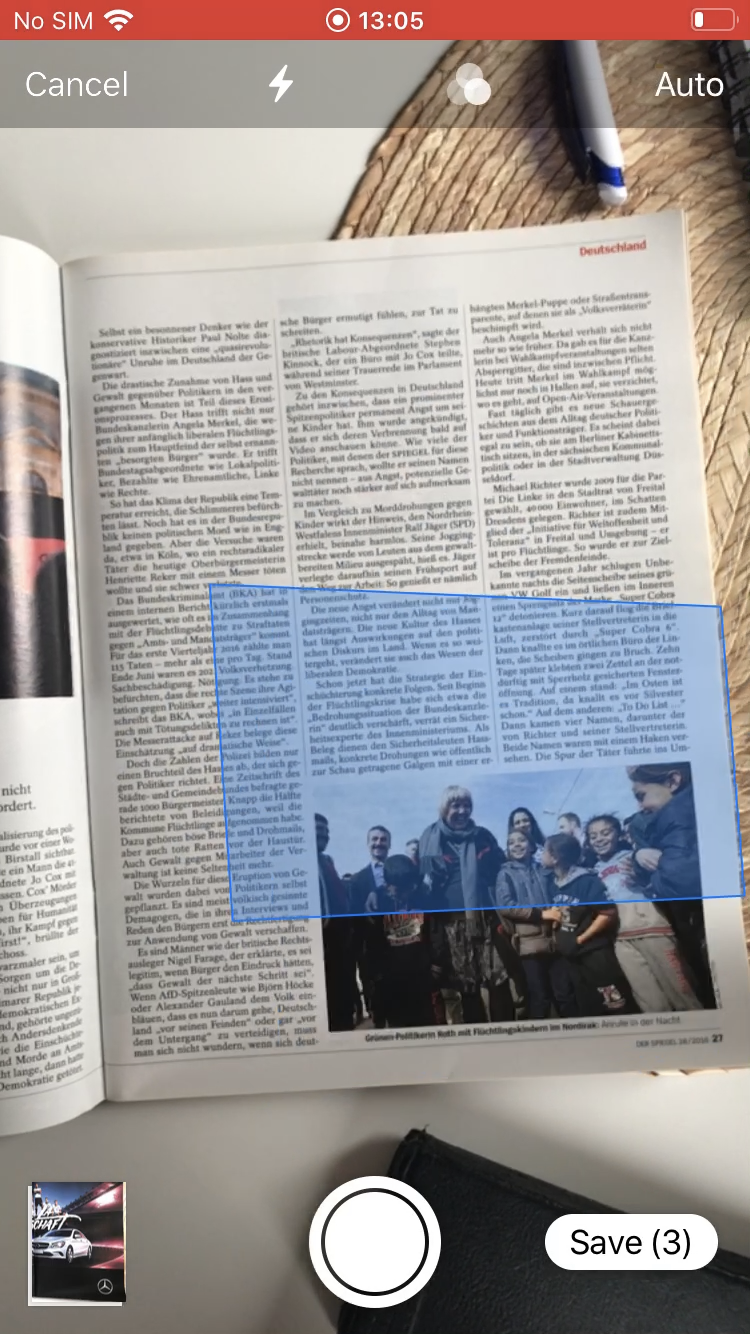
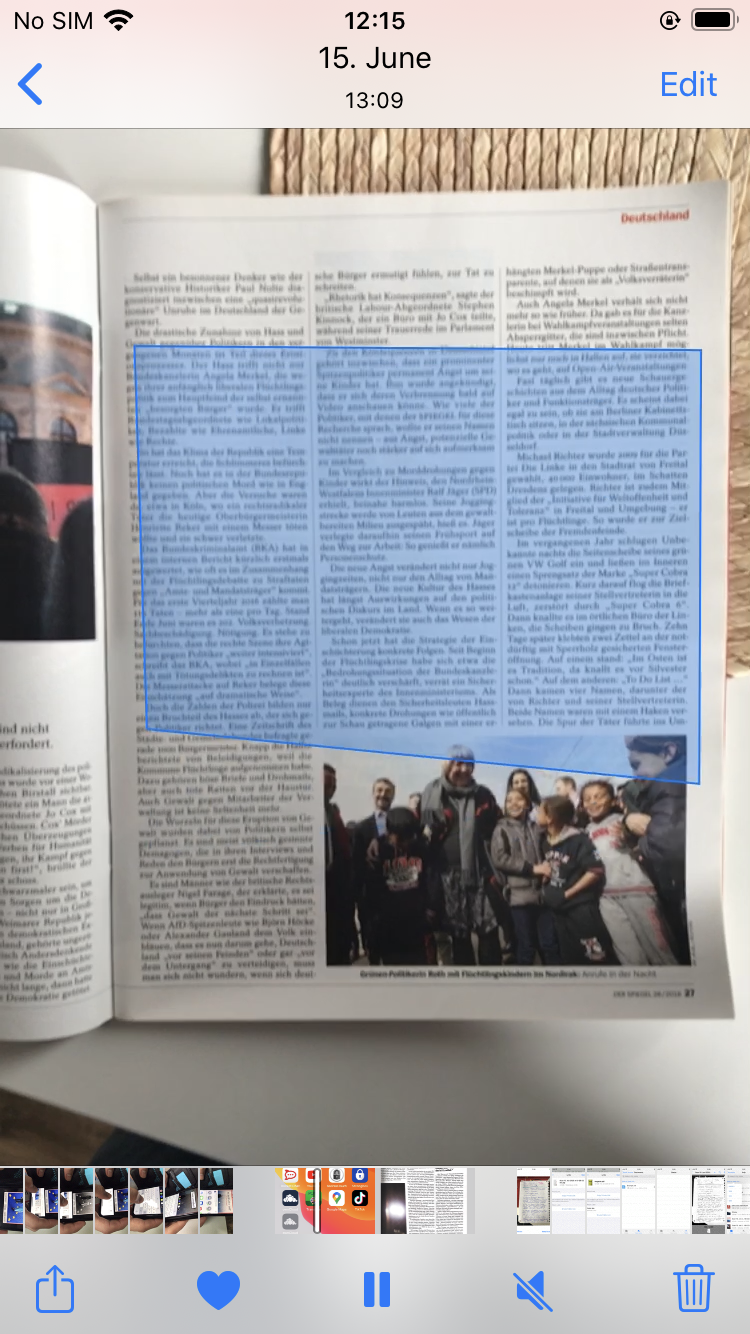
Problems focusing a complete document to scan
Steps to reproduce
- Open the iOS App 1.2.3
- Users press "plus button" and click on "Scan document"
Expected behavior
Scan the entire page
Actual behavior
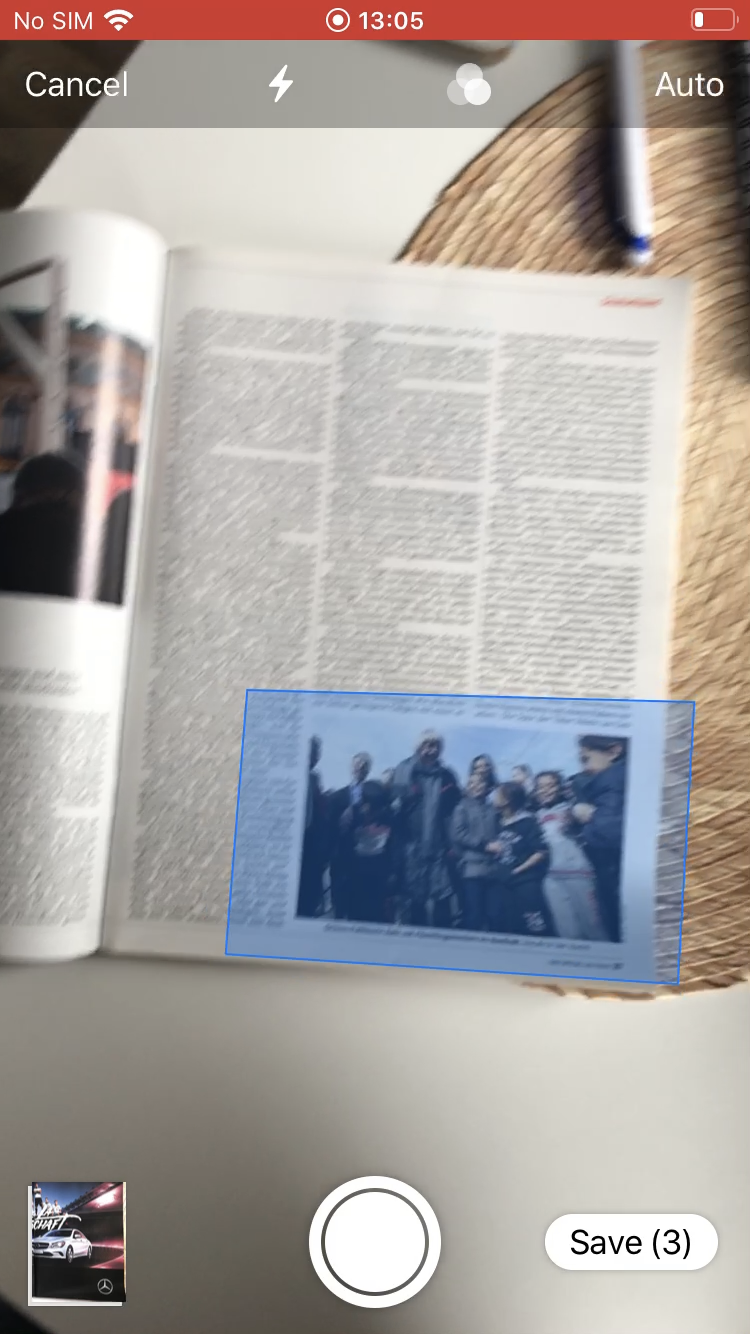
Sometimes a blue box appear moving faster unable to focus on the complete document to scan it
iOS 1.3.2
Tell us what could be improved:
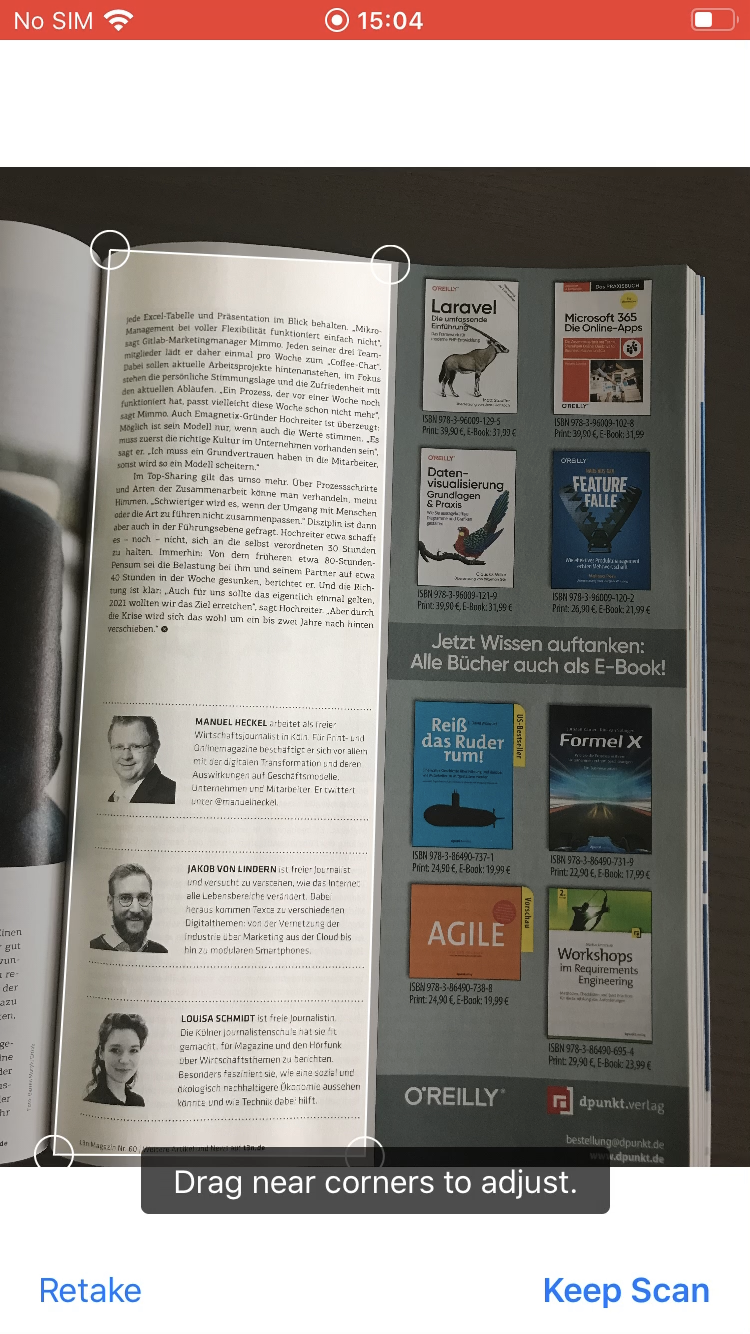
Scan the complete document without dragging to adjust the hole page
If the camera is having troubles to focus the document an advice could appear:
- Place your mobile around 20cm to scan the entire document
Videos:
Participant_G: 5:37Min/ 7:10Min/ 7:35Min | Participant_FA3: 0:21Min | Participant_AB: 0:34 Min
 |
 |
 |
|---|
Contributor guide
First steps
- Read the whole issue, then the project's contributing guide.
- Comment on the issue to say you are picking it up — it saves two people doing the same work.
- Fork the repository and make your change on a branch.
- Open a pull request that references the issue number.
Research direction
Start by reproducing the scan flow described for iOS App versions 1.2.3 and 1.3.2: open the app, press the plus button, and choose “Scan document.” Investigate the camera scanning entry point and compare the blue-box focus behavior with the attached videos and screenshots; done means the complete page can be scanned without manual dragging, or a focus-placement hint appears when needed.
Written by the indexing model from the issue text.
Assessment
- Tech stack
- ios, swift
- Domain
- mobile
- Issue type
- Bug
- Difficulty
- 4/5
- Estimated time
- 3-5 days
- Activity status
- Stale
- Clarity
- Needs clarification
- Newbie friendliness
- 35/100