openlibhums / openlibhums/janeway
Account registration, verification confuses users and locks them out
Nobody has claimed this yet.
- Dominant language
- Python
- Stars
- 238
- Forks
- 97
- Avg merge
- 9d 1h
- Merged PRs (30d)
- 8
Description
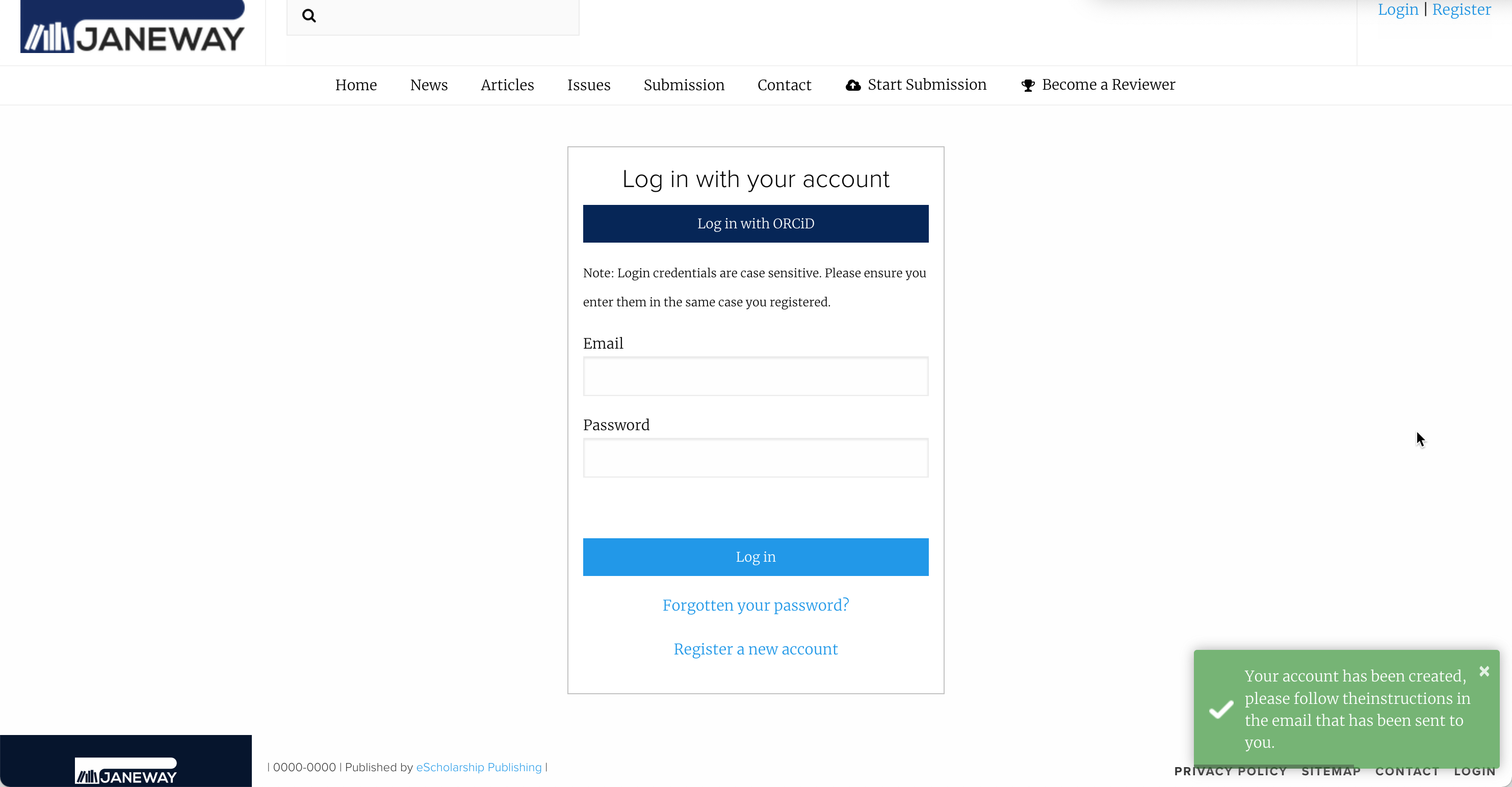
Is your feature request related to a problem? Please describe.
When users register a new account, they are returned to a login page after submitting the form, and a momentary notification alerts them to the fact that they must look in their email for an activation link. Upon clicking the activation link, users must then also click on an "Activate Account" button before they are able to log in.
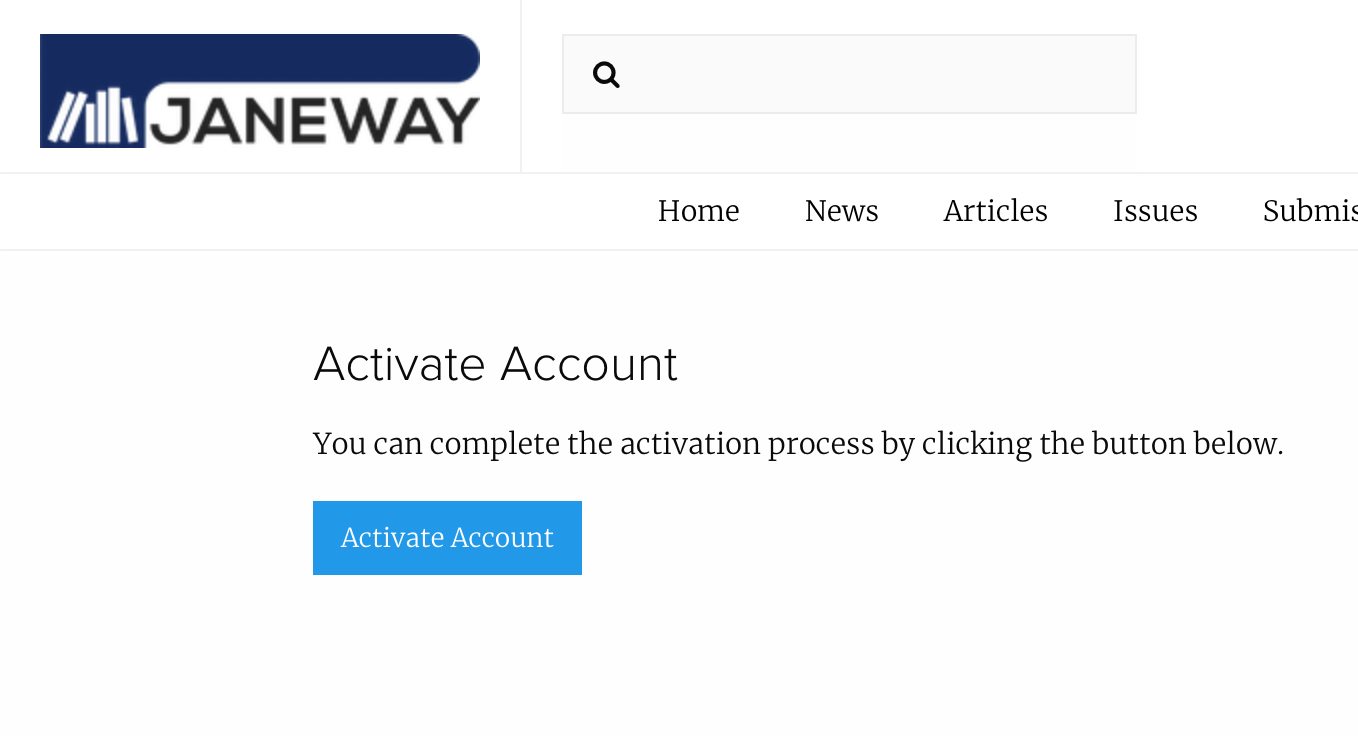
Users frequently overlook the notification alerting them to the email verification step, and since the page they are returned to after completing the registration form is the login page, they instead enter the email address and password they just created.
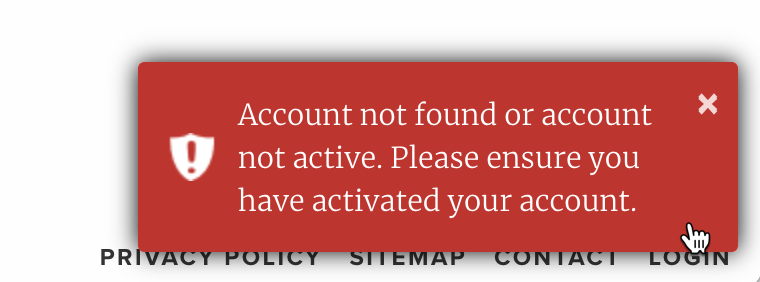
This step fails, and users receive a more noticeable (because it's red) notification telling them "Account not found or account not active. Please ensure you have activated your account." Having overlooked the previous notification, however, users do not know what is meant by "Please ensure you have activated your account." Subsequent attempts continue to fail until a slew of username, password, and captcha errors appear on screen.
Describe the solution you'd like
- Do not return the user to the login page after the account registration form is completed. Instead, deliver them to a page that clearly states that the next step is clicking the link in the activation email.
- When the user clicks the verification link in the activation email, account activation should happen automatically (without the user needing to click an 'Activate Account' button). They should land on a login page with some notification stating that account activation was successful.
- Errors should be revised for clarity. "Please ensure you have activated your account." is not sufficiently clear to some users. The error should also be specific to the problem being encountered, rather than using a single error message to cover multiple use cases (e.g. account not found should be its own error message).
- Errors should provide an actionable remedy (e.g. "Your account has not been activated. Didn't receive the activation email? Click here to have it sent again."
Contributor guide
First steps
- Read the whole issue, then the project's contributing guide.
- Comment on the issue to say you are picking it up — it saves two people doing the same work.
- Fork the repository and make your change on a branch.
- Open a pull request that references the issue number.
Research direction
Start by reproducing the registration, activation-email, verification-link, and login flows described in the issue. Done means users receive clear next-step guidance, activation completes from the verification link, successful activation leads to login, and errors distinguish account-not-found from inactive-account cases with actionable remedies.
Written by the indexing model from the issue text.
Assessment
- Tech stack
- python
- Domain
- authentication, backend
- Issue type
- Feature
- Difficulty
- 5/5
- Estimated time
- Over a week
- Activity status
- Stale
- Clarity
- Mostly clear
- Newbie friendliness
- 30/100