improve UX when searching for a specific website
@hellais is already working on this.
Since May 11, 2020.
- Dominant language
- JavaScript
- Stars
- 92
- Forks
- 45
- PR merge metrics
- No merged PRs in 30d
Description
Some UX that you might separate in different issues (and maybe some of them are duplicated)
I found difficult UX when trying to find "what's happening" from a basic user perspective.
First of all, search is not very visible, and I think is a core thing you want to do when you enable the explorer. I think that image background is so intense that you don't expect to find in up right, two buttons.
For the big explore button does not work with Ctrl+click or "open link in a new window or tab" does not work
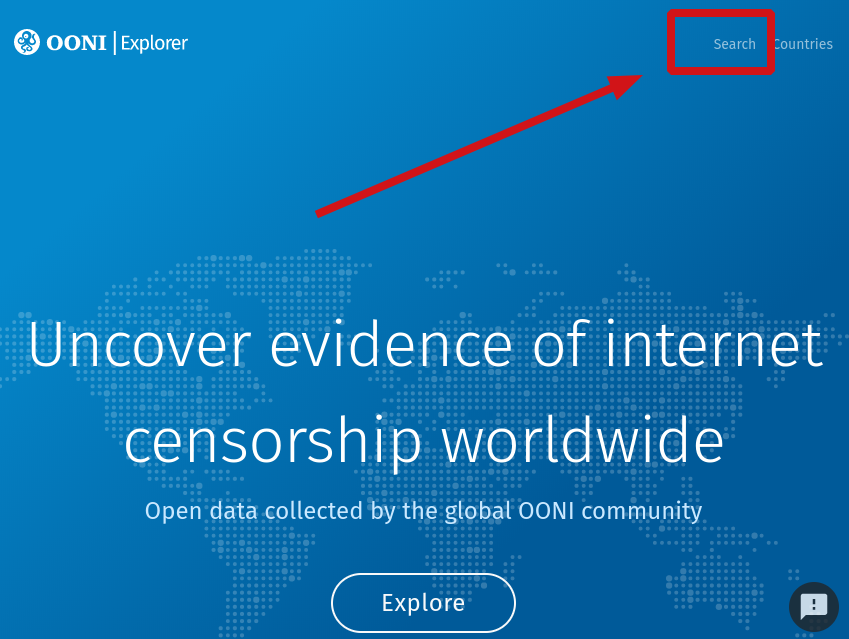
so this is what I want to do: search for a specific domain, but I found it very hidden
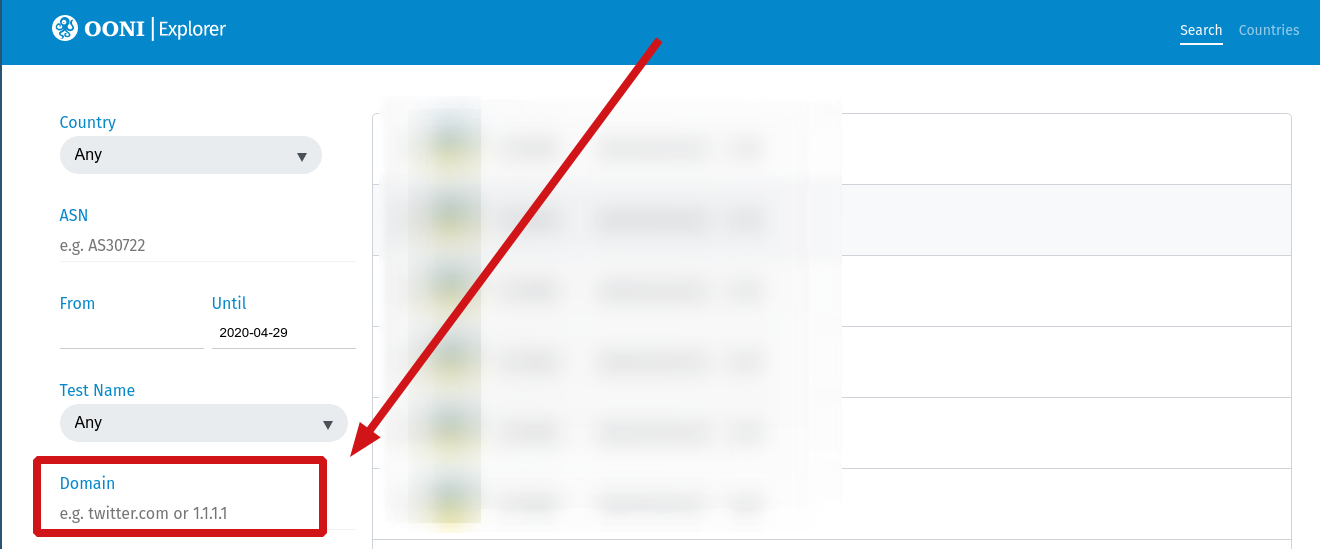
in the status, would be nice to understand what are the differences between "confirmed and anomalies", maybe with a question mark logo at right of status that goes to an article and explains it
pressing enter after typing domain does not search, it should do it, because as you see, you have to scroll down to find "filter results", it would be better to say "search" which is a more common function, more general approach in lots of webs
next problem is that, "ok" this ISP is from this country, and it blocked this website. But I don't have enough information (as a basic user) of what is that operator. I would like to know what is this operator. If you don't want to do your own resolution in the web, at least, point clearly to the appropriate RIR website (?). for example https://stat.ripe.net/AS16299?sourceapp=ripedb#tabId=at-a-glance (?)
and here is where that information should be clearer (or a link)
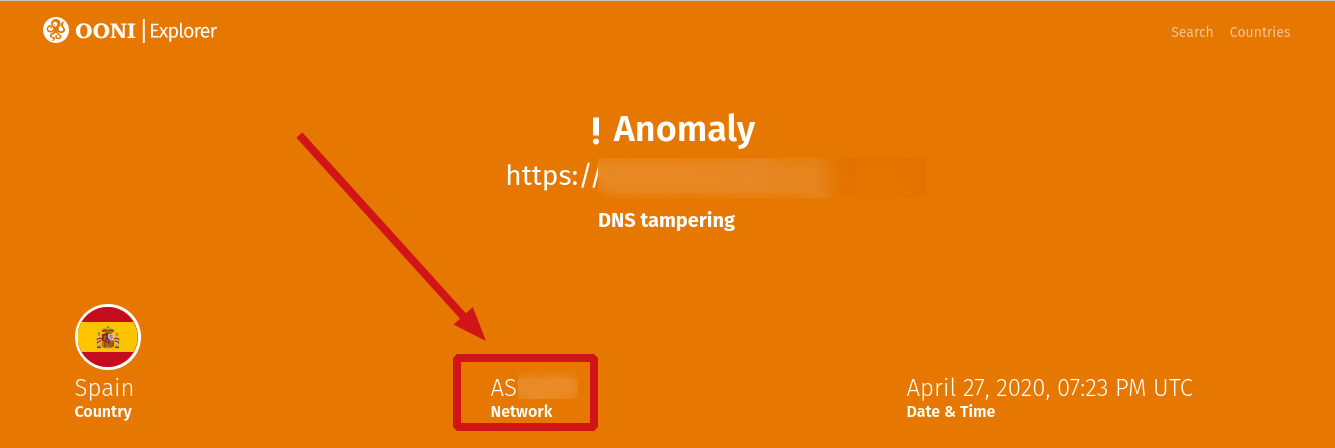
also, when saying DNS tampering, I would like a link to an article that explains what's that
note: someone said me that these days you have so much work. We would like to support you. Do you have a donation page? liberapay.com ? Cheers
Contributor guide
No contributing guide indexed for this repository
First steps
- Read the whole issue, then the project's contributing guide.
- Comment on the issue to say you are picking it up — it saves two people doing the same work.
- Fork the repository and make your change on a branch.
- Open a pull request that references the issue number.
Assessment
This issue has not been assessed yet.