obsproject / obsproject/obs-studio
VLC video source in OBS cannot switch to another soundtrack
Nobody has claimed this yet.
- Dominant language
- C
- Stars
- 76.4k
- Forks
- 10.2k
- Avg merge
- 4d 23h
- Merged PRs (30d)
- 12
Description
Operating System Info
Windows 11
Other OS
No response
OBS Studio Version
Other
OBS Studio Version (Other)
28.1.2
OBS Studio Log URL
https://obsproject.com/logs/OpQ7elv45Kr5U3nX
OBS Studio Crash Log URL
No response
Expected Behavior
Sound can be correctly output when switching to soundtrack 2.
Current Behavior
Sound only outputs when the soundtrack setting equals 1, when it is set to 2, no sound output.
Steps to Reproduce
-
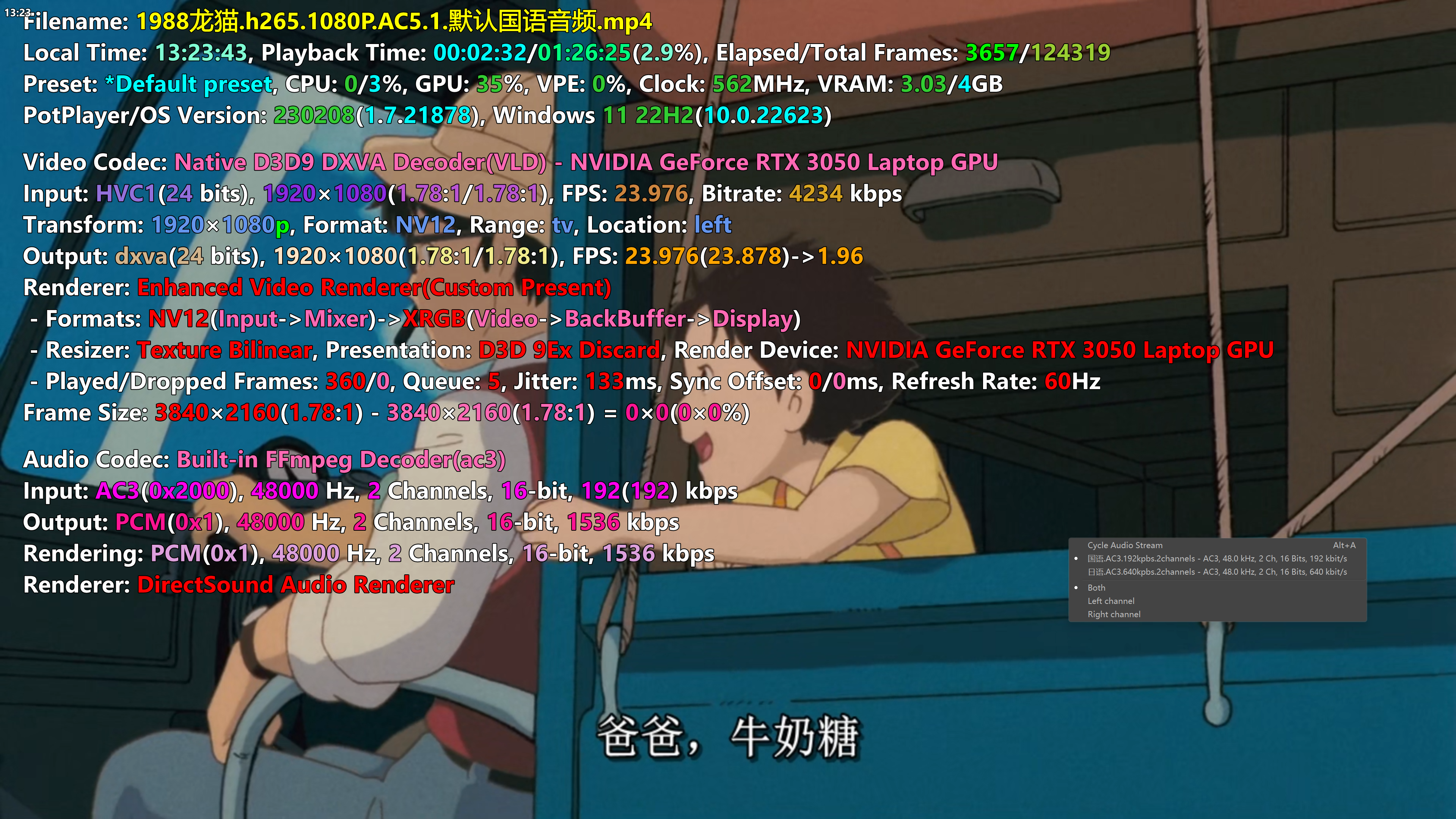
Add an mp4 video file, which has 2 soundtracks, to the VLC video source in OBS.
-
Sound only outputs when the soundtrack setting equals 1, when it is set to 2, no sound output.
Anything else we should know?
ScreenShots
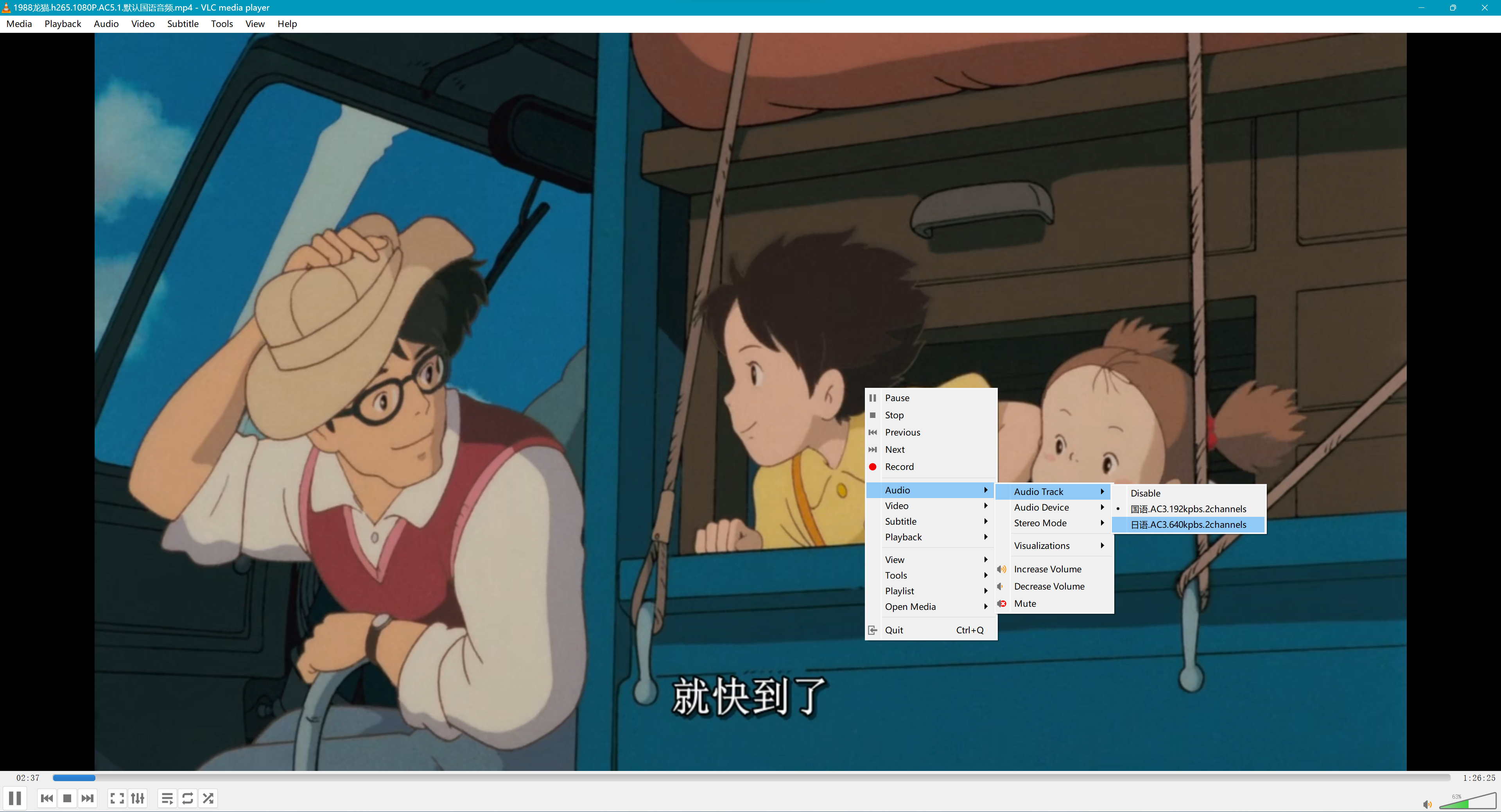
Video File Properties
Contributor guide
First steps
- Read the whole issue, then the project's contributing guide.
- Comment on the issue to say you are picking it up — it saves two people doing the same work.
- Fork the repository and make your change on a branch.
- Open a pull request that references the issue number.
Research direction
Start with the VLC video source and the provided OBS Studio log, then reproduce the issue using an MP4 file with two soundtracks on Windows 11. Trace why soundtrack 2 produces no audio; done means switching from soundtrack 1 to soundtrack 2 outputs the second track correctly.
Written by the indexing model from the issue text.
Assessment
- Tech stack
- c, cpp
- Domain
- audio-video-rtc, desktop
- Issue type
- Bug
- Difficulty
- 4/5
- Estimated time
- 3-5 days
- Activity status
- Stale
- Clarity
- Mostly clear
- Newbie friendliness
- 35/100