obsproject / obsproject/obs-studio
Vst's that generate audio don't function/immediately stop functioning
Nobody has claimed this yet.
- Dominant language
- C
- Stars
- 76.4k
- Forks
- 10.2k
- Avg merge
- 4d 23h
- Merged PRs (30d)
- 12
Description
Operating System Info
Windows 10
Other OS
No response
OBS Studio Version
28.1.2
OBS Studio Version (Other)
No response
OBS Studio Log URL
https://obsproject.com/logs/ApbKnl48xD8ST2jb
OBS Studio Crash Log URL
No response
Expected Behavior
Vst that generates audio, ie. ReaStream, to play audio on unused/extra track
Current Behavior
If the track is unused (doesn't receive any audio by default,) the vst will not function, or will cut out after a very short delay
Steps to Reproduce
- Set up a "send" source for the ReaStream VST, in a DAW or other program
- Set up a "receive" source in OBS by inserting the ReaStream VST on an "Unused" audio channel
- The receiving VST will not function on an unused audio channel, but will function as expected on an "Active" audio channel
...
Not working on "Desktop Audio"
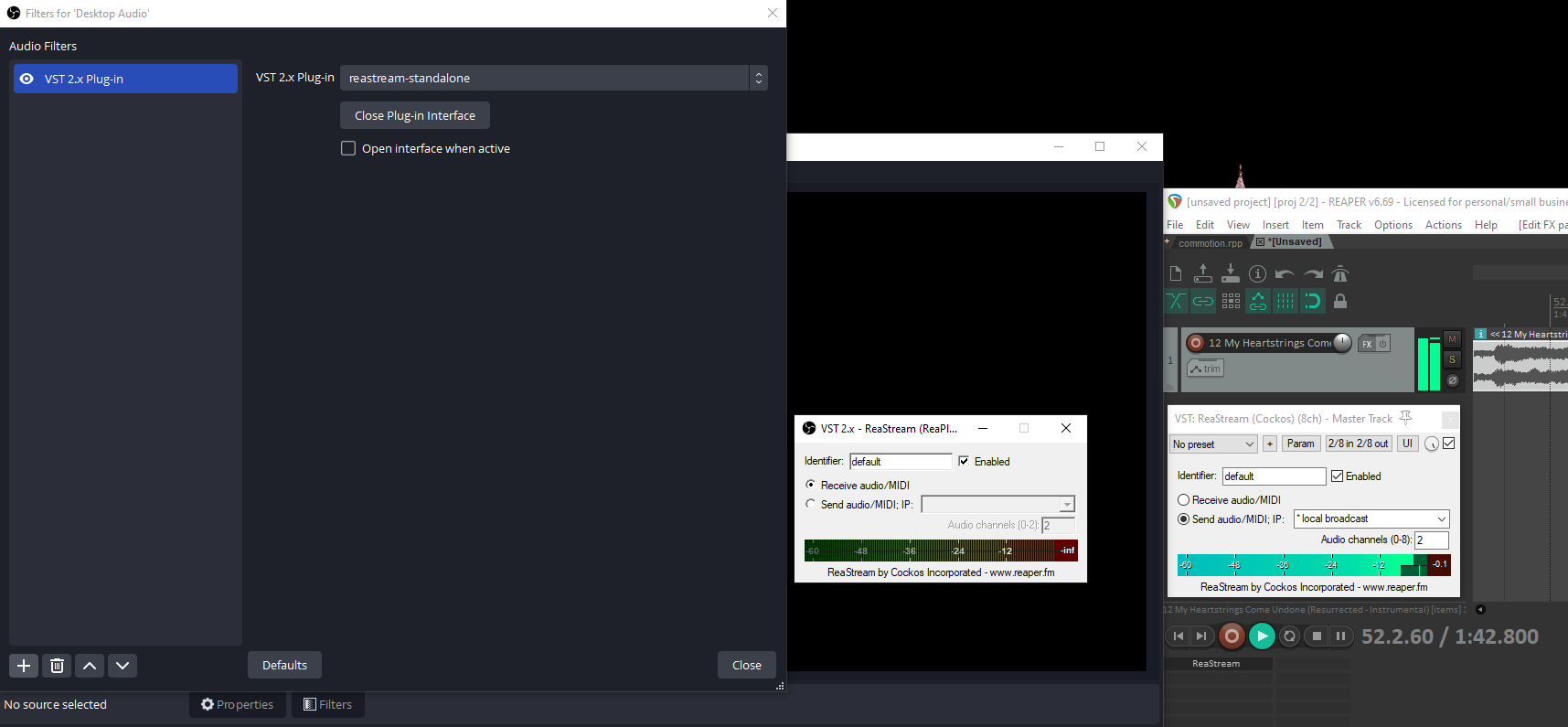
Working on a voicemeeter output
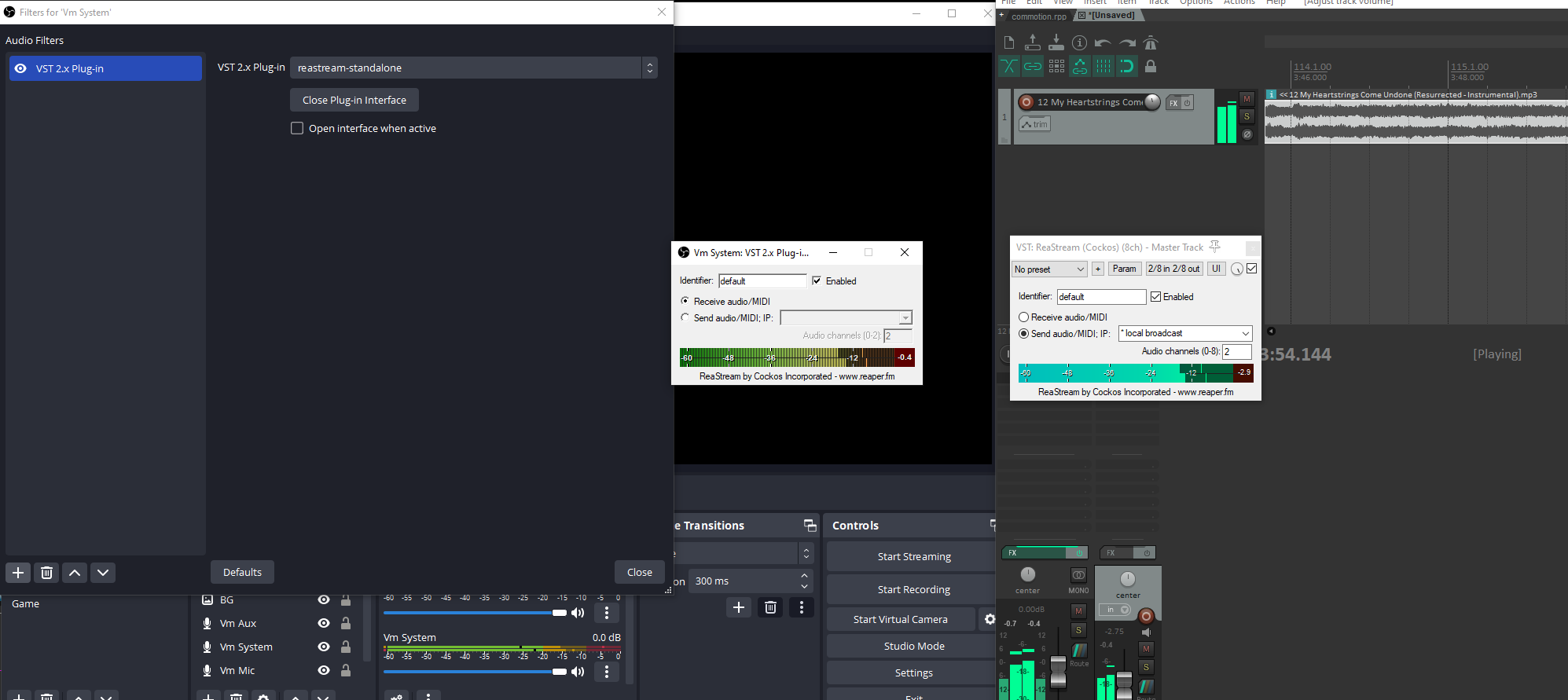
Anything else we should know?
On a separate system running OBS v27, the VST would work on a "vacant" for a second or two before stopping, but functioned normally when placed on our "main" track
Contributor guide
First steps
- Read the whole issue, then the project's contributing guide.
- Comment on the issue to say you are picking it up — it saves two people doing the same work.
- Fork the repository and make your change on a branch.
- Open a pull request that references the issue number.
Research direction
Start by reviewing the attached OBS log and reproducing the ReaStream setup on Windows 10 with an unused audio channel, comparing it with an active channel. Trace the VST audio-source handling involved in those two paths. Done means an audio-generating VST continues receiving and playing audio on an otherwise unused channel.
Written by the indexing model from the issue text.
Assessment
- Domain
- audio-video-rtc
- Issue type
- Bug
- Difficulty
- 4/5
- Estimated time
- 3-5 days
- Activity status
- Stale
- Clarity
- Mostly clear
- Newbie friendliness
- 35/100