obsproject / obsproject/obs-studio
Intel QSV QuickSync H.264 CBR ignores target bitrate
Nobody has claimed this yet.
- Dominant language
- C
- Stars
- 76.4k
- Forks
- 10.2k
- Avg merge
- 4d 23h
- Merged PRs (30d)
- 12
Description
Operating System Info
Windows 10
Other OS
No response
OBS Studio Version
28.1.2
OBS Studio Version (Other)
No response
OBS Studio Log URL
https://obsproject.com/logs/sLr1ezpFbDf0kOEa
OBS Studio Crash Log URL
No response
Expected Behavior
QSV encoder should respect the target bitrate when set below a threshold determined by the output resolution and framerate
Current Behavior
OBS outputs video at around 4300Kbps while streaming 1920x1080@120 after I lowered the CBR bitrate to 1800Kbps.
QSV appears to enforce a minimum bitrate depending on the output resolution and framerate. Higher bitrate values take effect as expected. I was able to replicate the issue on CBR, VBR, and ICQ rate controls.
OBS Studio Log is from a local recording demonstrating the issue. It was also observed in a 3 hour livestream to Twitch.
- Sample clip: https://clips.twitch.tv/RacyFurtiveGarageBrainSlug--hPP9JfqTGcZdP36
- Playback Info:
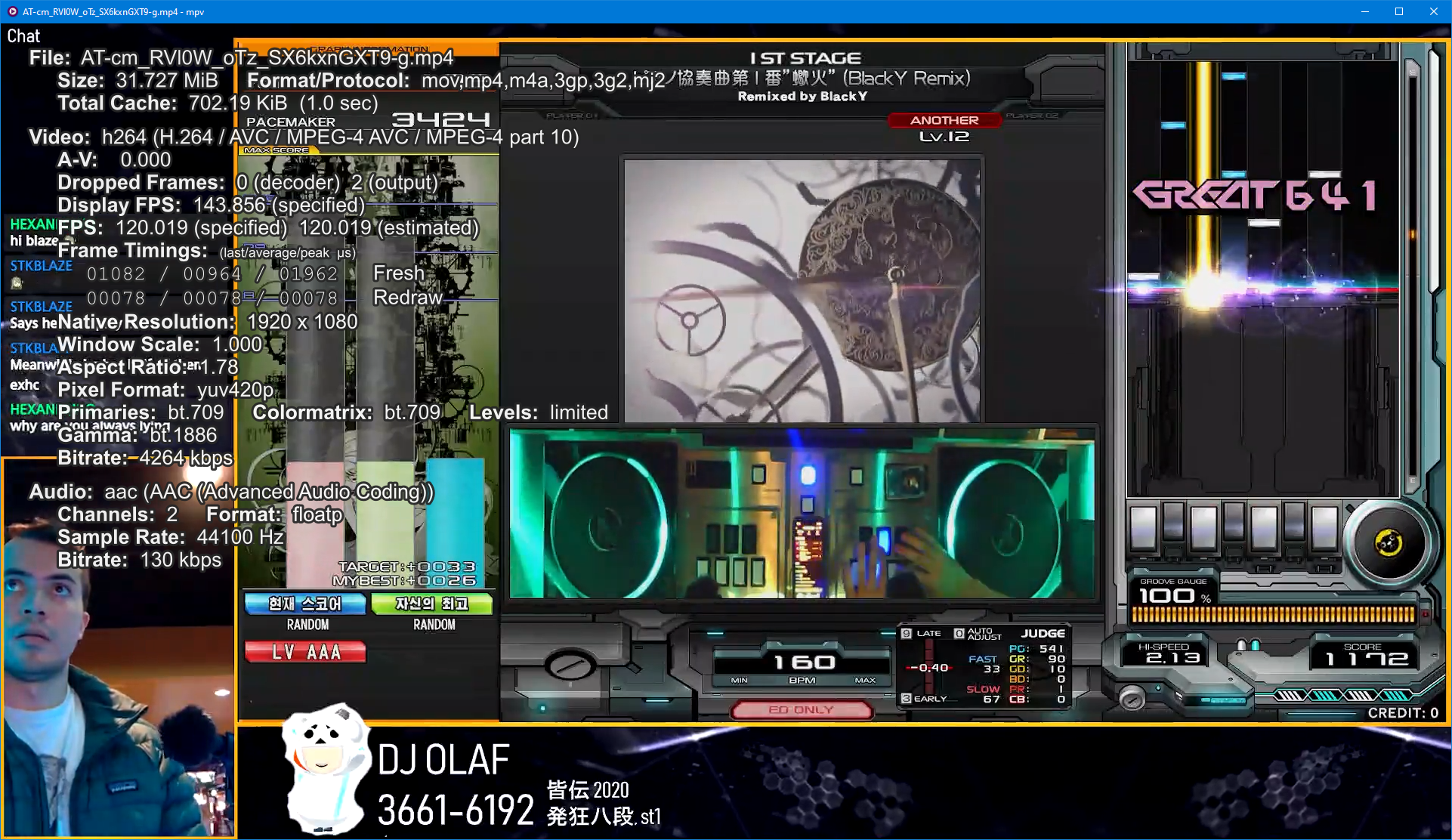
- RTMP Header received by live-sea.twitch.tv
map[2.1:false 3.1:false 4.0:false 4.1:false 5.1:false 7.1:false audiochannels:2 audiocodecid:10 audiodatarate:320 audiosamplerate:44100 audiosamplesize:16 duration:0 encoder:obs-output module (libobs version 28.1.0) fileSize:0 framerate:120 height:1080 stereo:true videocodecid:7 videodatarate:1700 width:1920] - Twitch Inspector Log: inspector.pdf
Steps to Reproduce
- In the Advanced output menu, set QuickSync H.264 to CBR with an arbitrarily low bitrate like 100Kbps. If using ICQ, set ICQ quality to 51 (highest value, worse quality)
- Other settings used are target usage: slower, profile: high, keyframe interval: 4, latency: normal, bframes: 0, and no subjective video enhancements

- In the Video menu, set the output resolution to a desired value. I tested with 1920x1080@120fps, but each resolution and framerate has its own minimum bitrate
- Start streaming or recording
Anything else we should know?
Tested on Intel UHD 630 and UHD 770 on recent Intel Graphics drivers
Contributor guide
First steps
- Read the whole issue, then the project's contributing guide.
- Comment on the issue to say you are picking it up — it saves two people doing the same work.
- Fork the repository and make your change on a branch.
- Open a pull request that references the issue number.
Research direction
Start by reproducing the issue with QuickSync H.264 using the Advanced output menu, a very low CBR or ICQ setting, and the reported resolution and frame rate. Compare the configured bitrate with the OBS log, stream output, and Twitch Inspector data; done means the encoder respects the requested target across the described rate controls.
Written by the indexing model from the issue text.
Assessment
- Tech stack
- c
- Domain
- audio-video-rtc
- Issue type
- Bug
- Difficulty
- 4/5
- Estimated time
- 3-5 days
- Activity status
- Stale
- Clarity
- Mostly clear
- Newbie friendliness
- 35/100