notepad-plus-plus / notepad-plus-plus/notepad-plus-plus
Notepad++ 7.9.4 blurry text on secondary monitor
Nobody has claimed this yet.
- Dominant language
- C++
- Stars
- 29.4k
- Forks
- 5.4k
- PR merge metrics
- No merged PRs in 30d
Description
My primary monitor (2560x1440) has scalling 175% -> here is visibility perfect as you can see here

But on my secondary monitor (1920x1080) with scalling 125% -> here is text blurry:

And here is zoomed detail of the blurred text, as you can see, for example, underline letter is everytime showed differently:
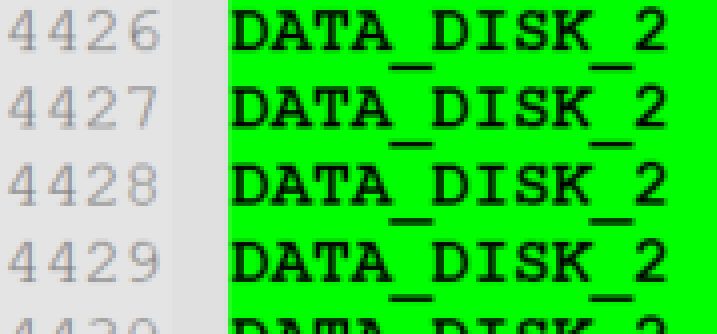
Here is comparing Notepad++ and Windows Notepad on secondary monitor - font for both is Courier New, 11, bold:

Here is zoomed detail of Windows Notepad (underline letter is always the same)
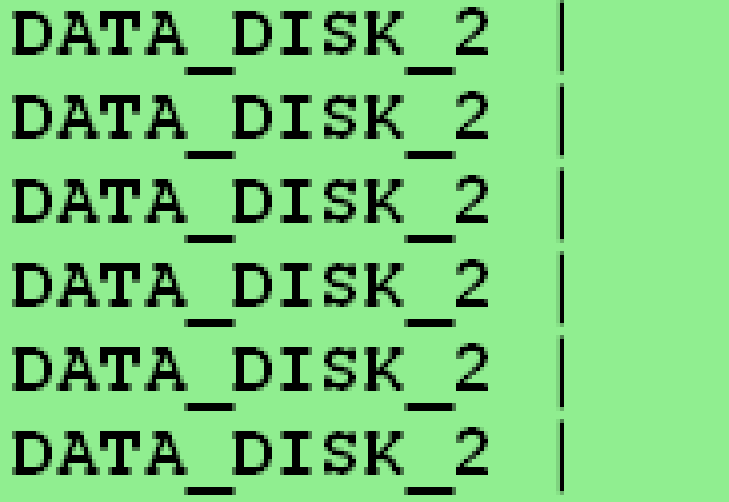
For me is quite important to be non blurry on secondary monitor because I have to very often use Notepad++ on secondary monitor.
I think it should be working as for example Total Commander (x64, 9.51) or Command Line Window or Windows Notepad.
Version: Notepad++ 7.9.4 64bits, Windows 10 20h2 64bits.
Contributor guide
First steps
- Read the whole issue, then the project's contributing guide.
- Comment on the issue to say you are picking it up — it saves two people doing the same work.
- Fork the repository and make your change on a branch.
- Open a pull request that references the issue number.
Research direction
No files, tests, or code entry points are mentioned. First reproduce the blurry text on Windows 10 20H2 with Notepad++ 7.9.4, a 175% primary monitor, and a 125% secondary monitor; done means text renders sharply and consistently on the secondary display.
Written by the indexing model from the issue text.
Assessment
- Tech stack
- cpp
- Domain
- desktop
- Issue type
- Bug
- Difficulty
- 4/5
- Estimated time
- 3-5 days
- Activity status
- Stale
- Clarity
- Mostly clear
- Newbie friendliness
- 28/100