User initiated update process should not leave the page in maintenance mode when update gets interrupted by the user
Nobody has claimed this yet.
- Dominant language
- PHP
- Stars
- 36.9k
- Forks
- 5.2k
- Avg merge
- 2d 3h
- Merged PRs (30d)
- 713
Description
How to use GitHub
- Please use the 👍 reaction to show that you are interested into the same feature.
- Please don't comment if you have no relevant information to add. It's just extra noise for everyone subscribed to this issue.
- Subscribe to receive notifications on status change and new comments.
Is your feature request related to a problem? Please describe.
If an app gets updated (i.e. via file system) the next visitor (logged in or not) gets an update notification. It this user clicks on "Start Update" and closes the tab/window during this update process, the site is left in maintenance mode.
I think the main issue is, that this can be caused by externel users.
This happened here while testing, But I think similair situations can happen. I did not try it with a new Nc release, so I can't say if this happens also by interrupting the update process through the web updater after a new main release.
Describe the solution you'd like
Different approches seem to be supposable:
- Updates should not be able to get interrupted by closing the page
- App updates could be done by a background job (has challanges for sure)
- External users are not allowed to intiate the update process
- Only admins should be able to initiate updates
- updates via the frontend should be avoided
- IMHO at least an update from a not loggin user should be prevented in any case
- ...
Additional context
| Text | Screenshot |
|---|---|
First update an app (or change the version information in appinfo/info.xml |
|
| Visit login page | 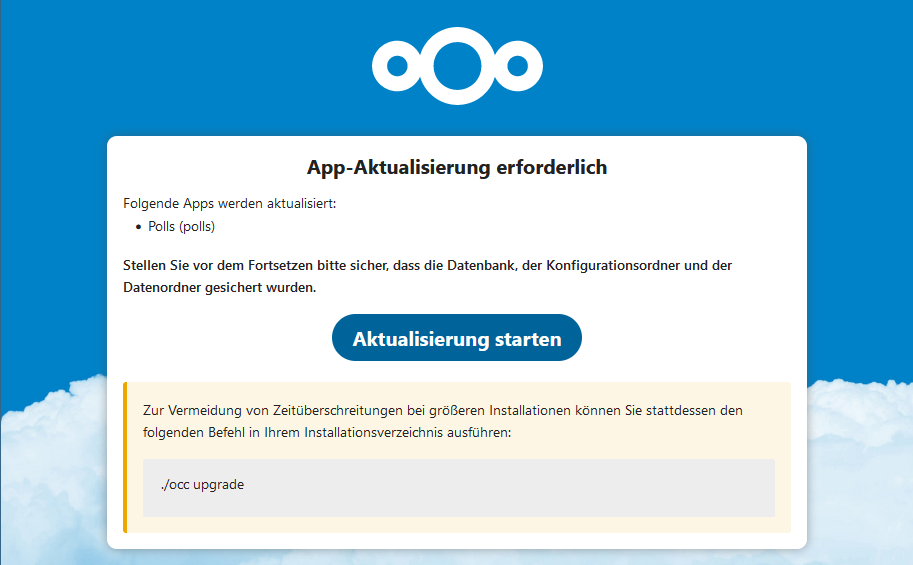 |
| After click on "Start update" | 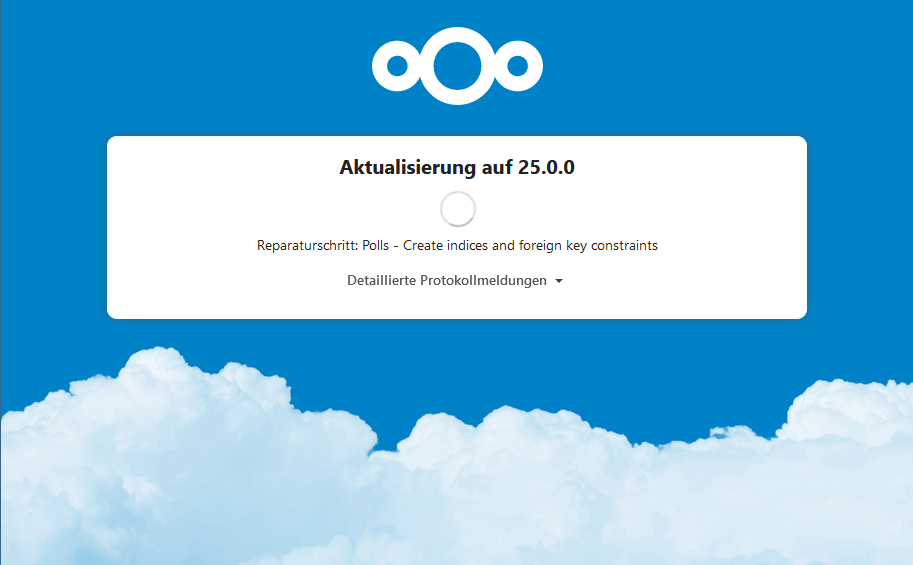 |
| While updating close the page | 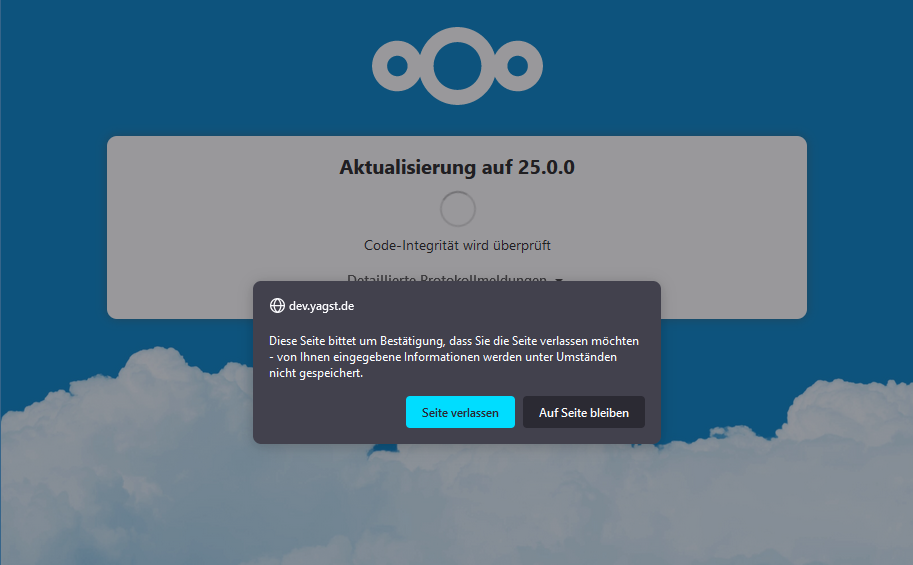 |
| After that the site is left in maintenance mode and must be released via occ or changing the config file |
Contributor guide
First steps
- Read the whole issue, then the project's contributing guide.
- Comment on the issue to say you are picking it up — it saves two people doing the same work.
- Fork the repository and make your change on a branch.
- Open a pull request that references the issue number.
Research direction
Start by reproducing the interrupted update through the web updater: use appinfo/info.xml to trigger the update, select “Start update,” then close the page and inspect the resulting maintenance state. Review the update flow and the occ or config-file recovery path; done means an interrupted user-initiated update no longer leaves the site stuck in maintenance mode.
Written by the indexing model from the issue text.
Assessment
- Tech stack
- php
- Domain
- backend, release
- Issue type
- Feature
- Difficulty
- 5/5
- Estimated time
- Over a week
- Activity status
- Stale
- Clarity
- Mostly clear
- Newbie friendliness
- 25/100