No Show of Files in filled folder in iOS App
Nobody has claimed this yet.
- Dominant language
- Swift
- Stars
- 2.5k
- Forks
- 1k
- Avg merge
- 2d 18h
- Merged PRs (30d)
- 13
Description
Steps to reproduce
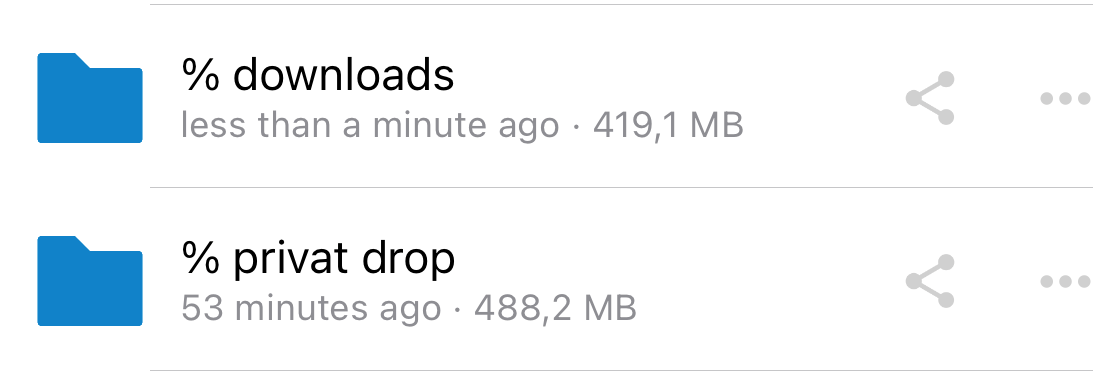
- Name a folder starting with "%" (anywhere: desktop etc.)
- put a file in it
- try to access folder on iPhone
Expected behaviour
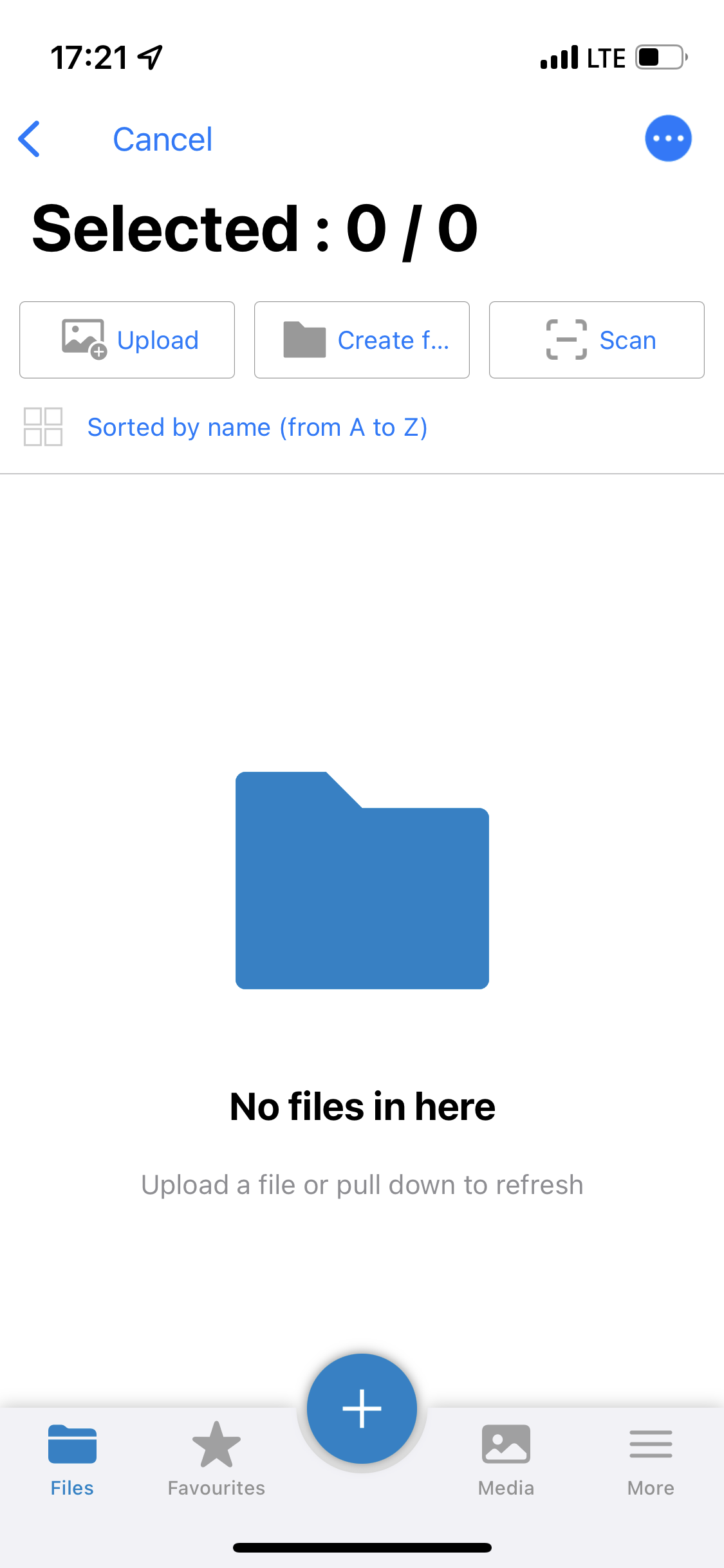
I should see the files when browsering my folders.
Actual behaviour
I can see that my folder contains a certain amount of kb, but when i open it I can see anything - the folder seems to be empty. Even when I added a file from my iphone, i can't see it. I see all files on windows client as well as in the cloud browser. This holds only for folders I used to name beginning with an %. Refreshing does not change it, renaming folders as well.
Screenshots
Environment data
iOS version: e.g. iOS 15.6.1
**Nextcloud iOS app version: 4.5.3.0 (Nextcloud server 24.0.1)
The Server is run by University of Potsdam. For any server information, contact ZKM there.
Contributor guide
First steps
- Read the whole issue, then the project's contributing guide.
- Comment on the issue to say you are picking it up — it saves two people doing the same work.
- Fork the repository and make your change on a branch.
- Open a pull request that references the issue number.
Research direction
Reproduce the issue in the iOS app by creating a folder whose name starts with "%" and adding a file, then open it on an iPhone. Trace the folder listing entry point for that case; done means files in percent-prefixed folders are visible and remain accessible after refresh or adding a file.
Written by the indexing model from the issue text.
Assessment
- Tech stack
- swift
- Domain
- mobile
- Issue type
- Bug
- Difficulty
- 3/5
- Estimated time
- 1-2 days
- Activity status
- Stale
- Clarity
- Mostly clear
- Newbie friendliness
- 35/100